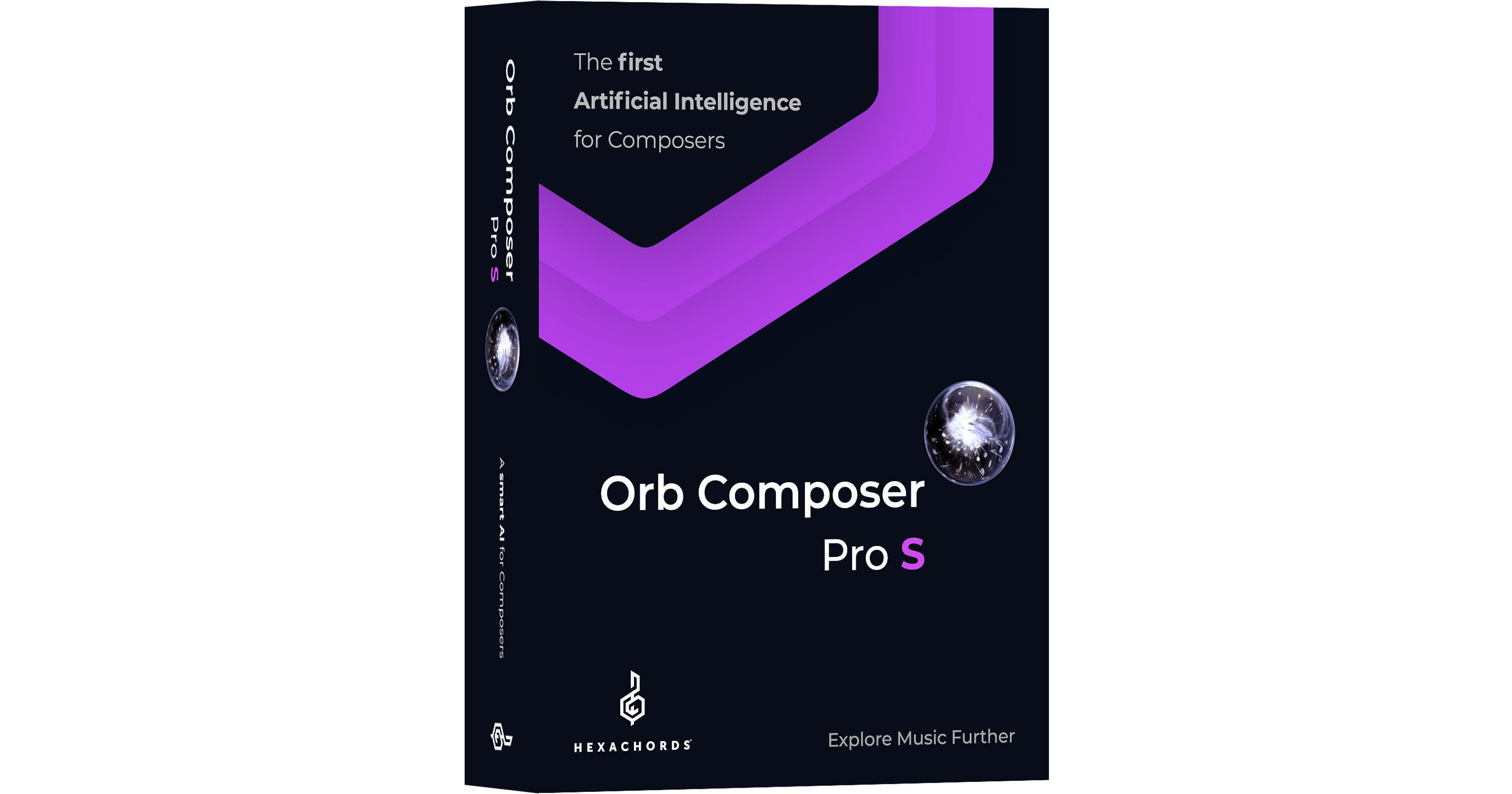
Hexachords Orb Composer Pro S is a unique music composition software that uses Artificial Intelligence (A.I.) to help musicians, composers, producers, or simply beginners unleash their creativity and quickly experiment with new musical concepts. Before writing a single note, think of music in terms of ideas, intentions, and emotions. The software then helps you transform these musical ideas into a fully organized composition, assisting you every step of the way, but without imposing choices and always giving you complete control over the process.
Orb Composer Pro S is compatible with all MIDI devices and can be used as a standalone or within your DAW. A simple and intuitive interface provides a friendly workspace for designing a complete musical environment that suits the style of your composition. The software lets you choose from six musical templates, add as many music blocks as you wish (each with its own simple or complex structure), and build your own chord progressions with the chords provided in the library.
Choose your own instrumentation, or let the A.I. engine propose a choice of instruments based on curves that affect the intensity, momentum, and spacing of the notes within your composition. For sounds, you can use your own VST instruments or hardware synths. You can also import your own melody via MIDI files, or let Orb compose one for you.
Packed with A.I.-driven features, Orb Composer Pro S provides you with a fast workflow that speeds up the composition process. It gives you more time to experiment and be creative, while still being able to meet strict deadlines when working on TV, films, games, and radio projects.
- VST host (VST and AU) for instruments and effects
- Audio export
- New Smart Chords engine
- Split Chords function for multiple chords per bar
- Time signature can be set per bar
- Auto-save function
- New drums algorithms
- 2 drum kits—acoustic and electro
- Copy and paste blocks
- Search feature added
- Humanization feature added
- Library includes all chords
- Chord split for multiple chords per bar
- Time signature: 4/4, 3/4, 2/4, 5/8, 6/8, 7/8, 9/8, 12/8, 5/4, 6/4
- Musical Templates: Piano, Electro, Pop/Rock, Ambient, Orchestra, Strings
- Curves: Intensity, Momentum, Space (for Orchestra)
- The 6 basic musical templates help you preselect a musical environment
- The templates provide a list of default instruments and selects the A.I. engine accordingly
- Drag-and-drop the music blocks along the timeline of each sequence of your song to create the complete structure of your composition—introduction, theme, variations, transitions, end, and more
- Include as many blocks as you want without restriction
- Each block can be independent from the others
- Orb Composer also provides block variations implementation
- For each music block, pick a bar item, representing the block’s structure with musical phrases and bars symmetry
- Bar Item can be easily set to create complex or simple musical structures
- Attach a structure type to each music block with a simple drag and drop move
- Orb composer embeds a list of possible structures with options such as Standard, Question, Answer, Answer Based on Question, and Answer Prime
- With the chord diagram, you can drag and drop all different chords, from simple to complex ones, and create your own harmonies
- You can filter chord progressions by associating them with different moods
- Chord progressions can be filtered by specifying a key, a number of chords, or both
- Create any type of new chord progressions by modifying the existing ones and saving them
- Quickly find the chord progression you need with a simple search tool
- Library contains all chord types to provide a full range of musical colors
- A simple search tool allows you find the chord you want
- To include a chord of your choice in a block, drag-and-drop it directly in the block
- Highlighted keys indicate the notes that are part of the chord you selected
- Curves allow you to draw in parameter values that affect the note intensity, momentum, and space over time
- Momentum is related to the horizontal density of notes
- Intensity is a complex parameter that depends on each instrument/articulation combination, dynamics, register, and polyphony
- Space for the Orchestra template is related to the number of instruments playing at the same time
- When a clip is created for a particular instrument within a particular block, you can access various parameters and alter them as needed
- These include:
- Articulation
- Role
- Dynamics
- Rhythmic
- Register
- Polyphony
- Different Chord Notes
- Every clip can be separately edited, deleted, copied
- Clips can be locked for safety and moved to another instrument or theme structure
- Choose instruments, their articulations, and roles at any stage of the composition process
- You can also let Orb Composer suggest choices based on the curve of your choice
- Instruments are organized by categories, allowing you to easily experiment with combinations
- Each type of instrument has its own color and color palette
- Easily fine-tune settings for each instrument
- Software comes with piano and drum sounds
- Import your melodies and use Orb to create your own musical arrangement or orchestration
- Use your own VST/AU plug-ins directly in Orb Composer
- Great for drafting, experimenting, or instant music creation with a light setup
- Provides audio export features for exporting to a DAW
- All the instruments are editable directly inside Orb Composer as they would be inside a DAW
- Complete mapping tool to sync all instruments and articulations within your DAW
- Software is compatible with most popular DAWs: Logic, Cubase, Pro Tools, Reaper, Live, and Studio One
- Orb Composer plays your compositions live by routing MIDI notes to your DAW
- The notes created inside Orb Composer are sent directly to your own virtual instruments or hardware synths loaded inside your DAW
- Listen to the tracks in real time through your favorite DAW, and adjust all the music parameters live
- All main functions are reachable from a clear and simple interface for ease of use and a speedier workflow
- Choose Bar Items
- Create your own chords
- Draw curves
- Create chord progressions
- Manually create instrument clips
- Set BPM
- Access 5 magic buttons
- Import MIDI melodies
- Set the time signature
- Pick tonality/mode
- Edit clips