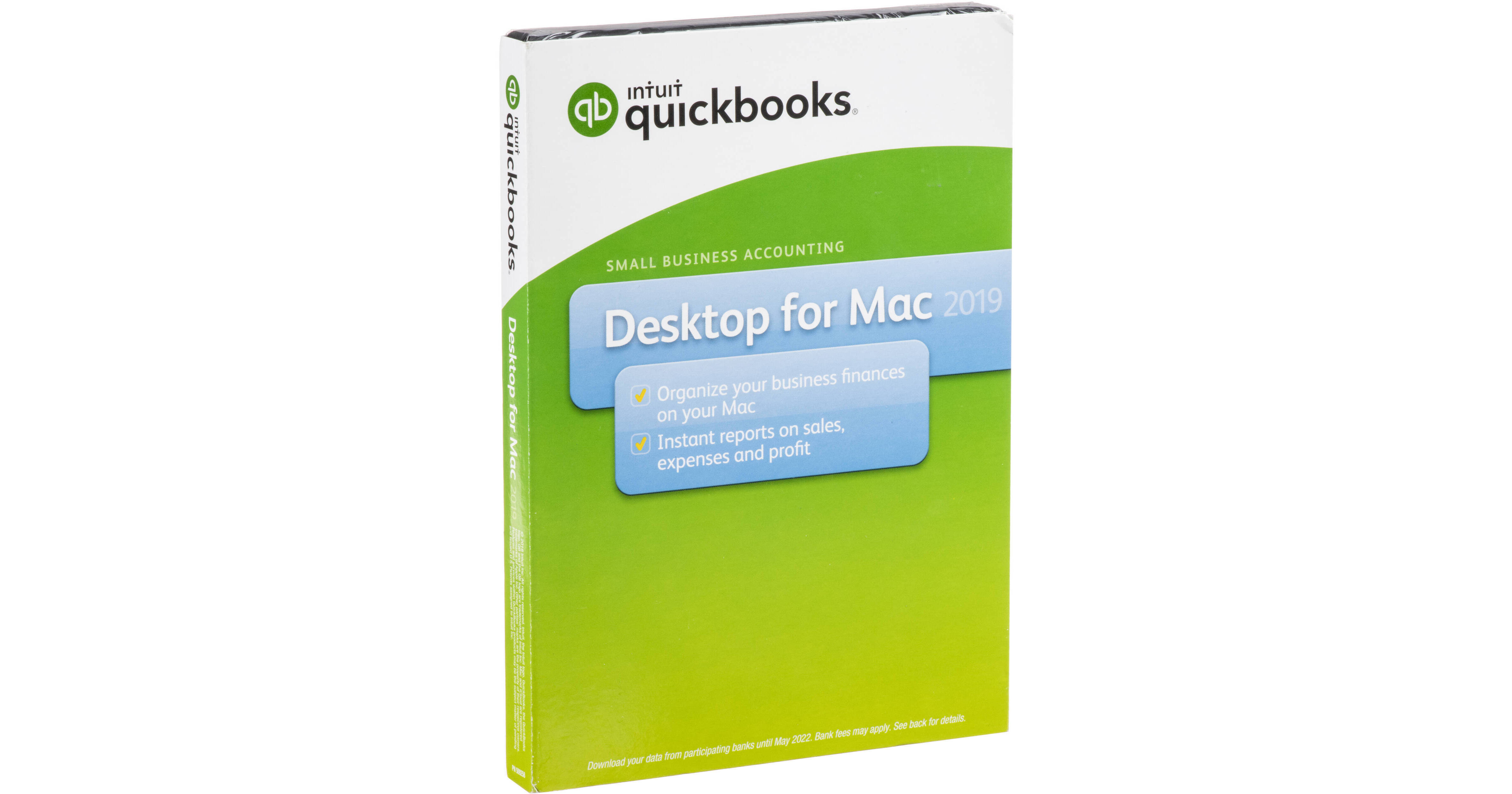
Intuit QuickBooks for Mac 2019 (1-User, Boxed)

BH #INQB19MAC1UB • MFR #606002
Print
Intuit QuickBooks for Mac 2019 (1-User, Boxed)
Key Features
  • Organize Business Finances
  • Integration with Mac Apps
  • Share Documents through iCloud
  • Compare Statement with QuickBook Record
Intuit QuickBooks for Mac 2019 helps you track sales, sales taxes, payments, and more by offering you tools and easy-to-read reports. This Mac-based software program comes with a perpetual license for one user and is delivered via a boxed DVD. QuickBooks for Mac is designed to work with existing Mac apps, such as setting up reminders using iCal/Calendar as well as import existing customer information from Mac OS Address Book/Contacts. Set up and Go and Guide Me are available to help you get started and guide you through everyday tasks, such as finding transactions, customer data, and inventory numbers. For maximizing QuickBooks' potential, Little Square, which is a free online magazine, provides you with interesting tutorials and useful tips. Additionally, QuickBooks includes Expense Tracker to display orders, owed money, and paid invoices—all in one place.
More Details
No Longer Available
No Store Display
Ask an Expert
866-264-7509

Intuit QuickBooks 2019 Overview

Intuit QuickBooks for Mac 2019 helps you track sales, sales taxes, payments, and more by offering you tools and easy-to-read reports. This Mac-based software program comes with a perpetual license for one user and is delivered via a boxed DVD. QuickBooks for Mac is designed to work with existing Mac apps, such as setting up reminders using iCal/Calendar as well as import existing customer information from Mac OS Address Book/Contacts. Set up and Go and Guide Me are available to help you get started and guide you through everyday tasks, such as finding transactions, customer data, and inventory numbers. For maximizing QuickBooks' potential, Little Square, which is a free online magazine, provides you with interesting tutorials and useful tips. Additionally, QuickBooks includes Expense Tracker to display orders, owed money, and paid invoices—all in one place.

Intuit has made improvements for the 2019 version to make QuickBooks more helpful than previous versions. This version can now share documents across multiple Macs using iCloud, compare bank statements to QuickBooks records, and track outbound emails made within Quickbooks. Other included features allow you place "Past Due" stamps on delinquent invoices as well as import Square sales data.

New in 2019
Automatically share documents across multiple Macs through iCloud
Identify and reconcile discrepancies between bank statements and QuickBooks records
Increase visibility by quickly tracking QuickBooks emails sent to customers and vendors
Past Due stamps placed on delinquent invoices help to expedite payments and accelerate cash flow
Quickly and easily import Square sales data
QuickBooks for Mac 2019 Features
Faster launch time and better performance than previous versions
Resize columns on invoices, payments, sales receipts, and other forms
Print directly on envelopes
Timesheets are easier to fill out
Get an overview of your orders, what you owe, and what you've paid in one place with Expense Tracker
Create budgets by fiscal year then track your progress against your goals
Save time by batch-importing invoices, payments, and bills
Create shortcuts with the left-hand toolbar to move around QuickBooks faster than ever
Keep important customer, vendor, and transaction information at your fingertips with customization centers
Income Tracker shows all your income-producing transactions in one spot, including overdue invoices so you can remind customers to pay up
Run reports to identify your top sales performers, whether they're employees or vendors
Quickly adjust sales tax paid to your account including sales tax paid from credit cards accounts
Invoice multiple customers all at once instead of one at a time
Attach contracts, proposals, receipts, and other important documents to emails
Easily reconcile QuickBooks data with bank statements and help minimize errors
Import existing product, customer, or service information into QuickBooks
Offer Intuit Payment Network (fees apply) as a payment option on invoices via an electronic link
Download your bank and credit card transactions in batches directly to QuickBooks
Invoice for projects in phases
Track time, mileage, and expenses to bill clients
Allow up to 3 users to work in QuickBooks at the same time
Set individual user permissions to control access to sensitive information
Get the most out of your QuickBooks with Little Square, a free online magazine created for QuickBooks beneficial to Mac users
Set up and Go and Guide Me help you get started with everyday tasks
Quickly find data in the Customer, Vendor, and Transaction Centers
Synchronize contacts with Mac OS Address Book/Contacts
Add reminders in iCal/Calendar
See a map or get directions to a customer or vendor's address
Create professional looking invoices and forms
Email invoices, sales receipts, and credit memos in batches along with a custom message
Quickly locate accounts, invoices, customers and other information with just a keyword in QuickBooks Search
Track sales, sales taxes, and customer payments
Create and print deposit slips
Easily print checks, pay bills, and track expenses
QuickBooks can track inventory, set reorder points, and create purchase orders
Automatically populate and print 1099s for independent contractors and federal filing
Get a consolidated view of your business with Company Snapshot
Access 115+ financial, sales, and tax reports in one click
Export your financial data to Numbers or Excel
Share data with your accountant or other Windows based users
Turn on Payments for an additional fee to accept credit and debit cards

Intuit QuickBooks 2019 Specs

General
Delivery Format
Retail Box
License Type
Standard
License Length
Perpetual License
System Requirements
Supported Operating Systems
macOS 10.12 or Later
Packaging Info
Package Weight
0.245 lb
Box Dimensions (LxWxH)
7.55 x 5.45 x 0.65"

Intuit QuickBooks 2019 Reviews

See any errors on this page?
Whatever You Need, We've Got It