Ask Our Experts800-606-6969
Hello, Log InAccount & Orders
Video Chat with a Pro Video Expert - Live
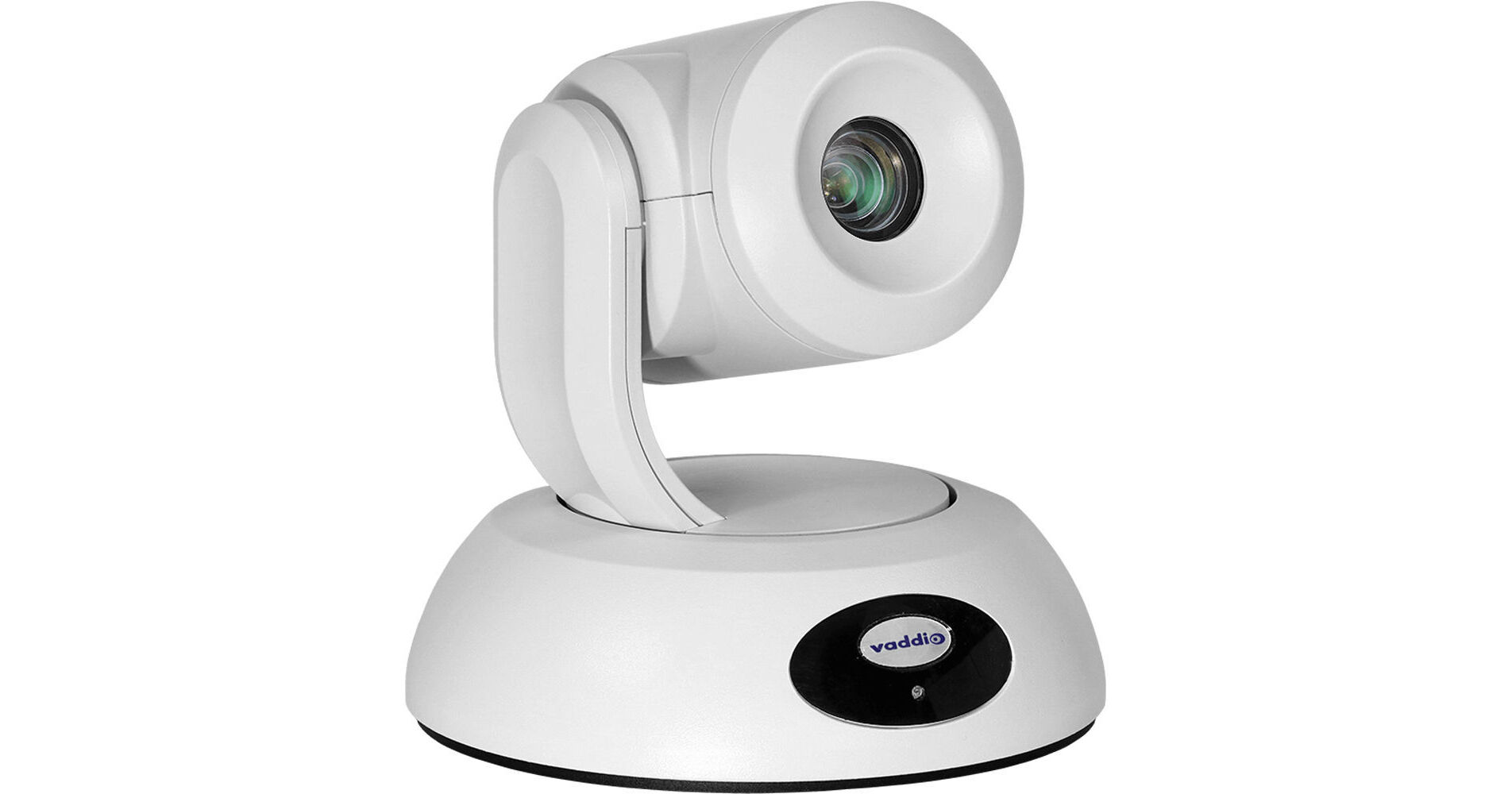
Key Features
- 1/2.5" CMOS Image Sensor
- Wide Dynamic Range
- 12x Optical Zoom
- Tri-Synchronous Motion Technology
Capture full-motion video in small-to-medium conference rooms, training rooms, and classrooms with the white RoboSHOT 12E QDVI Camera System from Vaddio. The PTZ camera features a 1/2.5" image sensor, a 12x optical zoom, and a wide dynamic range for enhanced lighting in dimly lit conditions. For smooth and natural motion, the camera features tri-synchronous motion technology allowing all three axes of the camera to move simultaneously. A web-based user interface allowing configuration, management, and control from anywhere in the world over the IP network makes this camera ideal for remote management.
More DetailsSpecial Order
Expected availability: 7-14 Business Days
This item cannot be canceled or returned.
Protect Your Gear
Add a protection plan from $233.99
See Options
Business Financing Options
See any errors on this page?
How long can I run the USB3.1 cable to this ...
How long can I run the USB3.1 cable to this camera?
The USB cable that comes with the camera is 6 feet. You can extend that further with a high quality extender like the ATEN USB 3.1 Gen1 Extender Cable - 32.8' (BH #ATUE3310) but signal degradation may start to occur over some longer runs.
Date published: 2023-06-21
Is this compatible with the Vaddio ProductionVIEW ...
Is this compatible with the Vaddio ProductionVIEW HD-SDI MV CAM?
Yes it is. The Roboshot 12E is compatible with the Vaddio ProductionVIEW HD-SDI MV CAM.
Date published: 2021-12-28
How do I flip the image on the camera if it's ...
How do I flip the image on the camera if it's ceiling mounted
In order to flip camera image go to back of PTZ camera base and locate the
Camera Settings: DIP switches adjust the following features
Ir remote frequency
Baud rate
Image flip
Date published: 2021-08-19
How to mount the camera?
How to mount the camera?
This camera can be mounted to walls or ceilings. You will find a few recommended mounts on the "Accessories" page under the "Mounts and Brackets" tab.
Date published: 2021-06-02