Ask Our Experts800-606-6969
Hello, Log InAccount & Orders
Video Chat with a Pro Video Expert - Live
Key Features
- 1/2.5 Image Sensor
- Wide Dynamic Range
- 12x Optical Zoom
- Tri-Synchronous Motion Technology
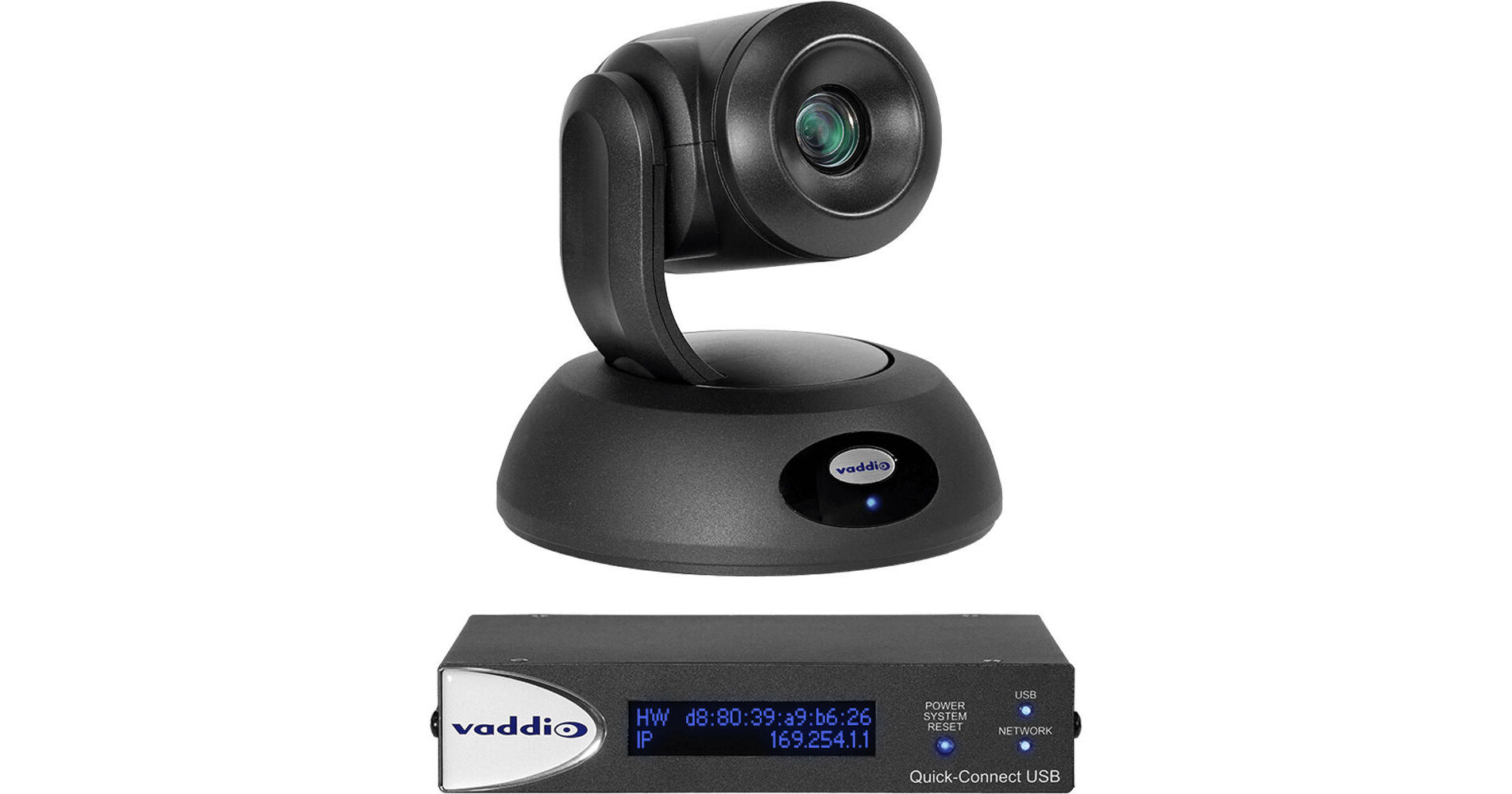
Capture full motion video in small-to-medium conference rooms, training rooms, and classrooms with the black RoboSHOT 12E QUSB Camera System from Vaddio. The PTZ camera features a 1/2.5 image sensor, a 12x optical zoom, and a wide dynamic range for enhanced lighting in dimly lit conditions. For smooth and natural motion, the camera features tri-synchronous motion technology allowing all three axes of the camera to move simultaneously. A web-based user interface allowing configuration, management, and control from anywhere in the world over the IP network makes this camera ideal for remote management, network operating centers, and overall IT control. For added convenience, the camera can be controlled via integration-ready Telnet, serial RS-232 control, or an included IR remote control.
More DetailsSpecial Order
Expected availability: 2-4 Weeks
This item cannot be canceled or returned.
Protect Your Gear
Add a protection plan from $233.99
See Options
Business Financing Options
See any errors on this page?
How long can I run the USB3.1 cable to this ...
How long can I run the USB3.1 cable to this camera?
The USB cable that comes with the camera is 6 feet. You can extend that further with a high quality extender like the ATEN USB 3.1 Gen1 Extender Cable - 32.8' (BH #ATUE3310) but signal degradation may start to occur over some longer runs.
Date published: 2023-06-21
Is this compatible with the Vaddio ProductionVIEW ...
Is this compatible with the Vaddio ProductionVIEW HD-SDI MV CAM?
Yes it is. The Roboshot 12E is compatible with the Vaddio ProductionVIEW HD-SDI MV CAM.
Date published: 2021-12-28
How do I flip the image on the camera if it's ...
How do I flip the image on the camera if it's ceiling mounted
In order to flip camera image go to back of PTZ camera base and locate the
Camera Settings: DIP switches adjust the following features
Ir remote frequency
Baud rate
Image flip
Date published: 2021-08-19
How to mount the camera?
How to mount the camera?
This camera can be mounted to walls or ceilings. You will find a few recommended mounts on the "Accessories" page under the "Mounts and Brackets" tab.
Date published: 2021-06-02