Ask Our Experts800-606-6969
Hello, Log InAccount & Orders

Video Chat with a Pro Video Expert - Live
Key Features
- 1080p Resolution at 60 fps
- 4.4-88.4mm Varifocal Lens
- 70.2-4.1º Horizontal Field of View
- HDMI Output
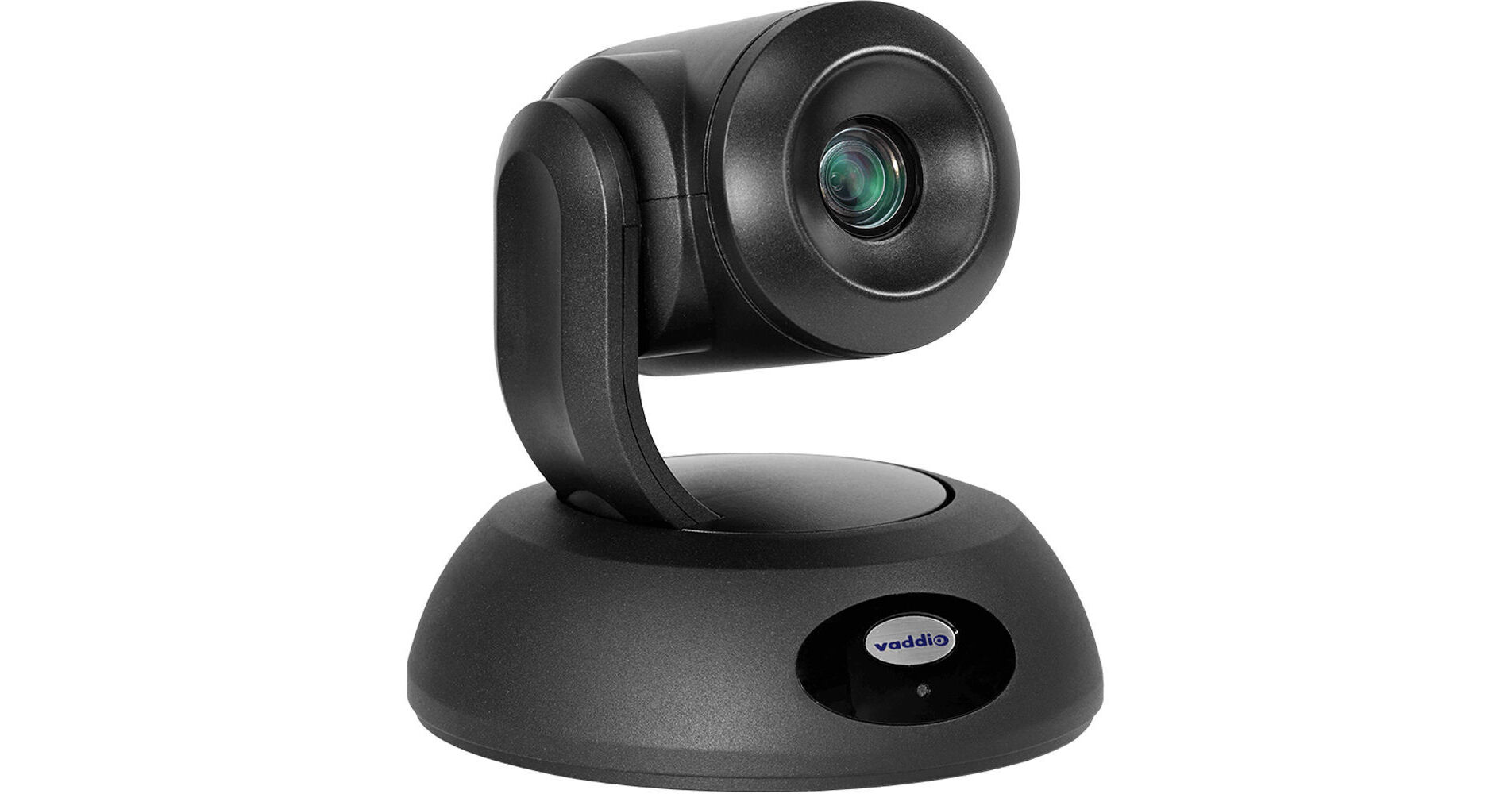
The black RoboSHOT 12E 1080p PTZ Network Camera from Vaddio features a 1/2.5" Exmor R CMOS sensor that supports video at resolutions up to 1080p at 60 fps. This camera has a 4.4-88.4mm varifocal lens and a horizontal field of view of 70.2-4.1°. Video outputs include simultaneous HDMI and IP (H.264) streaming. This PTZ camera has a 160° pan, a -30 to 90° tilt, and a 12x optical zoom. It is powered via PoE+ and is designed for small to medium spaces such as conference rooms, training rooms, and classrooms that require a wide angle of view. A PoE+ midspan power injector with AC cord set, a thin profile wall mount with mounting hardware, and an IR remote commander are included.
More DetailsIn Stock
Protect Your Gear
Add a protection plan from $109.99
See Options
See any errors on this page?
How long can I run the USB3.1 cable to this ...
How long can I run the USB3.1 cable to this camera?
The USB cable that comes with the camera is 6 feet. You can extend that further with a high quality extender like the ATEN USB 3.1 Gen1 Extender Cable - 32.8' (BH #ATUE3310) but signal degradation may start to occur over some longer runs.
Date published: 2023-06-21
Is this compatible with the Vaddio ProductionVIEW ...
Is this compatible with the Vaddio ProductionVIEW HD-SDI MV CAM?
Yes it is. The Roboshot 12E is compatible with the Vaddio ProductionVIEW HD-SDI MV CAM.
Date published: 2021-12-28
How do I flip the image on the camera if it's ...
How do I flip the image on the camera if it's ceiling mounted
In order to flip camera image go to back of PTZ camera base and locate the
Camera Settings: DIP switches adjust the following features
Ir remote frequency
Baud rate
Image flip
Date published: 2021-08-19
How to mount the camera?
How to mount the camera?
This camera can be mounted to walls or ceilings. You will find a few recommended mounts on the "Accessories" page under the "Mounts and Brackets" tab.
Date published: 2021-06-02