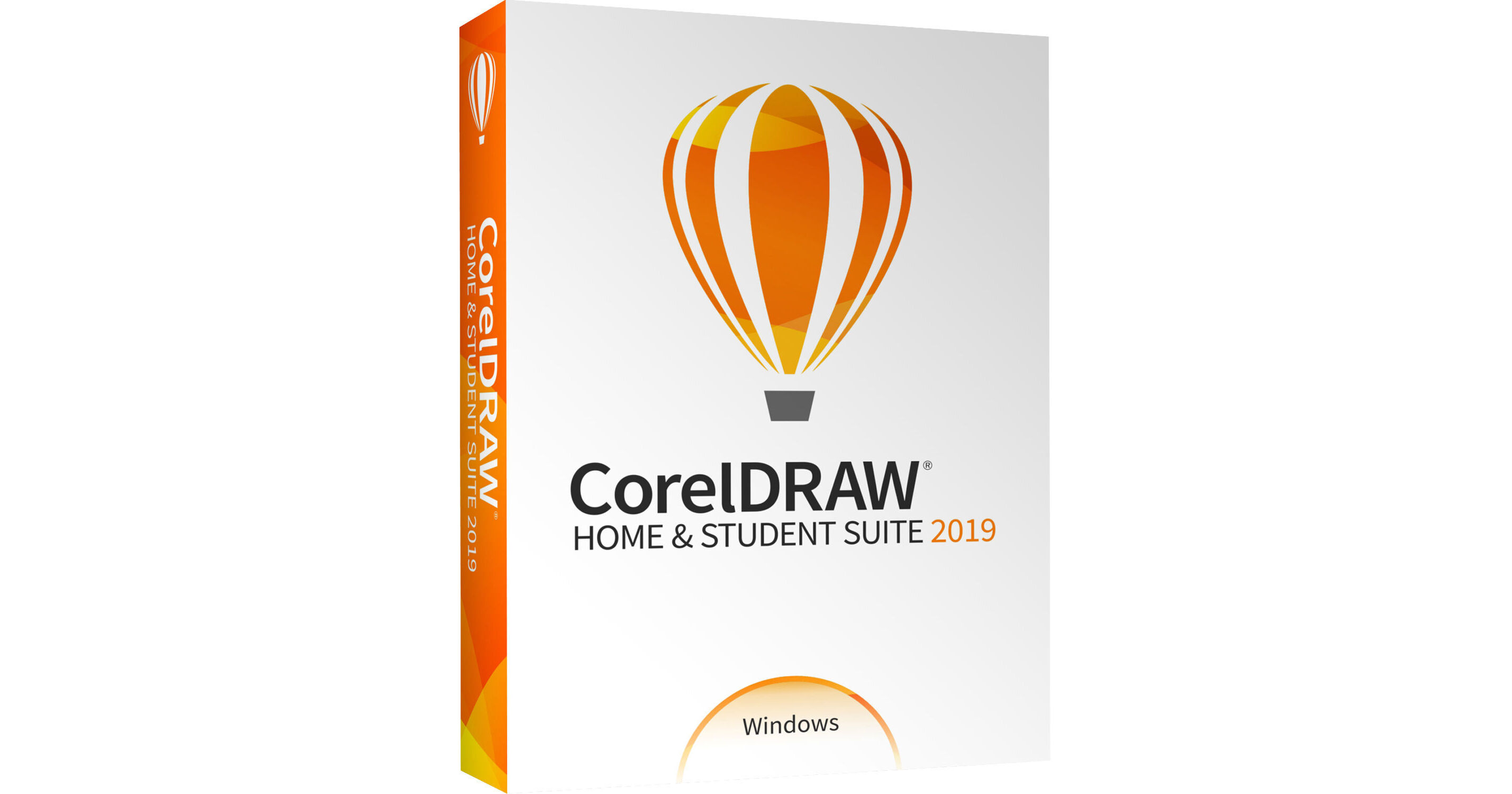
Create and edit images, posters, flyers, cards, and more with CorelDRAW Home & Student Suite 2019 from Corel. Ideal for students, this graphic design software suite for Windows features a trio of applications designed for tasks such as vector illustration, photo editing, page layout, typography, bitmap-to-vector tracing, and more. Royalty-free clip art and images can help you make the most of your designs, while a customizable user interface makes it easy to tailor the software to your needs.
General Features
Vector Illustration
Turn basic lines and shapes into complex works of art. Create curves with many versatile shaping and drawing tools. Add creative effects to your vector artwork with effect tools like Contour, Envelope, Blend, Mesh Fill, and more.
Page Layout
Create layouts for brochures, multi-page documents, and more. Use rules, grids, and guidelines to help you organize objects and place them exactly where you want.
Photo Editing
Retouch and enhance your photos with Corel PHOTO-PAINT's powerful layer-based photo editing tools. Apply special effects like Healing Clone tool and Perspective Correction tool.
Typography
Arrange type with an array of text tools. Add drop shadows and other effects to text, and enjoy OpenType typography features such as ligatures, ornaments, small caps, and swash variants.
Color, Fills, and Transparencies
Easily apply color to fills and outlines using color swatches. Change the transparency of an object and fill objects with patterns, gradients, mesh fills, and more.
Royalty-Free Content
Keep your designs fresh with 1000 clip art and digital images, 100 royalty-free, high-resolution photos, 175 fonts, 20 photo frames, 900 fills, and 60 professionally designed templates including certificates, ads, business cards, letterhead, flyers, posters, and more.
Object Control
Control every element in your document with a handy Objects docker, letting you hide, rename, and search for objects, as well as change their stacking order. Use the Object Properties docker to manage object formatting, fills, and more.
Fully Customizable Interface
Find everything where you need it, when you need it. Choose between Lite or the Default workspace to get started, then use the quick customize feature to tailor your toolbox and property bars to suit your needs.
Web Graphics Tools
Develop captivating web content with a collection of web graphics tools and presets. With the Export to WordPress feature, you can upload a variety of image formats directly to your WordPress site.
Bitmap-to-Vector Tracing
Save precious time while converting bitmap images into vectors. The built-in Corel PowerTRACE engine provides optimal tracing results and turns the most demanding bitmap images into high-quality vector objects.
File Compatibility
Get the power and stability you need with full support for 10, 8.1, or Windows 7 (32-/64-bit). Import, export, and share your designs with ease thanks to a variety of compatible market-leading file formats, including AI, PSD, JPG, PNG, SVG, EPS, TIFF, PPT, and more.
Windows-Specific Features
Pen
Work quickly and efficiently with Windows Real-Time Stylus pen-compatible tablets, such as the Microsoft Surface, in addition to Wacom tablets and devices.
Touch
Create quick adjustments using touch or a stylus. The Touch workspace maximizes the size of your drawing window by displaying only the tools and commands used most often. You can also pan and zoom with a single gesture.
Dial
Enjoy support for wheel devices, such as the Microsoft Surface Dial. Experience an alternative and more intuitive way of working in CorelDRAW by using touch and dial alone. Put your keyboard aside and try the contextual onscreen UI.
What's Included
CorelDRAW 2019
Find the vector illustration and page layout tools you need to tackle any project and produce results you'll be proud to share.
Corel PHOTO-PAINT 2019
Make the most of your photos with the powerful photo-editing capabilities of Corel PHOTO-PAINT 2019 and enjoy an integrated workflow with CorelDRAW.
CAPTURE 2019
Capture images from your computer screen, including the entire screen, individual windows, or menu lists, in one click with Corel CAPTURE 2019.