Ask Our Experts800-952-1815
Hello, Log InAccount & Orders
Key Features
- Photo Editing and Raw Image Processing
- Image Basket and Filtering Controls
- Retouching and Adjustment Tools
- Map Pane and Geotagging Functions
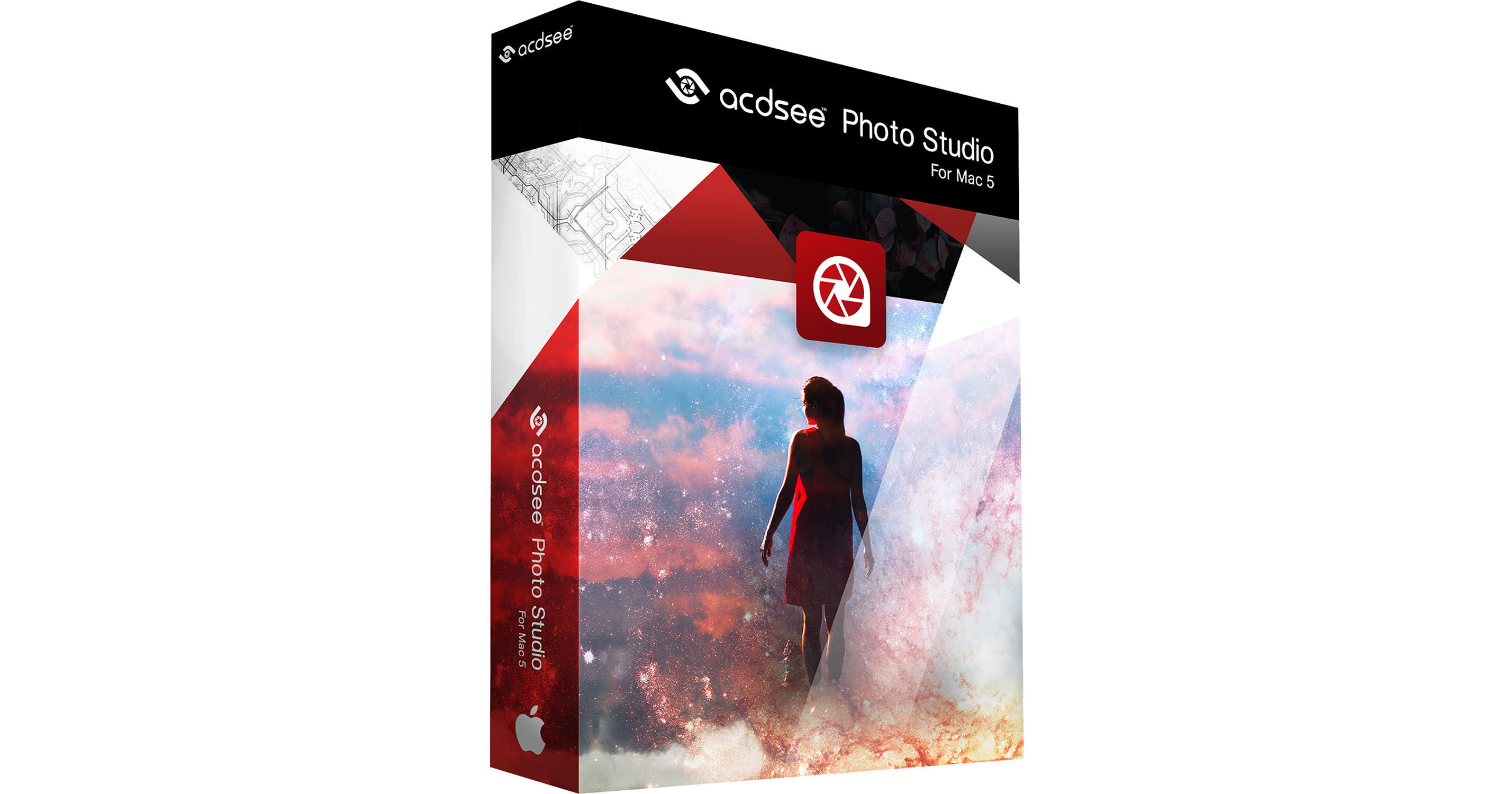
Offering versatile organizational tools along with rich photo editing capabilities, ACDSee Photo Studio for Mac 5 from ACD Systems features a useful set of features to benefit a post-production workflow. Updated to greatly benefit image organization and handling, this version sees the inclusion of an Image Basket tool, along with a suite of features for filtering, rating, categorizing, and tagging your files to help find photos quickly. Rich metadata editing capabilities are also supported along with a dedicated Map pane for geotagging your files using embedded location data. For editing photos, a raw development pane lets you easily adjust a variety of image attributes, and capable adjustment tools let you refine the look of photos. Additionally, straighten and sharpening tools put the finishing touches on photos and support for external editing applications helps when integrating ACDSee within an existing photo editing workflow.
More DetailsDigital
Electronic Download
This item cannot be returned.
See any errors on this page?
Can localized tonal adjustments be made with this ...
Can localized tonal adjustments be made with this software?
It does have tonal adjustments but we cannot confirm if it can do local tonal adjustments. This is the link to manual that may help you. https://help.acdsystems.com/en/acdsee-photo-studio-5-mac/acdsee-photo-studio-5-mac-user-guide.pdf
Date published: 2021-03-18