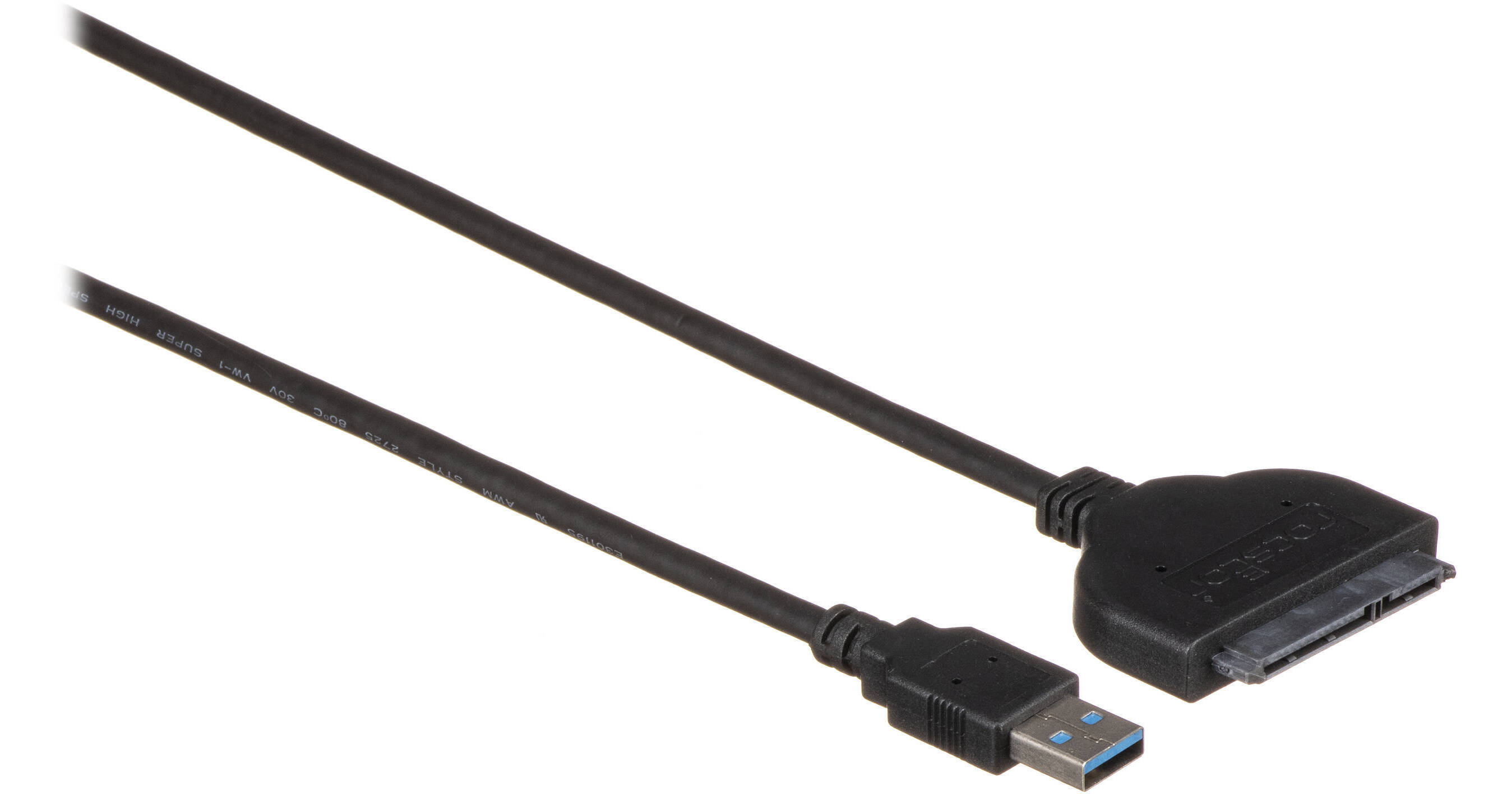
Connect an internal 2.5" SATA hard drive to your system's USB Type-A port using the Rocstor USB 3.0 Type-A to 2.5" SATA Adapter Cable. This cable allows you to use an internal hard drive externally, without the need for a drive enclosure. On one end, there is a 5 Gb/s USB 3.0 Type-A interface, while the other end has a SATA interface that supports SATA III SSD or HDD. Additionally, no external power is needed, so you can plug-and-play.
Transfer content between the drive and the laptop
Add space to your SSD or HDD
Performs backups
Create disk images
Can implement data recovery