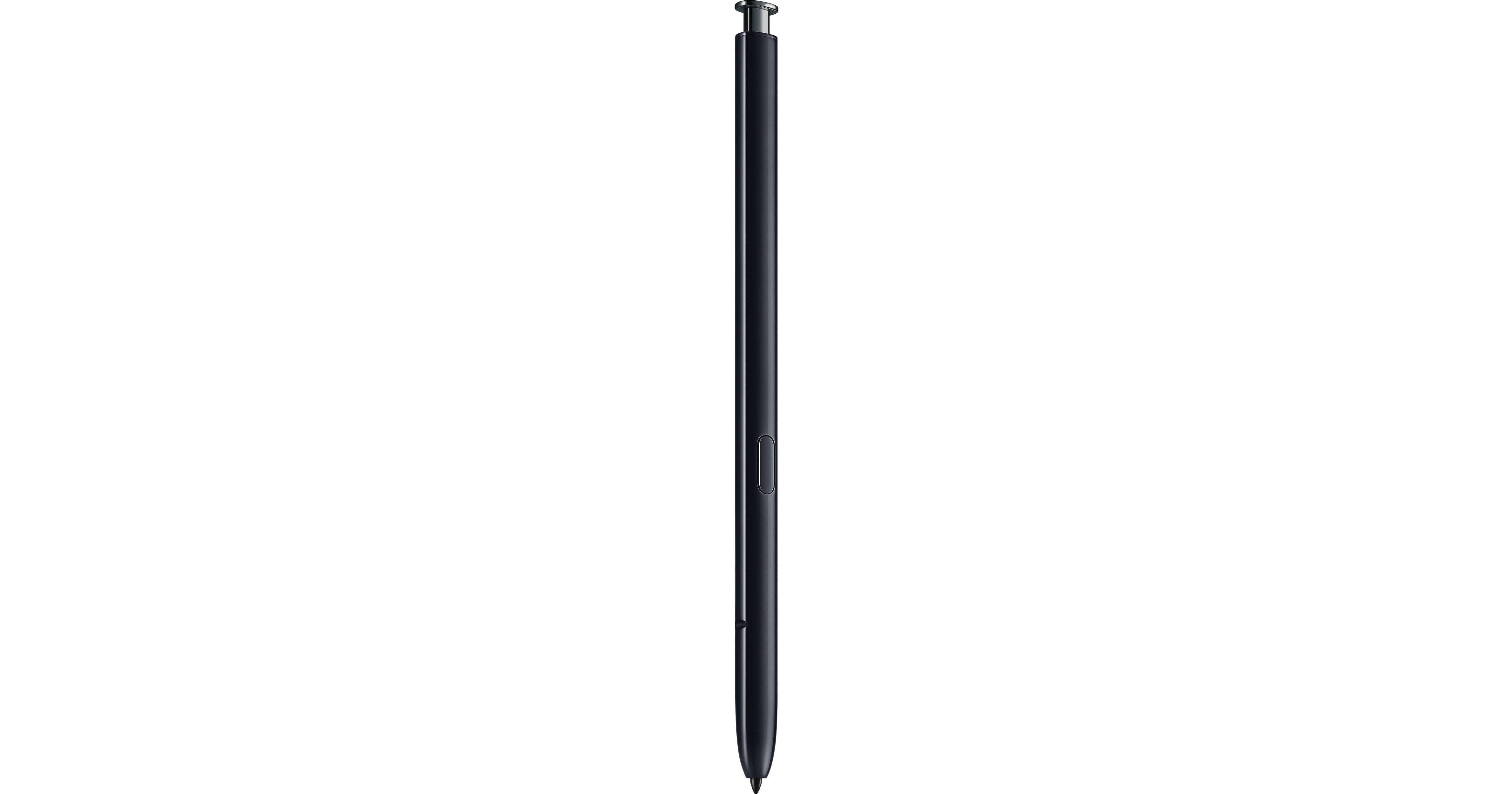
Take control with the S-Pen Stylus for Galaxy Note10/Note10+ from Samsung. The S-Pen is both a stylus and remote control for the Note10 and Note10+. As a stylus you can write, draw, and navigate apps. Transforming your handwritten notes to text or an image. As a remote, the S-Pen opens up a world of possibilities with how you interact with your smartphone. Click the button to activate the camera shutter, or wave it in the air like a wand, using Air Actions to switch cameras, zoom, and more.
Air Actions
With the Note10 and Note10+, you can use Air Actions to wave the S-Pen like a want and interact with your phone and apps. You can take a picture, switch between front and rear cameras, zoom in/out, adjust the volume, switch music tracks, and more.
Long Battery Life
The S-Pen has up to 10 hours of battery standby time and can be charged in just 6 minutes by being reinserted into the Note10 or Note10+.
Additional S-Pen Functionality
Here are some other functions and capabilities you can enjoy with the S-Pen:
Use it as a controller in compatible AR mobile games
In Screen Off mode, write and draw in a variety of colors with the screen off. You can save them to Samsung Notes or pin them to the Always-On Display
Switch camera lenses to get the perfect shot
Play or pause videos
Control the slides of an important presentation
Draw in 3D with AR Doodle
Use it as a controller in compatible AR mobile games
In Screen Off mode, write and draw in a variety of colors with the screen off. You can save them to Samsung Notes or pin them to the Always-On Display
Switch camera lenses to get the perfect shot
Play or pause videos
Control the slides of an important presentation
Draw in 3D with AR Doodle