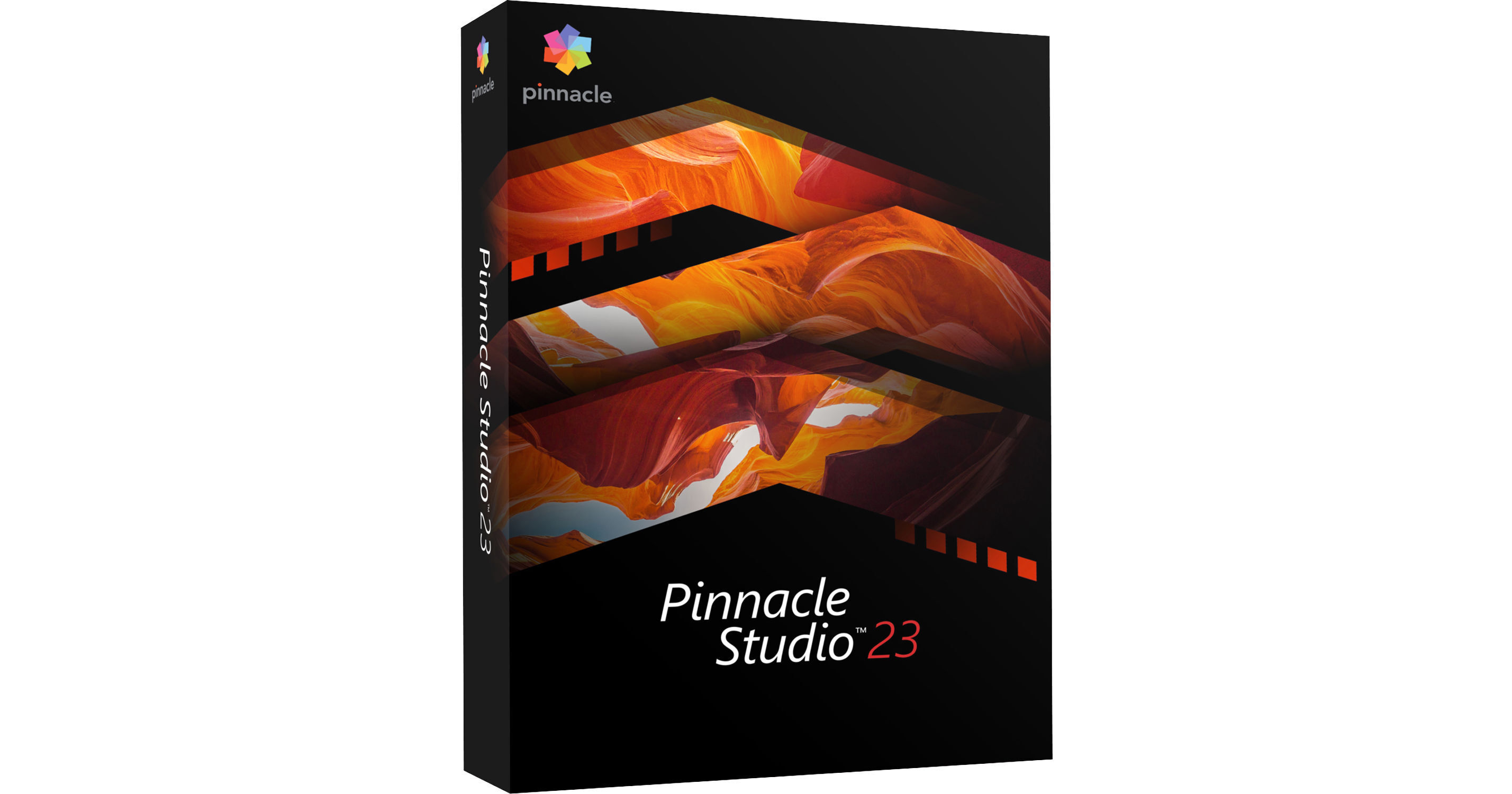
Pinnacle Studio 23 Standard is an easy-to-use video editing software with 6 video and 6 audio tracks for creating basic multilayer videos. Although offering a limited number of tracks and fewer features than the other versions of Pinnacle Studio 23, this standard version nonetheless provides the core toolset and allows you to create pro-level videos. This new release also has LUT presets, which are looks profiles that let you add cinema-style looks to your videos.
Pinnacle Studio 23 Standard is optimized for Full HD 1080p resolution video and includes 1500+ NewBlueFX effects/filters, simplified color grading, support for 2-camera multicam editing, and more. It's compatible with Windows and requires only 4GB of RAM and an Intel i3 3 GHz or i5/i7 1 GHz or equivalent processor.
The many other tools and features include stop-motion animation, live screen capture for tutorials and vlogs, and a royalty-free music library. Your projects can be exported to social media or burned to DVD with built-in theme/menu templates. Blu-ray burning can also be activated via an additional purchase from within the software.
Your order provides you with a box containing an installation DVD as well as a download code for downloading and activating the software without a disc.
- Up to 4K resolution
- 6 video / 6 audio tracks
- Storyboard and timeline editing
- Drag-and-drop video editing
- 1500+ NewBlueFX filters
- Video templates
- SmartMovie automatic slideshow maker
- (Enhanced) Split screen video
- Video capture and screen recorder (2 streams)
- Multicamera editing (2 cameras)
- Wide-angle lens correction tools
- Stop-motion animation
- Time remapping
- Selective color
- Green screen / chroma key
- Color grading (simplified-level grading, including new LUT presets plus hue/saturation, color tuning, and luminance control)
- ScoreFitter royalty-free music library
- Sound effect library
- Audio filters
- Record voiceover
- Fade-in/fade-out audio
- Burn to DVD with chapters and menus with MyDVD — 20+ templates (additionally, Blu-ray disc authoring is available for purchase separately within Pinnacle Studio)
- Insert chapter points in timeline
- Export to all common video formats
- Export to specific video extension
- Export to devices such as smartphones, tablets, and gaming consoles
- Export to Web (YouTube, Flickr, and Vimeo)
- Convert video to popular formats
- Project packages for easy archival/restoration
- Save projects as templates
- (Enhanced) Intel Quick Sync Video hardware acceleration
- HEVC (H.265) import and export (requires supporting PC hardware or graphics card)
- GoPro LVR
- Dolby Digital on Windows 10
- 64-bit architecture
- Support for VFR video
AVCHD, DV, HDV, AVI, MPEG-1/-2/-4, Flash, 3GP (MPEG-4, H.263), WMV, Non-encrypted DVD titles (incl. DVD-VR/+VR), MOV (DV, MPEG-4, H.264), HEVC (H.265), XAVC, MXF, DVCPRO HD, XAVC S, GoPro LRV, Cineform
Audio:
MP3, MPA, M4A, WAV, AMR, AC3, AAC, Vorbis, WMA
Image:
JPS, BMP, GIF, JPG, PCX, PSD, TGA, TIF, WMF, PNG, J2K
*HEVC (H.265) support requires Windows 10, supporting PC hardware or graphics card, and Microsoft HEVC video extension installed. Support for AC3 audio requires Windows 10. AVCHD with AC3 audio requires Windows 10.
DV, HDV, AVI, WMV, MPEG-1/-2/-4, Flash, 3GP, HEVC (H.265, H.264), XAVC S, MOV, M2TS, FLV, 3GP, GIF, Cineform
Audio:
AC3, MP2, MP3, MP4, WAV
Image:
BMP, JPEG, TIF, TGA
Disc:
DVD, AVCHD, Blu-ray
*HEVC (H.265) support requires Windows 10, supporting PC hardware or graphics card, and Microsoft HEVC video extension installed. Support for AC3 audio requires Windows 10. AVCHD with AC3 audio requires Windows 10. DVD burner required for creating DVDs and AVCHD discs. Blu-ray burning requires the purchase of a separate plug-in from within the product.