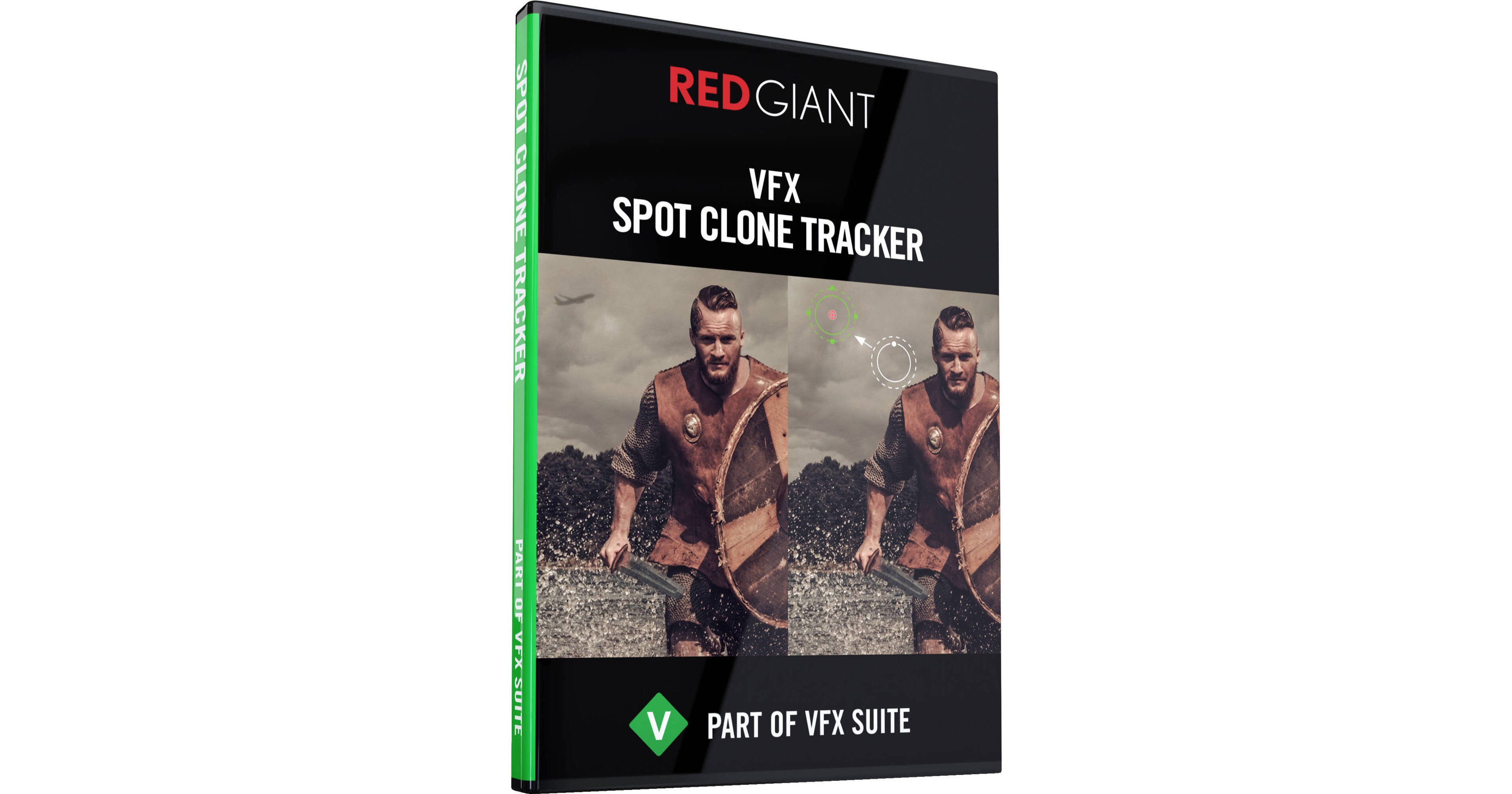
Red Giant VFX Spot Clone Tracker provides an easy way of removing objects and blemishes from footage, such as wall facial acne, graffiti, logos, etc. This is done by cloning in pixels from the areas surrounding the objects. Simply define the spot to be cleaned up and the spot to clone using a graphical overlay that's provided. Generally, VFX Spot Clone Tracker will be useful for small objects and blemishes, but if there's a large-enough "clean" area nearby to clone, then large objects can just as easily be removed. So, you can remove something as small as a scratch on a car, or something as large as an entire cloud in the sky.
Furthermore, a fast tracker allows you to easily track your target area on moving footage. Altogether, there are six different methods for cleaning up your footage: Clone, Repair, Texture Repair, Texture Clone, Fill, and Custom. While "Clone" copies neighboring pixels exactly, "Repair" helps match the lighting of the area being cleaned up.