Ask Our Experts800-606-6969
Hello, Log InAccount & Orders
Key Features
- Add Google Assistant to Your Vehicle
- Head Unit Integration via Bluetooth/AUX
- iOS & Android Compatible via App
- Control via Voice or Built-In Button
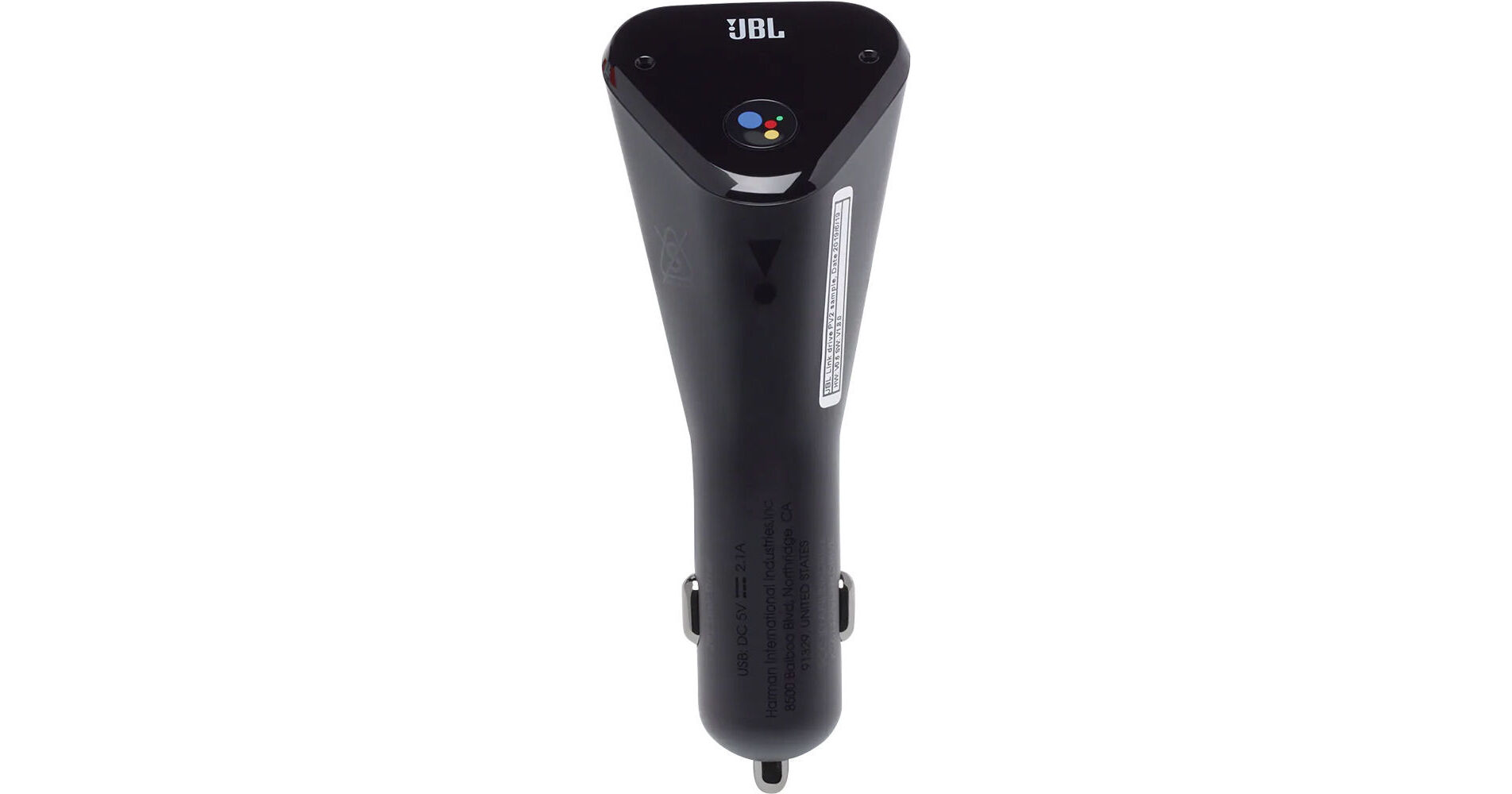
Drive more safely by integrating Google Assistant into your vehicle with Link Drive from JBL. Simply plug Link Drive into your vehicle's power adapter, connect it to your head unit via Bluetooth or the 3.5mm AUX-IN jack, and pair it with your Google Assistant app-equipped iOS or Android smartphone. Once set up, you can use your voice or the Google Assistant button on the Link Drive to interact with your phone. Use it to ask questions, get reminders, make or answer hands-free calls, and more. Responses and calls play back through the car's speaker system.
More DetailsNo Longer Available
See any errors on this page?