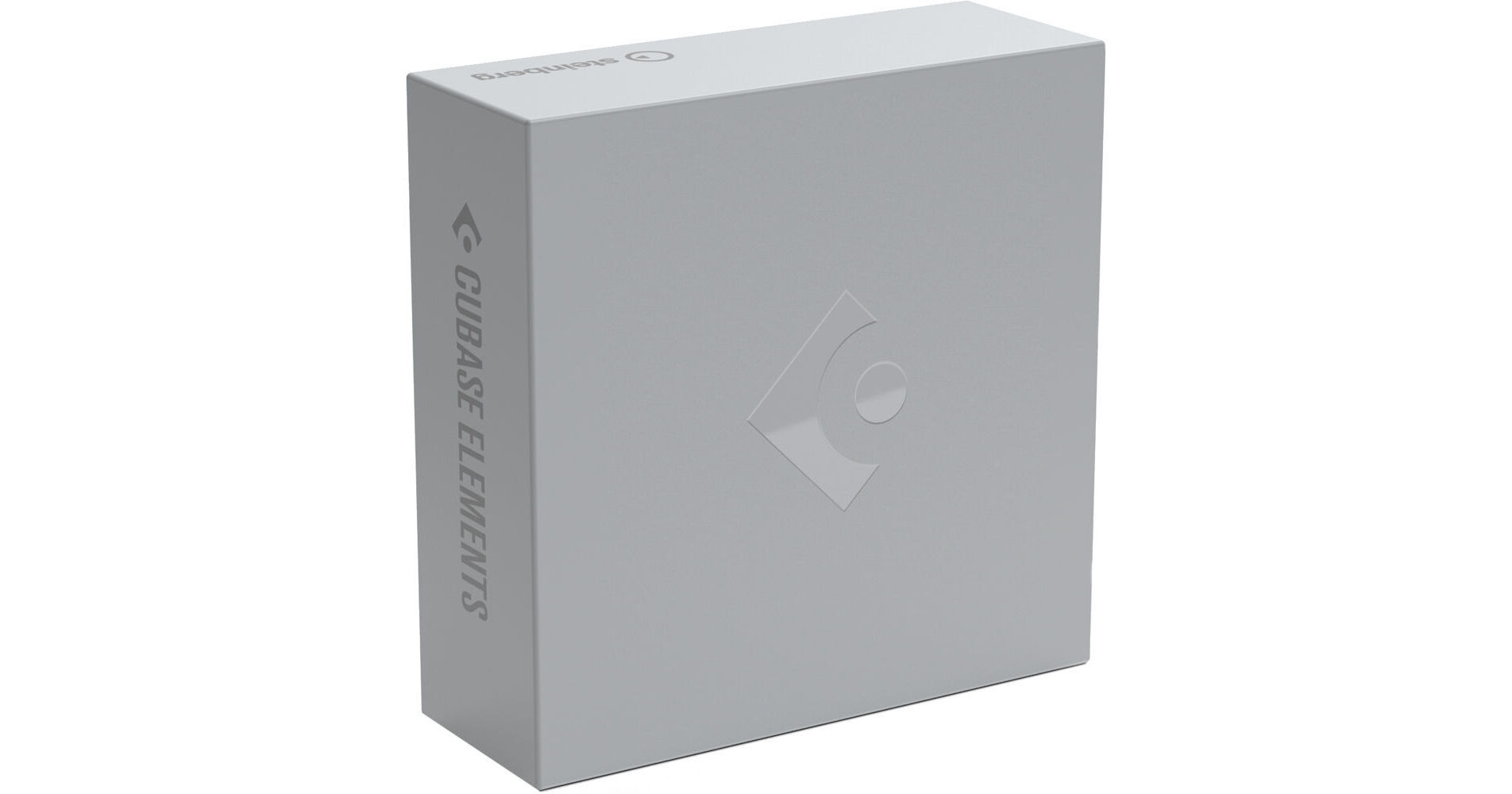
Designed for singer/songwriters, TV composers, and home recording artists, Steinberg Cubase Elements 10.5 provides a streamlined music-production environment that combines fast and intuitive tools with pristine audio quality. This software can be used for composing, sequencing, beat making, recording, editing, mixing, and mastering—making it ideal for producing and scoring tracks from start to finish, in all genres.
Cubase Elements 10.5 accommodates up to 24 physical inputs and outputs and utilizes a 64-bit audio engine compatible with resolutions up to 192 kHz to deliver superior audio quality. The software offers 48 audio, 64 MIDI, and 24 instrument tracks with full automatic delay compensation and flexible routing options. Users have access to 46 audio FX plug-ins, 3 virtual instruments with over 1000 sounds, and a host of improvements over the previous versions.
Cubase Elements 10.5 comes with a set of tools for scoring to picture including the new Video Export Render function that allows you to export video files straight from your Cubase project and quickly share them with clients and other composers.
The software is compatible with Mac and Windows, and operates in VST2 and VST3 formats. (Note: Only 64-bit plug-ins are supported).
- Video Export Render: Render videos as MP4 with H.264 compression and 16-bit stereo audio in 44.1 and 48 kHz directly from your Cubase Elements 10.5 project. Export the whole video or just footage within the locator range, adding the timecode to the video export for the next production process.
- Colorized Mixer Channels: The new option to colorize complete channels in the MixConsole helps you instantly find the channels you are looking for, making your workflow faster and easier.
- Retrospective MIDI Record: The completely revised MIDI Retrospective Recording feature lets you capture your MIDI input, even when you have not started recording.
- Safe Start Mode: Initiate Cubase Elements 10.5 without any third-party plug-ins loaded.
- New Plug-Ins: Stereo Delay, De-Esser, and Roomworks processors to enhance your plug-in chain, particularly for vocal recordings.
- Graphical Improvements: Zooming and scrolling in large projects is improved.
- MixConsole with Channel Strip: For a pro mixing-desk experience, the MixConsole comes with a high-end channel strip, complete with EQ and dynamics, reverbs, delays, VCA faders, loudness meters, and wave meters.
- Chord Pads and Chord Track: These intelligent compositional tools allow for creative and playful composing of harmonic progressions, from simple pop to complex jazz arrangements. Jam with chords and patterns in real time and control multiple parameters to change chords as you go.
- Drum Editor: An intuitive beat-making tool for constructing and reworking beats, rhythms, and grooves.
- Sampler Track: Allows you to turn any imported or recorded audio file into a playable instrument with full filter, pitch, and envelope controls for sound-design flexibility. You can also drag any MIDI part in the Sampler Control window and start experimenting with the instantly rendered audio file.
- Loop and Sample Libraries: The software comes with thousands of MIDI construction kits, audio loops, and samples that can be used as building blocks to create sketches, play-alongs, or even full songs with just a few clicks.
- Score Editor (Basic): A professional notation environment with full support for virtually every symbol, display, and editing option. It includes support for lyrics and comments, as well as drum notes, guitar tablature, and lead sheets.
- Synths: HALion Sonic SE 3, Prologue
- Samplers: Groove Agent SE
- Audio Effects: EQ, dynamics, reverb, delay, distortion, filter, pitch, spatial, and modulation tools