Ask Our Experts800-606-6969
Hello, Log InAccount & Orders

Video Chat with a Photography Expert - Live
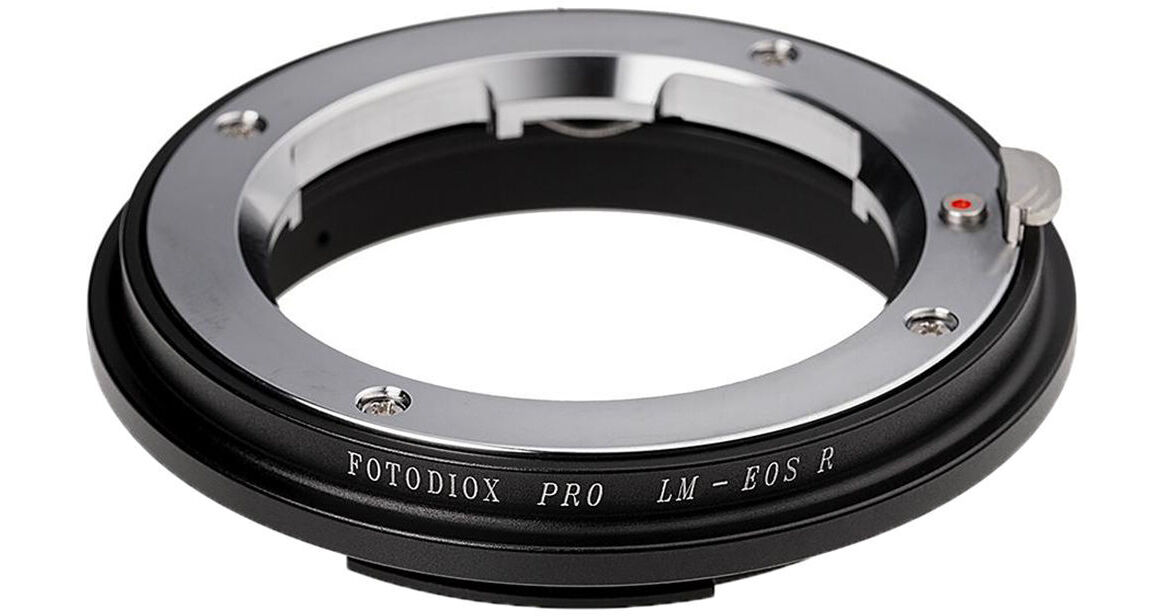
Key Features
- Leica M Lens to Canon RF-Mount
- All-Metal Construction
- Supports Focusing to Infinity
The Pro Lens Mount Adapter from Fotodiox lets you mount Leica M-mount rangefinder lenses on Canon RF-mount mirroless cameras. The adapter features precision all-metal construction with chrome plated brass mounts for a secure and solid fit. Infinity focus and manual aperture control are maintained.
More DetailsSee any errors on this page?
Does the autofocus point light up or does the ...
Does the autofocus point light up or does the camera beep when the Leica M lens comes into "focus" manually?
There is no focus indicator light or sound using this adapter.
Date published: 2021-08-08
Does the autofocus point light up or does the ...
Does the autofocus point light up or does the camera beep when eyeballing the focus manually?
There is no focus indicator on this adapter--it's strictly a manual focus adapter.
Date published: 2021-08-08
Does this adapter force crop mode, or will I be ...
Does this adapter force crop mode, or will I be able to use the entire sensor with it?
This adapter has no electronic contacts so the camera will not switch to crop mode by itself. And since Leica M-mount lenses are made for the 35mm sensor, you will not need to switch.
Date published: 2021-01-24