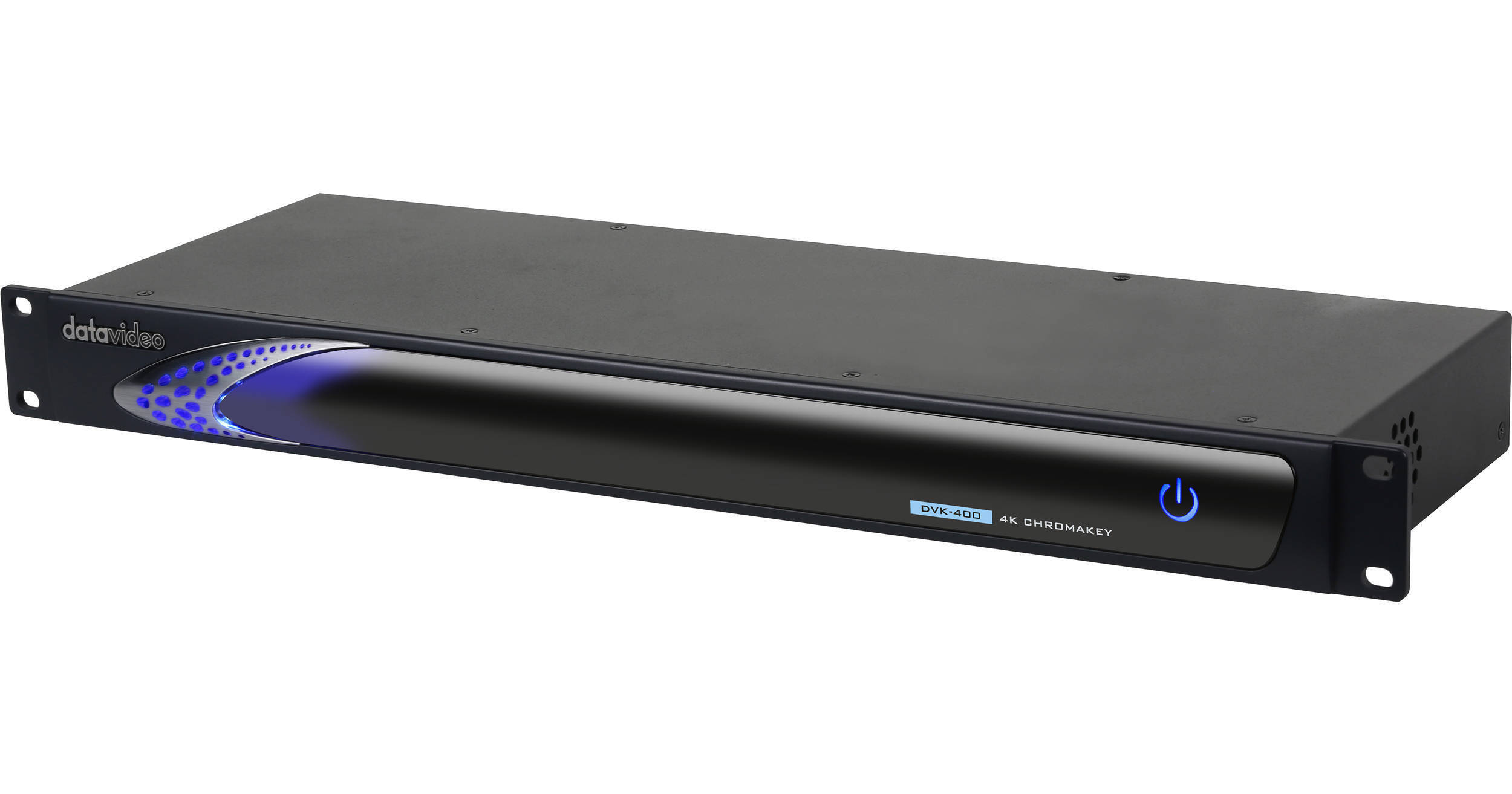
The 4K Real-Time Chroma Keyer with 10-Bit, 4:4:4 Video Processing from Datavideo provides you with high-quality, real-time chroma keying using 10-bit processing and 4:4:4 color sampling for clean edges with limited artifacts. The keyer supports video up to UHD 4K, and it is designed to allow you to choose from green or blue as the background to key your foreground subject. The keyer does all the processing in real time, requiring your computer only for interface control and adjustment using the downloadable DVK-400 software app for Windows.
This is a live keyer, which allows you to composite a foreground over a live video background, supporting both SDI and HDMI inputs for foreground and background as well as SDI and HDMI outputs for preview and program output. A separate HDMI input allows for an external matte as well as text, graphics, and video overlays. The keyer's sophisticated algorithms help preserve the transparency in smoke as well as providing clean keys with blonde hair, water-filled bottles, or glass objects. The DVK-400 is 1 RU tall and has built-in rackmount ears; it also has removable feet for desktop applications.
Ask Our Experts800-606-6969
Hello, Log InAccount & Orders
Video Chat with a Pro Video Expert - Live
Key Features
- For UHD 4K Chroma Key Green/Blue Keying
- 12G/6G/3G-SDI In/Out
- Easy-to-Use Real-Time Compositing
- Windows Software Application Control
The 4K Real-Time Chroma Keyer with 10-Bit, 4:4:4 Video Processing from Datavideo provides you with high-quality, real-time chroma keying using 10-bit processing and 4:4:4 color sampling for clean edges with limited artifacts. The keyer supports video up to UHD 4K, and it is designed to allow you to choose from green or blue as the background to key your foreground subject. The keyer does all the processing in real time, requiring your computer only for interface control and adjustment using the downloadable DVK-400 software app for Windows.
More DetailsSpecial Order
Expected availability: 2-4 Weeks
Protect Your Gear
Add a protection plan from $139.99
See Options
Datavideo DVK-400 Overview
Network Keyer
The DVK-400 is accessible when connected to a network and is controlled by a software application on your computer.
Software
The software application is downloadable and requires a computer running Windows 10 or later.
Processing
The keyer features 4:4:4 color sampling support and 10-bit processing. This enables the DVK-400 to do all the heavy keying work while your computer only needs to handle the interface. This results in real-time 4K keying and is not dependent on the power of your computer.
A mirror feature is designed for the talent to see his or her own reference to the background objects.
You can adjust transparency, while preserving shadow detail. This allows you to work with elements such as blond hair, water bottles, or glass, while smoke and reflections can be easily keyed out by DVK-400.
Multiple HDMI and SDI outputs for Program and Preview with mirror option.
Intelligent Matte Control
Adjustable black and white levels allow for precise matte settings.
Garbage Matte
The keyer allows you to create and position a garbage matte for handling areas outside of the background, or items in frame that you don't want to composite.
Post Processing
You can adjust the brightness, contrast, and saturation of the foreground element after keying to help it blend with the background without affecting the background.
UPC: 672255008621
Datavideo DVK-400 Specs
| Input Connectors | |
| Output Connectors | |
| Video Format | |
| Processing | |
| Interface | |
| Software Requirements | |
| Power | |
| Operating Temperature & Humidity | |
| Dimensions | |
| Weight |
Packaging Info
| Package Weight | |
| Box Dimensions (LxWxH) |
Datavideo DVK-400 Reviews
I bought it for use on LIVE news.
By Soo Kyung
Rated 5 out of 5
Date: 2020-09-16
I used a green screen and it works very well. It certainly does much better than the old equipment. It would have been better if the BG source could be put into a file through the memory or the input BG source could be kept frozen. In other words, BG must be continuously supplied from the computer's HDMI.
See any errors on this page?
What is the latency of this device? In other ...
What is the latency of this device? In other words how much will the output video signal be behind the input signal from the camera?
Datavideo says - The theorem path delay of DVK-400's SDI IN to SDI OUT is less than 10 scan lines, but the actual delay can be 10 scan lines ~ 1 frame influenced by frame synchronizer and Genlock feature. This would be the same for INPUT and OUTPUT.
Date published: 2022-05-16
If I pair the DVK-400 with the TPC-700 ...
If I pair the DVK-400 with the TPC-700 touch-panel controller, do I still need a host computer for control?
Yes, when using the Datavideo 4K Real-Time Chroma Keyer with 10-Bit, 4:4:4 Video Processing with the Datavideo 7" Touch Panel Controller TPC-700 you will need a PC for initial setup. After that the TPC-700 controller would work and you would not need to have a computer connected.
Date published: 2023-05-30
How would it compare to Blackmagic Ultimatte 12 ?
How would it compare to Blackmagic Ultimatte 12 ?
They are very similar in capabilities. One thing that is worth mentioning is that Blackmagic is known for their excellent software and integration with their other products.
Date published: 2021-10-22