Video Chat with a Pro Video Expert - Live

BirdDog Multiview Pro

BH #BIBDVMPRO • MFR #BDVMPRO
Print
BirdDog Multiview Pro
Key Features
  • Create an NDI Multiview Stream
  • Supports up to 96 Sources & 6 Outputs
  • Full Screen, 2x2, 3x3, 4x4 & 2+8 Views
  • 5 Preset Layouts, Customizable Overlays
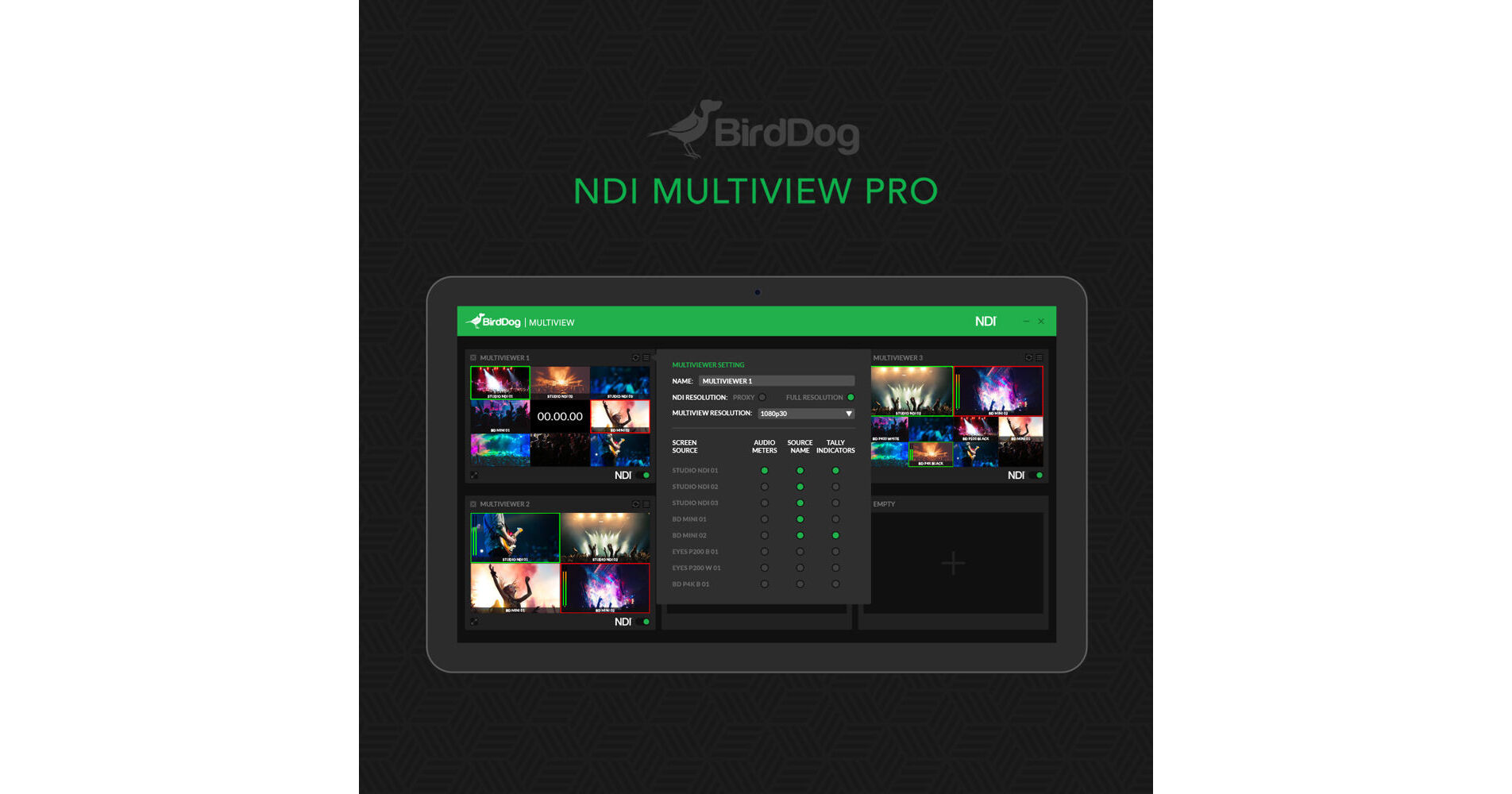
Create multiview NDI streaming output with the Multiview Pro software from BirdDog. The software installs on Windows 10 and above and supports up to 96 NDI inputs of 720 or 1080p video and independent audio tracks in a variety of multiview configurations such as full screen, 2x2, 3x3, 4x4, and two large/eight small windows.
More Details
Digital
No Longer Available
No Store Display
Ask an Expert
800-606-6969

BirdDog Multiview Pro Overview

Create multiview NDI streaming output with the Multiview Pro software from BirdDog. The software installs on Windows 10 and above and supports up to 96 NDI inputs of 720 or 1080p video and independent audio tracks in a variety of multiview configurations such as full screen, 2x2, 3x3, 4x4, and two large/eight small windows.

Multiview Pro can simultaneously send up to six NDI multiview outputs to a variety of NDI targets, such as any Mac or Windows computer using NDI tools, an NDI switcher, BirdDog Central Pro, and BirdDog NDI Decoders. It also allows you to add overlays in each window, such as audio levels, tally, and source labels. It supports variable frame rates down to 1 fps, low-bandwidth proxies, and an on/off toggle for each output to save bandwidth.

Compatibility
Windows or Mac computer running NDI-compatible tools
NDI switcher
BirdDog NDI Decoder
BirdDog Central Lite or Pro

BirdDog Multiview Pro Specs

System Requirements
Windows 10 and Above
Intel Core i5 Series Processor and Above (Recommended)
Output Resolution
1080p
720p
Proxy
6 Mb/s NDI Proxy
Frame Rate
Minimum 1 fps

BirdDog Multiview Pro Reviews

See any errors on this page?
Whatever You Need, We've Got It