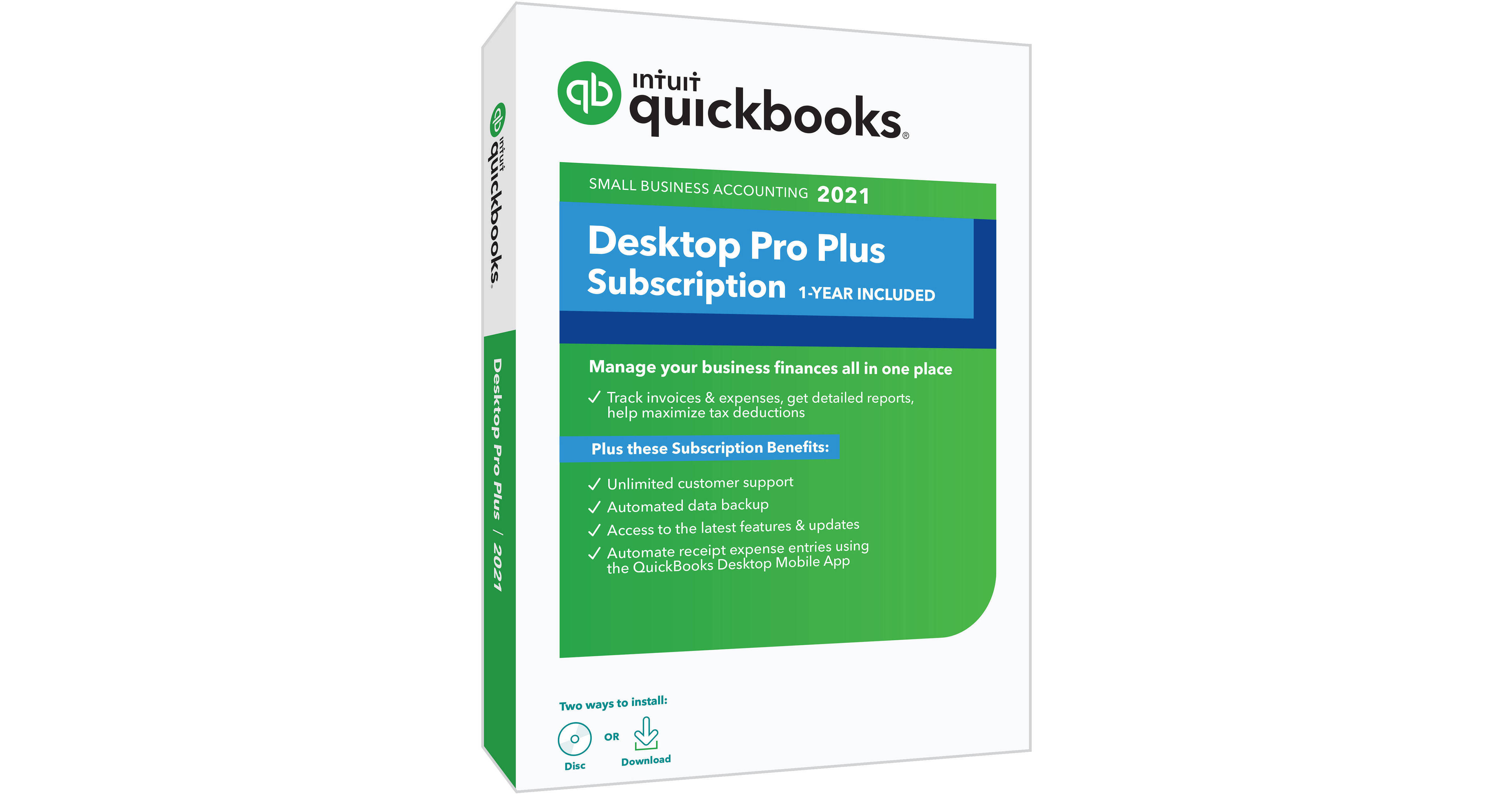
Intuit Quickbooks Desktop Pro Plus 2021 One-Year Subscription (Download & Disc)

BH #INQDPRP211YS • MFR #608603
Print
Intuit Quickbooks Desktop Pro Plus 2021 One-Year Subscription (Download & Disc)
Key Features
  • Categorize Bank Transactions
  • Track Receipts and Expense Transactions
  • Automated Recurring Customer Statements
  • Send Invoices & Estimates
Take advantage of streamlined business management and convenient support with the Quickbooks Desktop Pro Plus 2021 One-Year Subscription from Intuit. Designed for easy optimization of your small business, Quickbooks Desktop Plus delivers core functions like time, sales, income, and expense tracking, as well as invoicing, estimates, and reports. Save time with automated recurring customer statements. Make receipts look more professional with logos and custom formatting. Unlimited customer support and data backups and upgrades ensure smooth integration via a dedicated account team and complimentary training.
More Details
No Longer Available
No Store Display
Ask an Expert
800-606-6969

Intuit Desktop Pro Plus 2021 Overview

Take advantage of streamlined business management and convenient support with the Quickbooks Desktop Pro Plus 2021 One-Year Subscription from Intuit. Designed for easy optimization of your small business, Quickbooks Desktop Plus delivers core functions like time, sales, income, and expense tracking, as well as invoicing, estimates, and reports. Save time with automated recurring customer statements. Make receipts look more professional with logos and custom formatting. Unlimited customer support and data backups and upgrades ensure smooth integration via a dedicated account team and complimentary training.

Categorize bank transactions, track receipts, and expense transactions. Automate recurring customer statements and track time, sales tax, income, and expenses to grow your business and managerial skills. The Intuit Quickbooks Desktop Pro Plus 2021 One-Year Subscription is compatible with Windows 10 and later and Windows Server 2012, 2012 R2, 2016, and 2019. Furthermore, this software supports one workstation monitor and up to two extended monitors.

Track Bank Transactions
Automatically categorize bank transactions with more detail by using enhanced rules, batch editing, and improved matching.
Create and Track Expense Receipts
Automatically create and categorize receipt expense transactions in QuickBooks by using the QuickBooks Desktop Mobile App to capture receipt data. Just photograph, import, and review.
Recurring Customer Statements
Save time by automating recurring statements to different customer groups based on their needs or payment tendencies.
Custom Formatting
Give payment receipts a more professional look by adding logos and custom formatting.
Rule-Based Customer Groups
Improve your customer management, insights, and communication by creating rule-based customer groups that automatically update based on customer type, status, location, or balance.
Track Income and Expenses
Connect your bank and credit card to automatically download and categorize transactions. Easily import previous financial data from Excel and other programs and organize everything in one place with Customer, Vendor, and Employee Centers.
Invoicing
Create professional estimates, invoices, and payment receipts. Invoice for services, goods, and for billable time and expenses. Accept payments right from your invoices and send automatic reminders on outstanding payments. Furthermore, you can get real-time visibility of invoice statuses to expedite collections and stay on top of your cash flow.
Run Reports
Stay ready for tax time with reliable reports. Schedule automatic reporting including profit and loss, expenses, and balance sheets.
Send Estimates
Send professional estimates and track leads in one place. Convert estimates to invoices in a single click.
Track Sales Tax
Define which customers and products are taxable. Track sales tax automatically throughout the month. Run sales tax liability reports so you know exactly what you owe.
Manage Bill and Accounts Payable
Clearly track bills and purchase orders in one place. Maintain cash flow and easily take action on unpaid bills. Take early pay discounts automatically. View unpaid bills from a vendor to easily manage payments.
Track Time
Track billable hours by client or employee and automatically add them to invoices. Enter hours yourself or give employees protected access to enter their own time. Seamlessly integrate with TSheets by QuickBooks for simpler time tracking. Additionally, you can track accruals of employee sick days and vacation time.
Track Inventory
Track products, cost of goods, and receive notifications when inventory is low. Easily adjust inventory to account for loss, theft, and shrinkage. Create purchase orders to keep track of what's on order.
Pay 1099 Contractors
Keep track of subcontractor payments and assign them to 1099 categories. Prepare and file 1099s right from QuickBooks. See who you've paid, what you've paid, and when.
Concurrent Users
Create a copy of your company file for your accountant. Protect sensitive data with user-access levels. Additional user licenses are available separately, with up to three concurrent users supported.

Intuit Desktop Pro Plus 2021 Specs

General
Delivery Format
Download
License Type
Standard
License Length
1-Year Subscription
Number of Devices Supported
3
System Requirements
Supported Operating Systems
Windows 10 Update 1 or Later
Windows Server 2012
Windows Server 2012 R2
Windows Server 2016
Windows Server 2019
Memory Requirement
4 GB (8 GB Recommended)
Storage Requirement
2.5 GB
CPU Requirement
2.4 GHz and Faster  
Display Resolution Requirement
1280 x 1024
Internet Connection Required
Yes
Packaging Info
Package Weight
0.26 lb
Box Dimensions (LxWxH)
7.5 x 5.4 x 0.7"

Intuit Desktop Pro Plus 2021 Reviews

See any errors on this page?
Whatever You Need, We've Got It