Ask Our Experts212-444-6615
Hello, Log InAccount & Orders
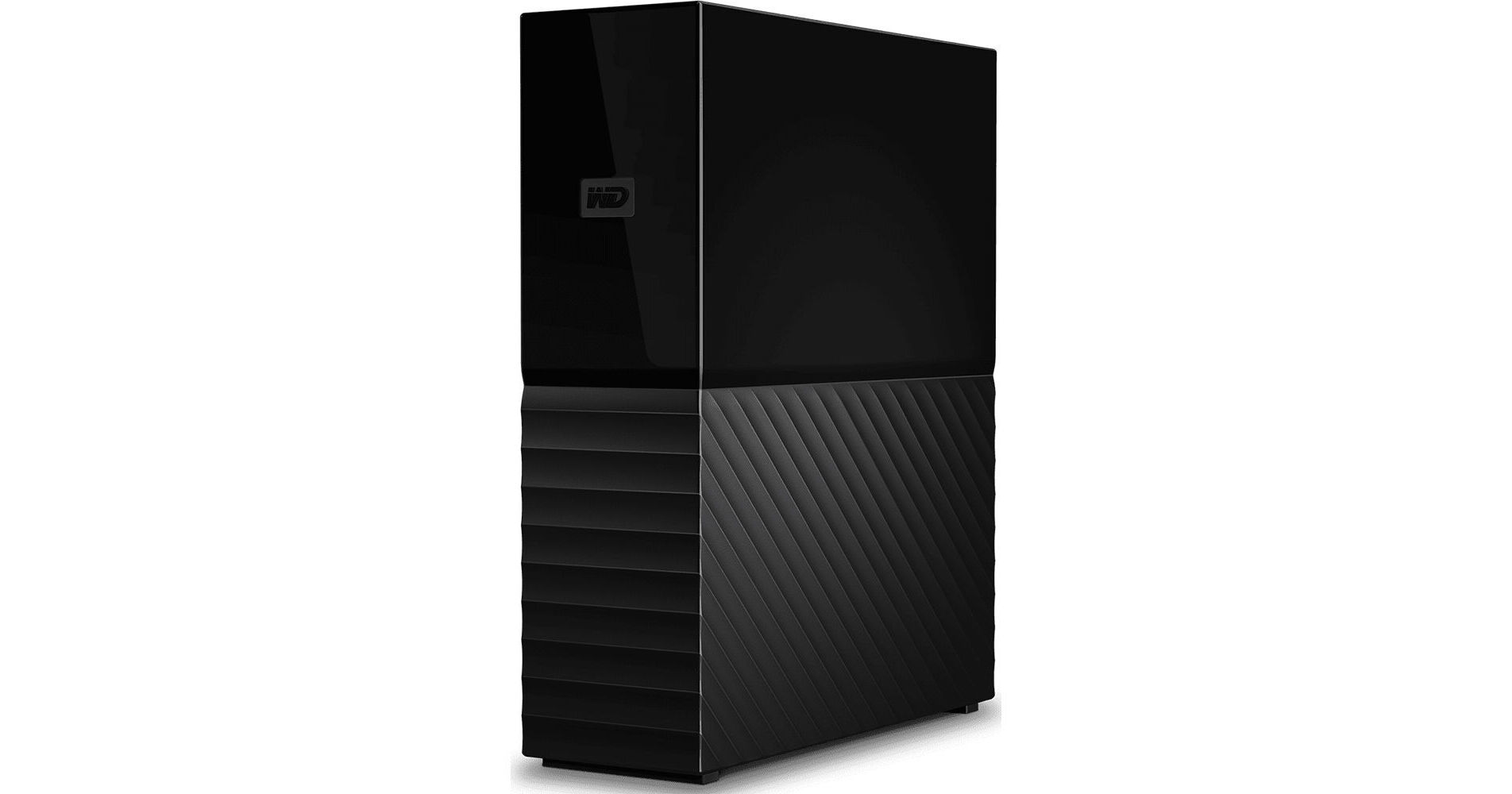
Key Features
- 16TB Storage Capacity
- Micro-USB 3.2 Gen 1 Interface
- Includes AC Adapter
- 256-Bit AES Hardware Encryption
With the 16TB My Book Desktop USB 3.2 Gen 1 External Hard Drive from WD it is easy to back up important files and create system backups using the included WD Backup software for Windows or Time Machine for Mac. In addition to simplifying the backup process for both Windows and Mac computers, this hard drive features 256-bit AES hardware encryption to ensure stored files remain secure. The My Book Desktop drive features a micro-USB 3.2 Gen 1 port for fast data transfers and comes exFAT formatted for Windows 10 or later and macOS 11 or later, making it easy to get up and running in no time.
More DetailsIn Stock
$789.99
Protect Your Gear
Add a protection plan from $19.00
See Options
See any errors on this page?
How do you power this down? Doesn't unplugging it ...
How do you power this down? Doesn't unplugging it from the wall run the risk of corrupting the drive?
The WD My Book Desktop External HDD will remain powered on while its power source is connected. Data corruption could occur if the drive is disconnected before being properly ejected/dismounted from your computer, but if this has already been done and the drive is no longer in use it is safe to disconnect the power supply.
Date published: 2023-01-03
Does this drive have an on/off switch?
Does this drive have an on/off switch?
no
Date published: 2024-04-15
What type of USB3 port does this have, full size ...
What type of USB3 port does this have, full size or micro? I wouldn't have to ask if even one of the photos showed the back of the drive, but none did.
This item contains a ( Micro-B) port on the back of the item.
Date published: 2021-02-09
Is there a USA warranty?
Is there a USA warranty?
I'm not 100% sure, but there must have been when I bought mine or I likely would not have purchased it. You should contact WD with that question.
Date published: 2021-12-30
For a Mac. Is there a minimum OS For a Mac. Is ...
For a Mac. Is there a minimum OS For a Mac. Is there a minimum OS X requirement? Will it work with OS X 10.9.5
No, the 8TB My Book can be formatted in any file system for any platform.
Date published: 2021-10-31
Can you save to this drive at any time or does it ...
Can you save to this drive at any time or does it only automatically save once a day to back up?
Yes, of course. You can use it as a regular drive and save files to it at will. For example, I do not use the bundled backup software.
If you do not need the automatic backup, simply do not install the bundled backup software. Then you have 6TB to do anything you want to store at it whenever you want.
Date published: 2022-11-29
Can I reformat this to ExFat?
Can I reformat this to ExFat?
This drive comes formatted in Exfat. It can be reformatted to whatever format you want.
Date published: 2020-06-29
does the cable with the device plug into a USB ...
does the cable with the device plug into a USB 2.0 connector?
Yes, you can plug the WD 12TB My Book Desktop USB 3.0 External Hard Drive into a USB 2.0 connection, but please keep in mind that the transfer speed would be limited to that of USB 2.0.
Date published: 2024-06-25