The UpStream Pro Dual Video Capture Adapter from IOGEAR provides a comprehensive but simple switching solution for various types of live productions. It accepts up to two UHD 4K60 HDMI input sources and features an HDMI program output. It allows you to connect either a computer or an Android mobile device to stream your program in up to 1080p60. With a computer connected, you can stream from popular platforms such as OBS. If you connect a smartphone or tablet, streaming can be done from any optional UVC-compatible mobile streaming app, such as the CameraFi Live app. USB cables are included for connecting either your laptop/desktop or mobile device to the USB Type-B port on the UpStream Pro Dual.
Included with the UpStream Pro Dual is the iOS/Android UpStream Essentials live production app. Working over Bluetooth, this app allows you to wirelessly switch between your two sources, select preset scenes, apply picture-in-picture effects, manage audio, and much more. You can also create hotkey buttons to control OBS and other streaming applications. When using this app, you no longer need to perform all these functions in your streaming platform. The streaming platform in this case can be used just for streaming. A phone tray on the front of the UpStream Pro Dual allows you to set your smartphone/tablet there so you can comfortably reach over and switch scenes and perform other functions in the UpStream Essentials app. This capability is especially useful in single-person operations, such as when you're streaming your gameplay.
Offering XLR and RCA audio inputs, the UpStream Pro Dual also allows you to connect an audio mixer and a microphone. The UpStream Pro Dual can be set on your desktop, or you can integrate it into your camera setup using an included mounting adapter. The small adapter secures onto the bottom of the device with included screws and provides a 1/4"-20 threaded mounting hole. The UpStream Pro Dual is powered using an included power adapter and supports 100 to 240V worldwide power input.
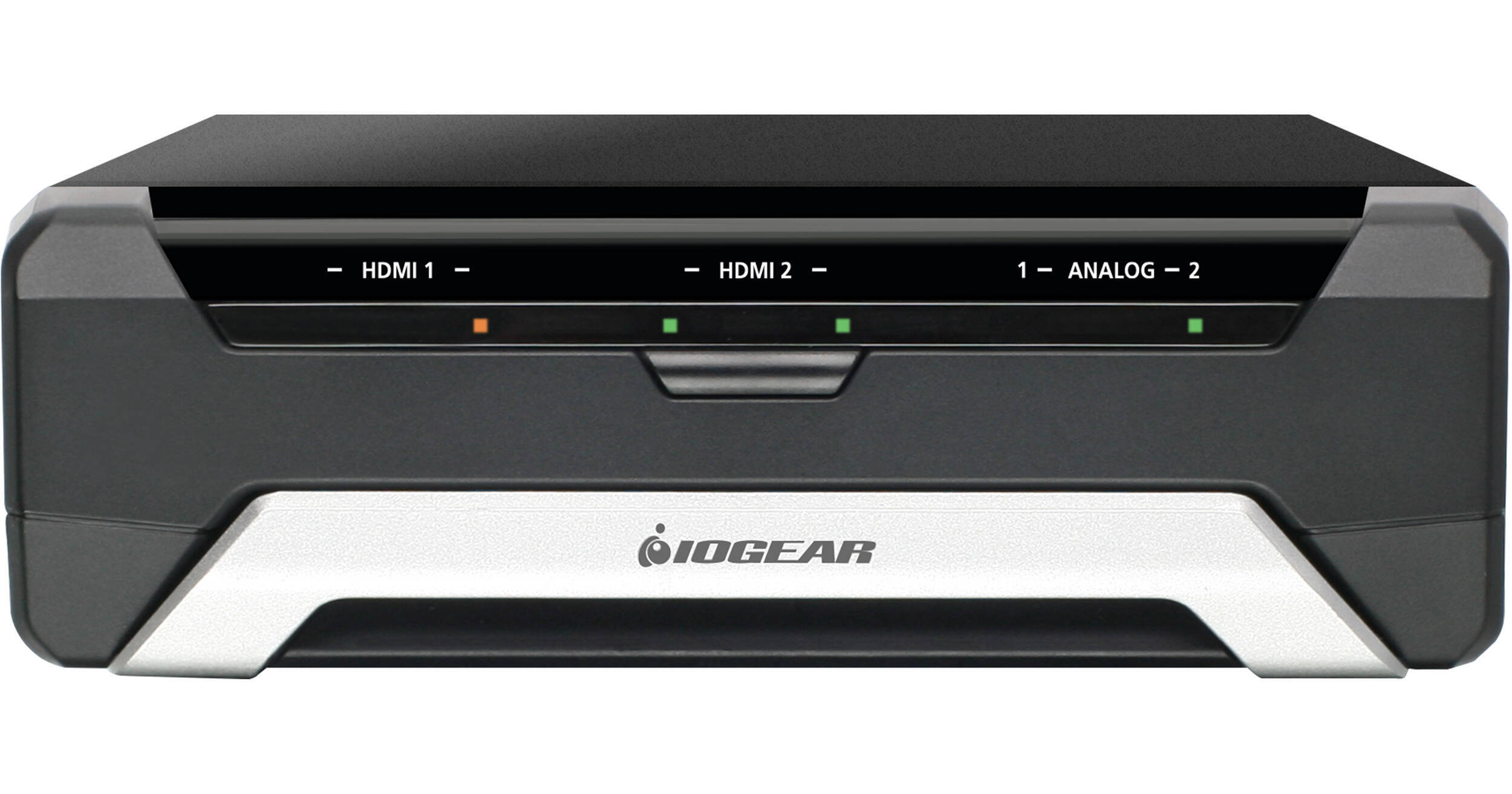
- Capture/Mix Two Live 4K Videos at 1080p
- Stream from a Laptop or Android Device
- 2 x HDMI Inputs, PGM Out, XLR/RCA Inputs
- iOS/Android Live Production App Included
IOGEAR UpStream Pro Overview
IOGEAR UpStream Pro Specs
| Video I/O | |
| Audio I/O | |
| Video Resolution | |
| Audio Format | |
| Broadcast System Compatibility | |
| Wireless |
| Video I/O | |
| Audio I/O | |
| Expansion Slots |
| Video Resolution | |
| Audio Format | |
| Embedded Audio | |
| Reclocking |
| HDR Support | |
| HDMI CEC | |
| Broadcast System Compatibility |
| Wireless |
| Power I/O | |
| Power Consumption |
| Operating Conditions | |
| Storage Conditions | |
| Dimensions | |
| Weight |
| Package Weight | |
| Box Dimensions (LxWxH) |
IOGEAR UpStream Pro Reviews
So Great-I Bought A Second One!
Bought (2). Great value for the $$$ Only issues was the Google app for Android phones, does not work with newer Android OS. Had an older phone, so it worked fine with that. No issues with iphone app. Make sure you update the unit to the latest firmware. Happy camper.
Good, but could be much better
This device does a decent job as a capture device, and the switcher functionality exists, but it requires a mobile device to operate it. This was a missed opportunity by ioGear that I imagine they could still fix with a firmware/software update. As confirmed by ioGear support, the only way to access the more advanced features is through ioGear’s mobile app. The computer see this as a single capture device with embedded audio. I have not tried the chroma key option yet, but everything else works more or less as you would expect, but there are no Mac/PC controls for the interface. Everything must be done via phone or tablet. They could fix this by allowing and “advanced” mode (or whatever they would want to call it) that would allow the computer to see all I/O as routable options in software like vMix, OBS, Wirecast, etc by allowing the OS to directly access the individual ports. This device would become immensely more valuable with the added feature set. The other majors missing option is for the mobile based software to enable streaming over RTMP, SRT, etc, directly through the in-device WAN, i.e. cellular connection. My hope for this device was to utilize it as a backup streaming encoder. It works for this purpose, but it could be SO much better if they implemented the above changes.