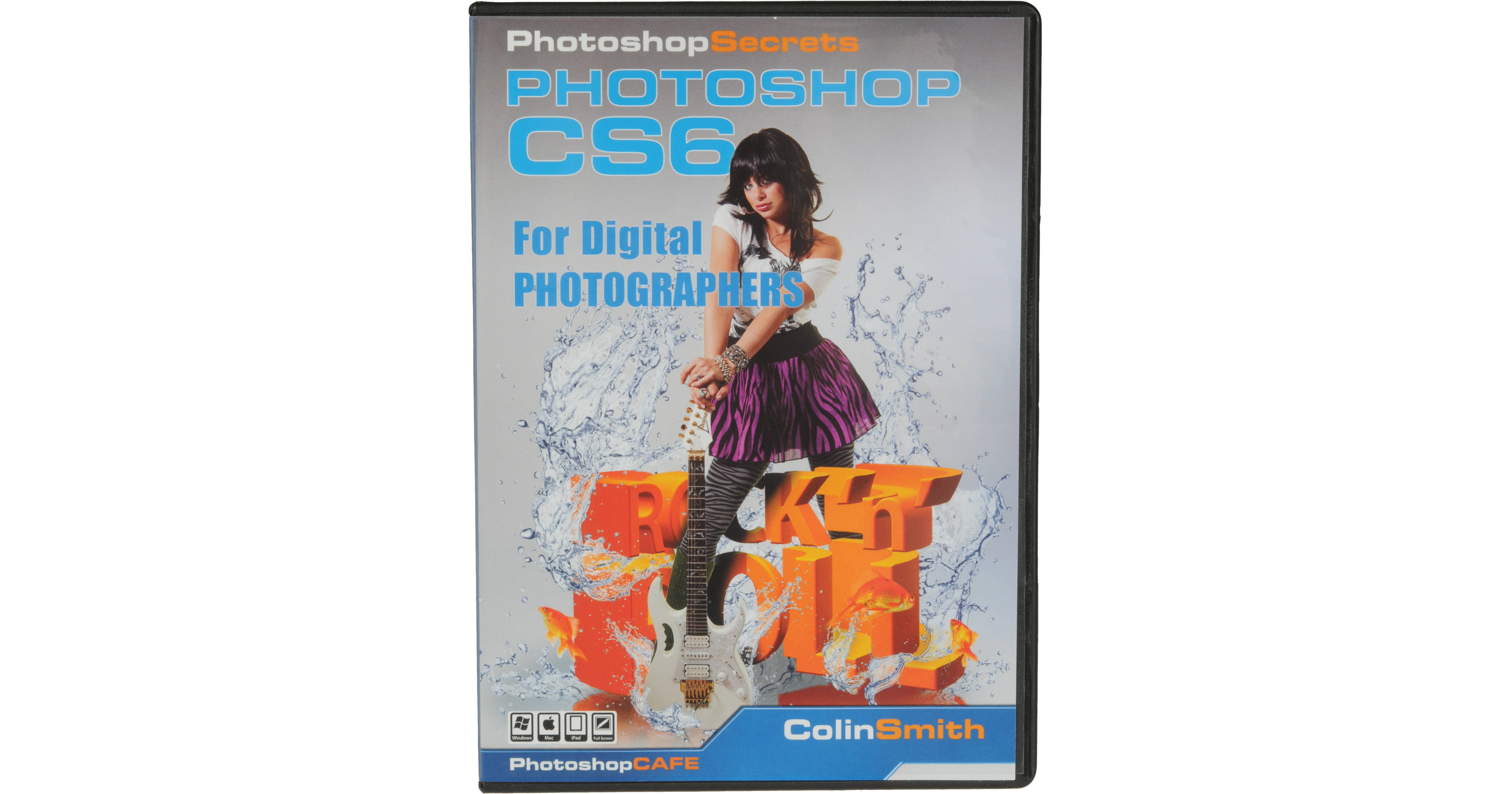
This download of Photoshop CS6 for Digital Photographers from PhotoShop Cafe will show you all kinds of tips, techniques, and tricks to integrate CS6 into your workflow. In this revised edition you will learn all the new features of CS6, as well as brand-new, never before seen techniques.The 80 lessons in this digital download can be used in any order. So whether you're a beginner or a seasoned user, you'll find something of value to help you advance your knowledge of the program.
About the Author
Colin has authored/coauthored 18 books. He has won numerous awards including three Guru awards and was nominated for the Photoshop Hall of Fame twice. A regular columnist for Photoshop User Magazine, he has also been featured in almost every major imaging magazine, and is in high demand as a speaker at major industry events including Flash Forward and WPPI. He consults with companies such as ABC Disney, Apple, and Adobe.
All Lessons
Chapter 1 Bridge
- Welcome
- Import from Camera
- Bridge Overview
- Stacks
- Timelapse Workflow in Bridge
- Collections and Review
- Bridge Keywords
- Batch Rename
- Metadata
- Minibridge
- Output to PDF
- Contact Sheets
Chapter 2 Camera Raw
- File Formats
- Camera Raw Walkthrough
- Noise Reduction in Camera Raw
- Batch Camera Raw
- Graduated Filter in ACR
- Local Adjustments in ACR
- Creative Tone Treatments
- Camera Raw Presets
Chapter 3 Adjustments in Photoshop
- Essential Preferences
- HUD and Viewing Tips
- Histograms
- Levels
- Layers
- Adjustment Layer
- Shadow/Highlight Landscape
- Shadow/Highlight Portrait
- Eyedropper
- Curves Overview
- Color Correction
- LAB mode
Chapter 4 Editing Photos
- Cropping
- Perspective Crop
- Straighten Photos
- Auto Lens Correction
- Lens Correction
- Sharpening
- Smart Sharpen
- High Pass Sharpening
- Dodge and Burn
- Paint with Light
- Split ND
Chapter 5 Retouching
- Masks Primer
- Advanced Masking
- Redeye
- Cloning
- Healing Retouch
- Content Aware Fill
- Content Aware Patch
- Content Aware Scale
- Content Aware Move
- Body Sculpting
- Replace Color
Chapter 6 Working with Multiple Images
- Smart Objects
- Panorama
- Fixing Panorama Distortions
- Vanishing Point
- Remove Backgrounds
- Advanced Cutouts
- Collaging
- HDR
- HDR DeGhosting
Chapter 7 Creative Looks
- Colin on Creativity
- HDR Toning
- Pseudo HDR
- Black and White Noir
- Black and White
- Depth of Field
- Soft Glow
- Tilt Shift
- Iris Blur
- Merge Focus
- Photos into Paintings
- Oil Painting
Chapter 8 Video
- Video Basic Editing
- Video: Advanced Editing
- Video: Motion Graphics and Text
- Video: Exporting and Sharing
- Goodbye
- Uploading to iPad