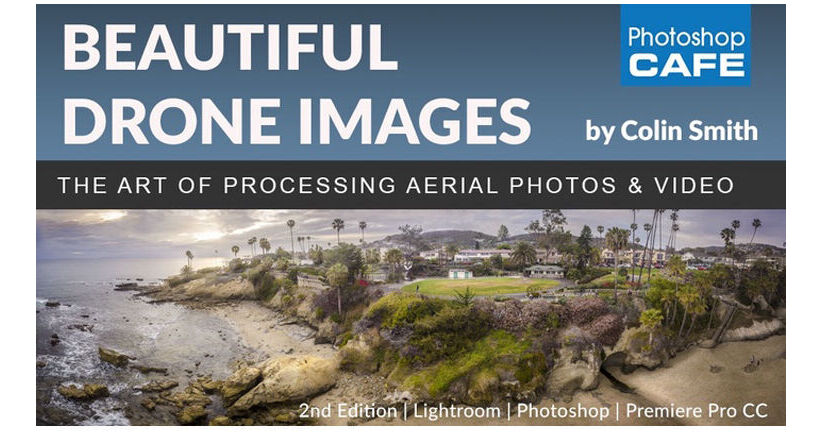
The Beautiful Drone Images, Aerial Photography, and Video Postproduction from PhotoshopCAFE demonstrates how to get the most out of your aerial photos and videos, using Adobe Creative Cloud Lightroom, Camera RAW, Photoshop, and Premiere Pro. Photo editing topics include basic and advanced image adjustments, creating panoramas, merging HDR images, stacking adjustments, correcting exposure issues, and more. Video editing topics include editing video in Photoshop, an introduction to Premiere Pro, stabilizing shaky footage, adding a sound track and titles, and more.
Postproduction | Lightroom and Photoshop
Lightroom / Camera RAW Basic Adjustments: How to make your aerial photos look great in Lightroom or Camera RAW
Lightroom Advanced: More advanced approach to Lightroom / Camera RAW for fine-tuned adjustments to your Photos
Lightroom Panorama: How to stitch together a multi-image panorama in Lightroom
Panorama from Video: How to make a panorama photograph from a video in Lightroom
Tiny Planet: Have some fun with your panoramas with the tiny planet effect in Photoshop
HDR in Photoshop: How to merge images for HDR (High Dynamic Range) in Photoshop
Adjustment Stacking Workflow in Photoshop: Colin's entire workflow used to create winning photographs in Photoshop, start to finish
Exposure Stacking in Photoshop: Expanding on the previous tutorial, a more advanced Photoshop workflow
Video in Photoshop: How to edit video in Photoshop
Postproduction | Premiere Pro
Say Hello to Premiere Pro: Crash course to get you up and running with Premiere Pro
Ramp Speed: How to change the speed of video to create a high-impact ramp effect
Color Grading Your Videos: How to easily apply cinematic color grading to your videos in Premiere Pro
Add Sound and Music: How to add sound effects and music tracks to your videos in Premiere Pro
Titles and Exporting: Title screens and how to encode your videos for playback online, mobile, and anywhere