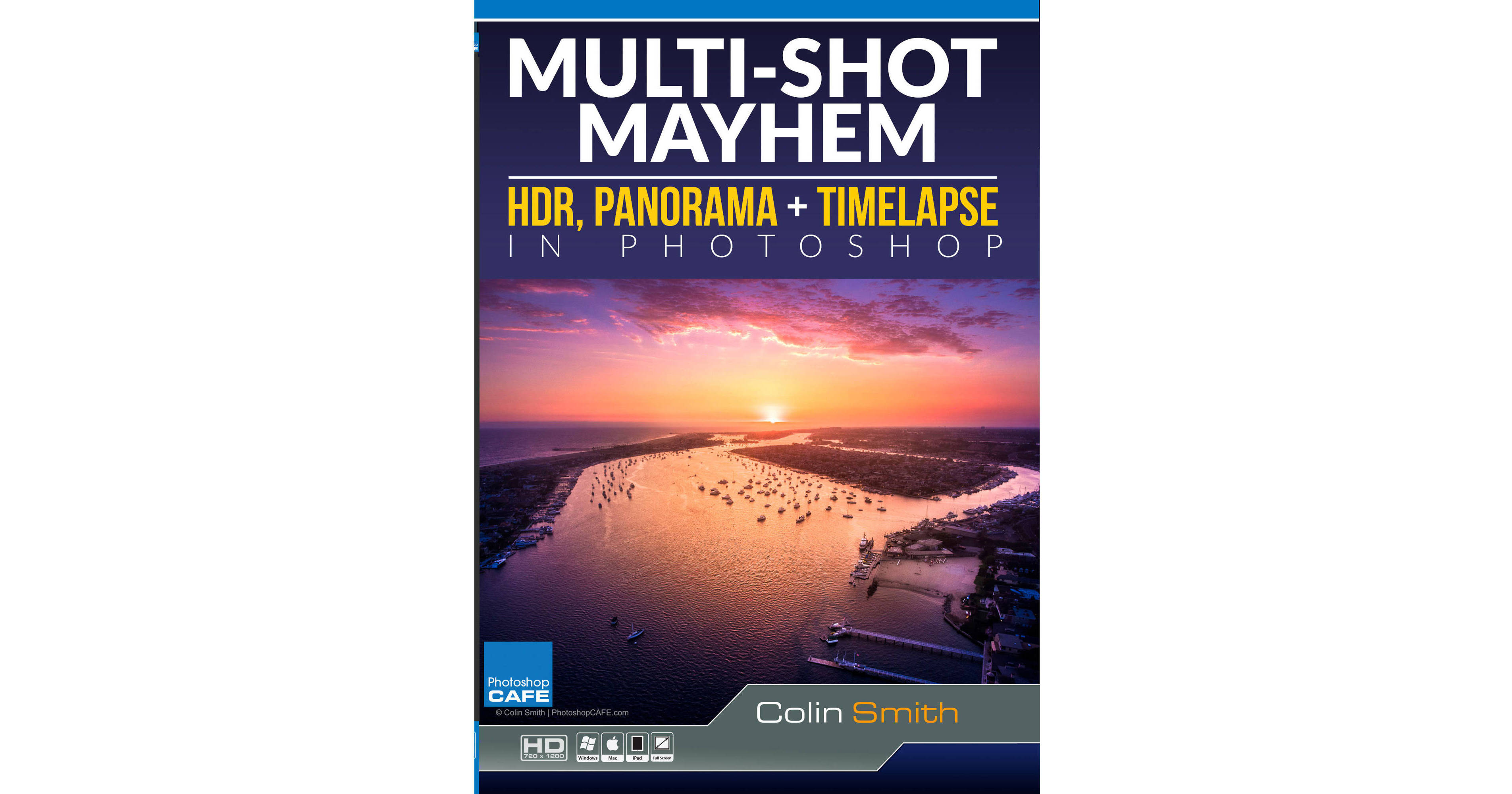
This course download of HDR, Panorama, and Time-Lapse in Photoshop Multi-Shot Mayhem from PhotoshopCAFE leverages what you already know about Photoshop CC and shows you how to extend the capabilities of your camera. Colin Smith shows you the knowledge and skills necessary to create professional photos. He highlights the techniques that made him a leader in the industry, including how to create HDR, panoramic images, and even HDR panoramas. The steps are so easy, even a beginner can start making these images today.
Realistic HDR, sweeping panoramas, and engaging time-lapse images are the talk of the town in the photo industry. Colin provides new tips for taking your visuals and assembling them in Photoshop.
These tips will work in any version of Photoshop but for this particular training, Colin uses Adobe Photoshop CC 2018-2019. Within a runtime of two and a half hours, the lessons included in this popular tutorial reveal industry secrets discovered from over thousands of hours of shooting and processing.
- Time-Lapse Explained
- Build Time-Lapse
- Add Effects to Time-Lapse
- Export Time-Lapse
- HDR Explained
- Shooting HDR
- HDR in Camera RAW
- Fix HDR Problems
- Professional HDR in Photoshop
- How to Shoot Panoramas
- Stitching Panorama in ACR
- Panorama in Photoshop
- Fixing Common Panorama Issues
- HDR Panoramas
- Tiny Planet
- Facebook VR 360 Panorama