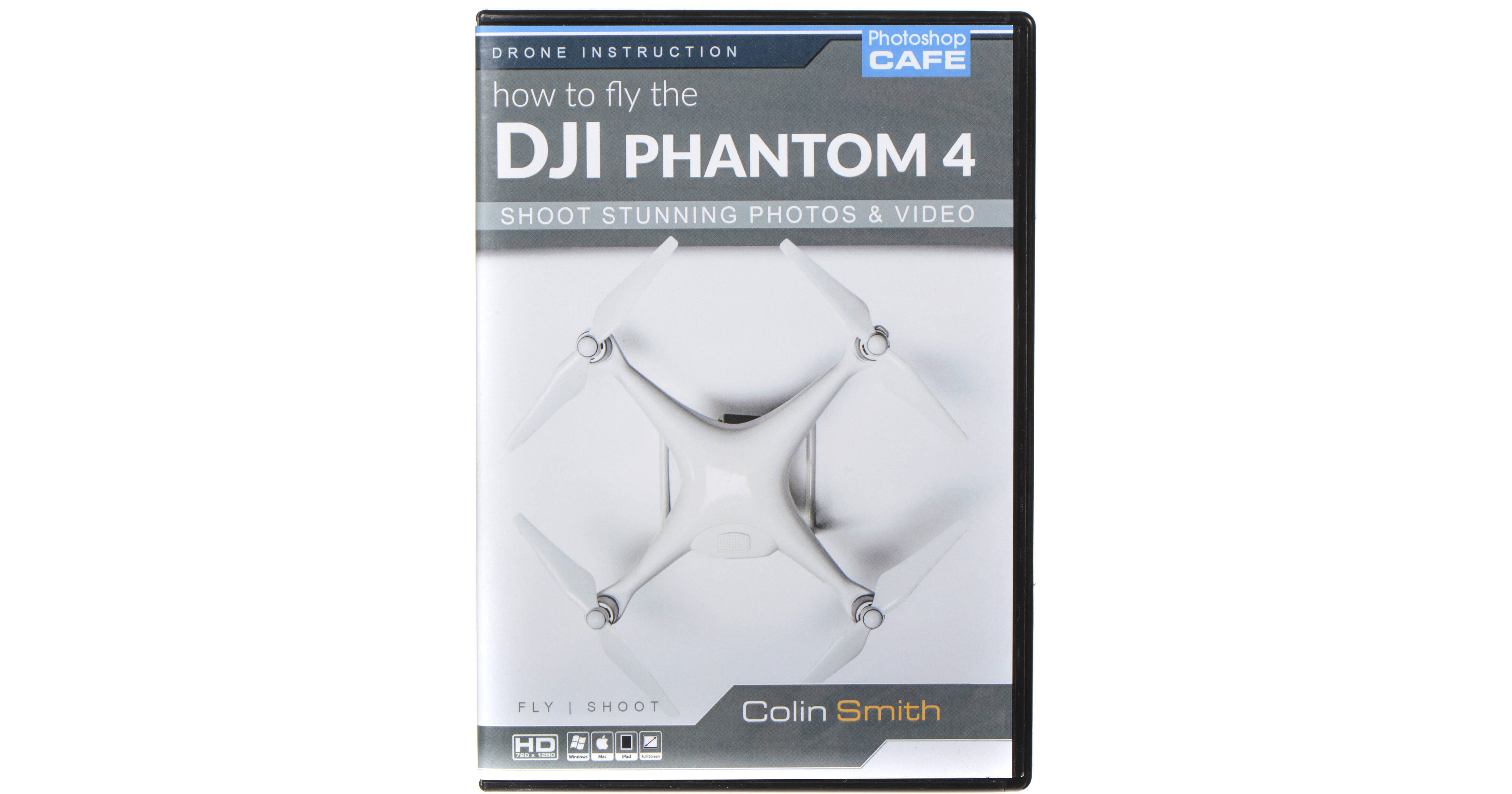
The How to Fly & Shoot with DJI Phantom 4 from PhotoshopCAFE features a collection of video tutorials to help you get set up and fly your DJI Phantom 4 while capturing great images. In the first section, topics covered include unboxing and installation of the propellers, how to maintain your batteries, using the controller, and firmware updates. The second section centers around the DJI GO app. It covers the basics of using the app, how to configure intelligent flight modes, and how to use advanced features.
DJI Phantom 4 Setup and Hardware
Introduction and Overview: Welcome from Colin. He tells you what to expect from this training.
Safety: Learn how to fly safely and legally.
Quick Start Guide: Get out of the box and into the air.
Phantom Propellers: How to attach the propellers to the Phantom 4.
Batteries: Care and feeding of batteries.
Gimbal Setup: Set up the camera and gimbal for the Phantom 4 and customizing the settings.
MicroSD Cards: Which cards to use and how to manage your data.
Flight Control: How the controller works and what the sticks do.
IMU and Compass Overview: Understand the electronics that control your Phantom 4.
MU and Compass Calibration.
Update the Firmware: How to update the firmware on your copter, controller, and batteries.
DJI GO App
GO App Screen Walkthrough: Understand telemetry and screen layout of the Go App.
General Settings: All the Menus and settings explained.
Intelligent Flight Modes: How to activate the different IOC modes.
Camera Settings: Choose the best settings for your camera.
Your First Flight.
Startup and Calibration: The best sequence for startup / how to calibrate your compass.
Tap-to-Fly: New in Phantom 4, tap an object to fly to it.
Shooting Photographs: How to compose photos, panoramics, and HDR. Different settings in action.
Shooting Aerial Video: How to shoot the best video, 4K, and slow-motion.
Active Track: Make your Phantom a flying robot. Follow a car and avoid the trees at the same time, automatically.
Helipad Hack: A little tip for avoiding dust and sand.
Hard Shell Cases: A box to put all your gear in; protect it and carry it around.
Advanced Flight Modes: Your Phantom 4 can fly all by itself, here is how.
WayPoint Flying: How to set waypoints and different ways of automatically flying between them.
Where to from here: Wrap-up and recommendations.