Video Chat with a Pro Audio Expert - Live

Steinberg Spectralayers Pro 8 Audio Repair and Restoration Software (Download)

BH #STSP8R • MFR #91005
Print
Steinberg Spectralayers Pro 8 Audio Repair and Restoration Software (Download)
Key Features
  • Manipulate Sound as Visual Objects
  • Restore Damaged Audio, Reduce Noise
  • Mixing, Mastering, Sound Design & Repair
  • 8 Audio Tracks at up to 384 kHz
Steinberg Spectralayers Pro 8 Audio Repair and Restoration Software offers audio engineers a powerful set of tools to visually manipulate and process audio for a variety of purposes including noise reduction, audio extraction, repair and restoration, and sound sculpting. Available as an electronic download, the latest iteration of the software adds EQ and ambience matching, AI-assisted reverb reduction and de-bleeding, enhanced AI algorithms with pattern recognition that assist you by automating tasks and actively seeking out and processing audio events based on your target settings, improved voice de-noising, and more.
More Details
No Longer Available
No Store Display
Ask an Expert
866-264-7509

Steinberg Spectralayers Pro 8 Overview

Steinberg Spectralayers Pro 8 Audio Repair and Restoration Software offers audio engineers a powerful set of tools to visually manipulate and process audio for a variety of purposes including noise reduction, audio extraction, repair and restoration, and sound sculpting. Available as an electronic download, the latest iteration of the software adds EQ and ambience matching, AI-assisted reverb reduction and de-bleeding, enhanced AI algorithms with pattern recognition that assist you by automating tasks and actively seeking out and processing audio events based on your target settings, improved voice de-noising, and more.

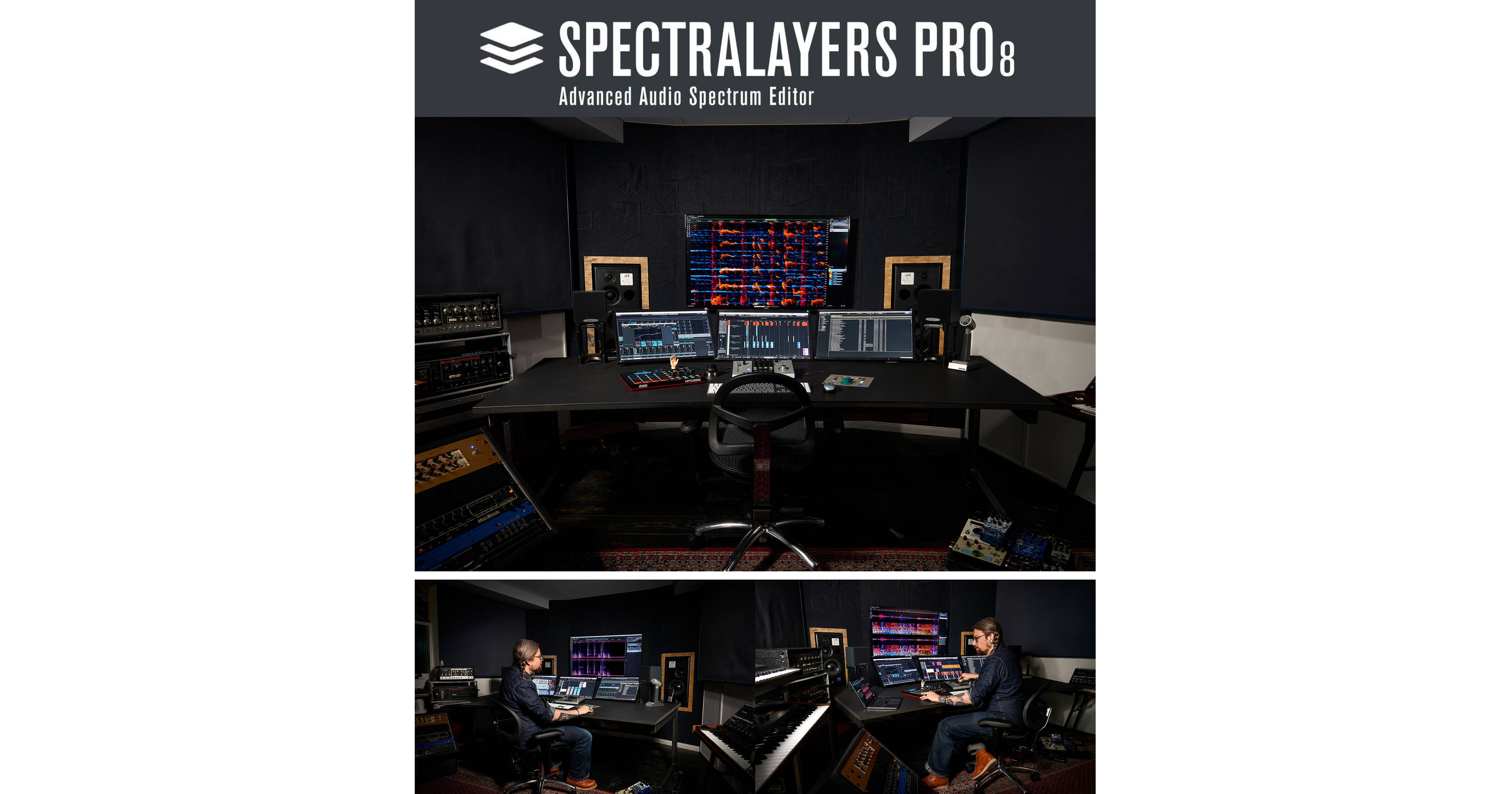
At the core of Spectralayers is the spectrograph display that allows you to easily visualize and process audio events. The new AI algorithms learn patterns from your manual selections to help you perform multiple similar tasks and speed up your workflow. Also saving you time and streamlining your projects is the new ARA system, which integrates the software directly into the timelines of popular DAWs including Nuendo and Cubase, and accommodates several SpectraLayers projects at the same time. Spectralayers Pro 8 is ready for heavy-duty professional applications—supporting up to eight channels of audio at a maximum sampling rate of 384 kHz.

What's New in Version 8
Smarter AI
Second-generation AI implementation in SpectraLayers includes the ability to work across multiple layers in the De-Bleed process, the introduction of AI in the Reverb Reduction process, and the addition of an alternate AI option in the Voice Denoiser. AI is proliferating quickly throughout the entire application with all-new processes, improved code in existing AI-driven processes, and supercharged legacy tools with fresh new AI implementations.
Ambience Matching
Register a selection anywhere on the spectral graph as a room tone or background texture and apply the sound anywhere in your project. Try this feature in ARA mode on the Cubase and Nuendo timelines for effortless sweetening in post.
EQ Matching
Register a selection anywhere on the spectral graph as an EQ profile and apply the profile across layers to achieve sonic conformity. Use this adjustable algorithm at the tracking and mastering stages in music, as well as to establish uniformity in post.
De-Bleed Process
De-bleed drum kit tracks and other isolated instrument tracks with AI-driven accuracy. But don't stop there; try this new algorithm on other tasks where one layer can serve as the selection basis for operations on another.
AI-Assisted Reverb Reduction
Originally launched in SpectraLayers Pro 3, Reverb Reduction is now an AI-fueled process. Identifying and attenuating room resonances has never been cleaner, smarter, or more effective.
Improved Voice De-Noiser
Perfect for cleaning up location interview recordings, the Voice De-Noiser is trained to recognize and isolate the human voice. SpectraLayers Pro 8 now features two AI algorithms to choose from. Together they cover all the bases, from spoken word to sung vocals.
Improved ARA 2 Integration
ARA 2 integration in SpectraLayers 7 and Cubase Pro 11 introduced the ability to drag and drop layers directly on to the DAW timeline. SpectraLayers 8 streamlines the ARA 2 workflow even further by allowing multiple independent SpectraLayers projects to exist within the DAW project.
Pattern Finder
Select a target sound, and then trigger a search to automatically locate and select every other similar sound in the spectrum. New in SpectraLayers, multiple complex selections can now be saved with projects and recalled for later use.
Workflow Enhancements
  • Improved clip repair
  • Automatically select harmonics
  • Improved eraser, amplifier, and pitch-shifting tools
  • Dynamic visual preview of selections while drawing
  • Save multiple selections
  • Interchannel copy/paste functionality
  • Work in sample rates up to 384 kHz
Features Added in Pro 8
Artificial Intelligence to Assist Your Workflow
Just as audio engineers focus on separating increasingly fine details in sound, the AI in SpectraLayers Pro 8 uses algorithms to learn from the data flowing through its built-in neural network. In the same way that these algorithms can accurately determine how to apply color to a black and white photograph, the AI in SpectraLayers Pro can sense discrete events in a sound field and isolate them on independent colorful layers for processing.
Separate Tracks into Stems
This AI-assisted process in SpectraLayers Pro scans the finished file of a song, allowing you to unmix and extract the different instruments to separate layers with default settings for vocals, piano, bass, drums, and more.
Unmix Components
Unmix stems into tone, noise, and transient component layers. Reconstruct missing noise hidden by tones and transients. Comprehensive learning algorithms clear the path to clean extraction.
Pattern Finder
SpectraLayers Pro's advanced pattern recognition lets you select a target sound, and then trigger a search to automatically locate and select every other similar sound in the spectrum.
Voice De-Noiser
Perfect for cleaning up location interview recordings, the Voice De-Noiser algorithm is trained to recognize and isolate the human voice. You can automatically attenuate everything but the voice, for maximum intelligibility.
De-Esser
Spectral de-essing is the most precise and least invasive way to tame and shape vocal sibilants. Manual de-essing in SpectraLayers Pro has always been quick and easy, and now the new automatic de-essing feature makes it even easier and more accurate than typical waveform-based plug-in processing.
Repair Processes
Hum Reduction
This automatic process detects and eliminates unwanted hum as well as higher harmonics generated by the fundamental tone. Hum harmonics can be independently attenuated to the level you choose.
Clip Repair
Clipped peaks come in many shapes and sizes. The AI in SpectraLayers Pro 7 evaluated 32,000 of them to know exactly what to look for and how to automatically apply the best repair.
Click Repair
Automatically detect and repair clicks, crackles and pops. Invert the process to audition problem sounds in isolation, then execute the repair after you've dialed in the fix you need.
Improved Healing
Better interpolation and faster performance, now assisted by AI, looks more closely at noise, tones, and transients, making this easy repair process more versatile and precise than ever.
Additional Features
Playback VU Meter
This small, unobtrusive meter shows the mix output level to help you avoid clipping while producing and mixing multiple layers.
Single Layer/Group and Mute/Solo
Limit soloing and muting to one layer or group at a time.
Avoid Unintended Selections
A four-pixel drag is now required to create a selection, resulting in less unintended selections.
New Cut, Copy, and Paste Options
You can create new layers or transfer selections to existing adjacent layers. Simply reposition Layers in the Layers Panel to set your paste destination.
Export Layer Audio
This option is now available in the File menu. Render a selected layer directly without needing to isolate it first in the mix.
Rapid Tool Toggling
Use any tool's shortcut to cycle through its tool options.
Customizable UI Luminosity
UI luminosity is now configurable, so you can provide the brightness level that best suits your monitor and workplace environment. Set the control to optimize your spectral view and avoid screen fatigue, day and night.
Special Tools
  • Transform tool
  • Transform selection
  • Playback tool
  • ARA 2 layer management
  • VST3 plug-in support

Steinberg Spectralayers Pro 8 Specs

Standalone Operation
Yes
Memory Requirement
Windows, Mac:
4 GB (8 GB Recommended)

Steinberg Spectralayers Pro 8 Reviews

See any errors on this page?
Whatever You Need, We've Got It