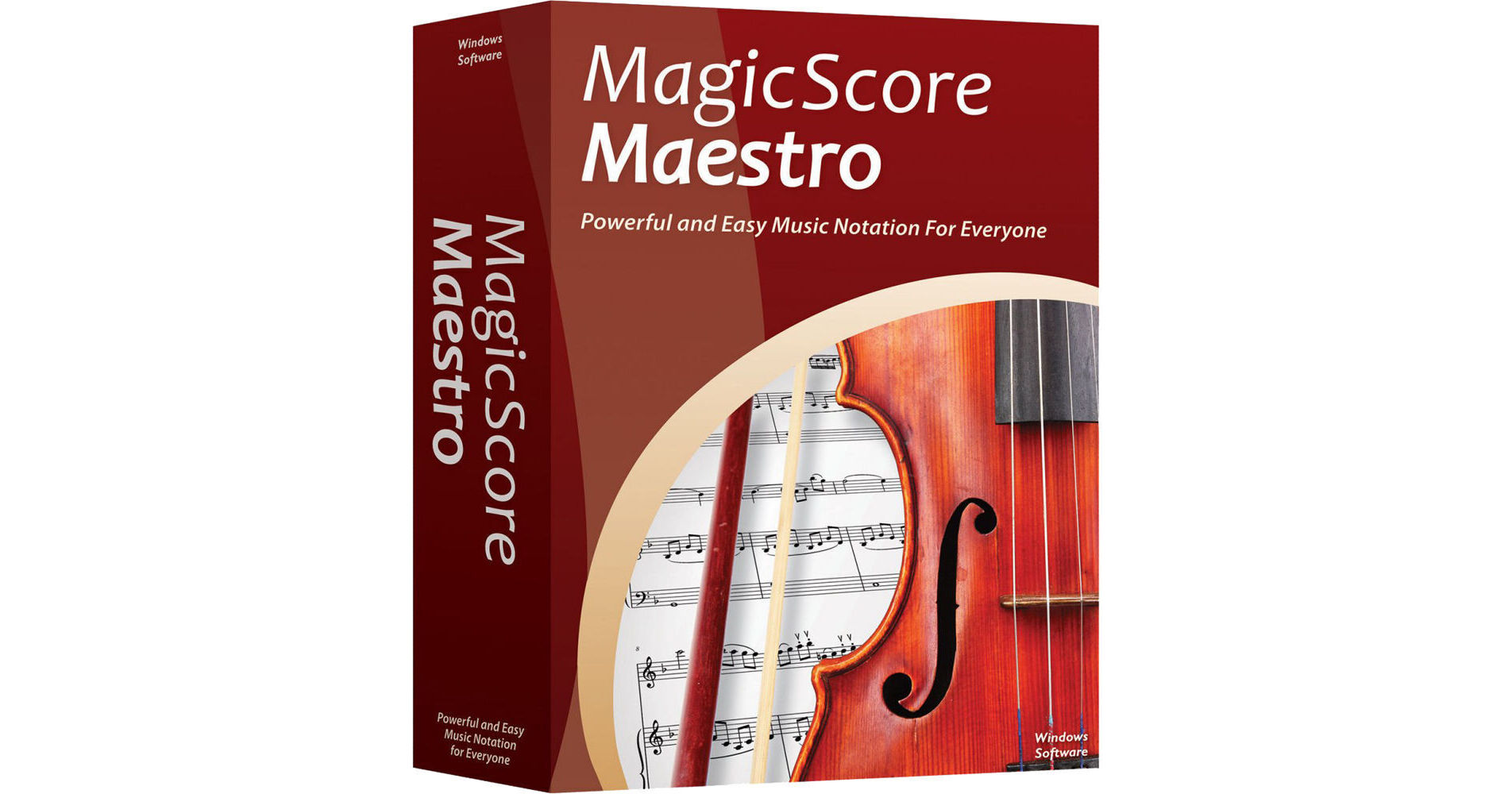
Maestro Music Software MagicScore Maestro 8 Music Composition and Notation Software allows you to compose, arrange, format, export, and create engraver-quality prints of your music with a minimum of effort and time. It lets you enter musical notes quickly by playing your MIDI controller or using your computer keyboard and mouse. Easily edit your score with powerful music notation tools, which give you total musical control over every single note in the entire composition. The software is intended for composers, teachers, students, and hobbyists working on a Windows computer.
Easy and Versatile Note Entry Options
- MagicScore Maestro provides you with a multitude of options to enter notes into a score—while also making it possible to listen to the music as you write it. With MagicScore Maestro’s Quick Input mode musicians can speed through an entire composition by using either a mouse, computer keyboard, or MIDI controller with step-time and real-time note entry. You can even enter notes using the handy onscreen piano keyboard or virtual guitar fretboard.
- Extracting and printing individual parts from complex scores is easy to do and allows for each part to be customized and formatted as desired by the publisher.
- Rewrite or transpose existing scores for other instruments with just a few simple mouse clicks.
Powerful Music-Notation Tools
- Each individual element in a MagicScore Maestro score can be edited and moved wherever the composer desires. Simply point and click on clef signs, brackets, bar lines, articulations, or individual notes to place them precisely where you need them on the page.
- These powerful visual layout tools are matched with an equally powerful set of options to fine-tune audio playback and control details such as the attacks and releases of individual notes. Full ensembles or individual instrumental parts can then be played back or exported directly into high quality MP3 or WAV format audio files using realistic sf2 SoundFont instrument sounds.
Publish Your Music in Various Formats Including Online
- Completed scores can be printed and exported to Adobe PDF format, saved as SFD (the company's music notation file format), or as MusicXML, MIDI, or KAR (Karaoke format) files.
- Completed pages can also be saved in various graphics formats including JPG, GIF, PNG, BMP, TIFF, and WMF—in resolutions of up to 1200 dpi.
- To share documents online, users can upload their saved files to a website and directly embed their scores into any web page—giving visitors the ability to play, listen, transpose, or print the music as needed.
Easily Create Educational Materials
- MagicScore Maestro offers teachers and ensemble conductors with an easy solution to quickly create music-education worksheets, playing exams, and study guides.
- Once the music has been entered into the system you can export individual lines of the score to create recordings your students can use to practice more effectively.
- Use the Copy as Picture feature to export portions of the score as image files that can be used with Microsoft Word or other similar programs.
- You can even use this music-composition software together with a video projector to demonstrate musical concepts to an entire classroom at once.
- For even greater flexibility, embed documents such as MS Word, Photoshop, Corel, Excel, and many others directly into your MagicScore Maestro score.
Open Your Music with a Variety of 3rd-Party Applications
- MagicScore Maestro has the ability to save your music in a variety of formats including WAV and MP3 audio files.
- To share your compositions visually with other musicians, MagicScore Maestro can open and export documents as MIDI or Karaoke files, as well as the industry-standard MusicXML file format—allowing scores to be opened in dozens of other music applications.
- Backward compatibility allows for scores saved with previous versions of MagicScore Maestro (or its predecessor, MagicScore) to be opened, edited, and saved in newer versions of the software.
Intuitive Help System
- MagicScore Maestro provides you with several ways to get help while creating your scores. The software offers flash-based training videos, built-in lessons, and an intuitive contextual help system that follows your actions and provides suggestions on what to do next.
- For the rare question that cannot be answered within the web-based forums, email support options are also provided.