
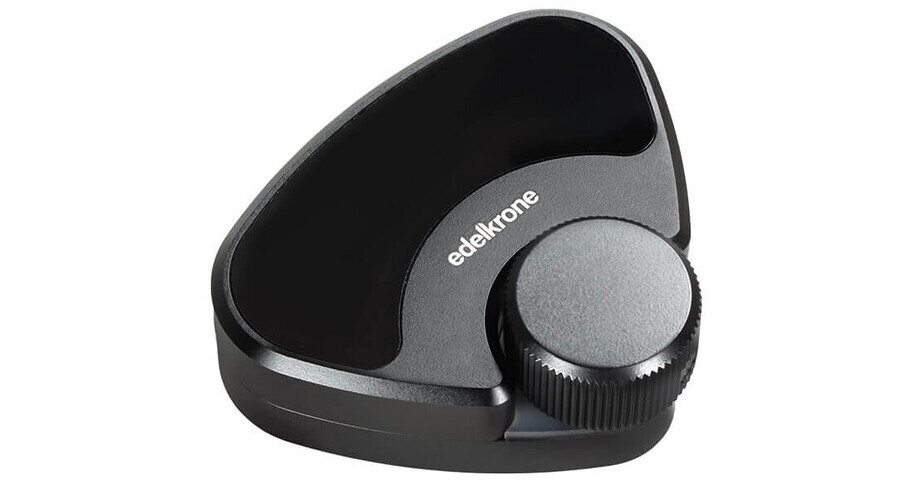
Achieve crisp and accurate footage for your stop-motion project thanks to the control capabilities of the Link Adapter from edelkrone. The Link Adapter connects motion-controlled jibs, dollies, heads, and sliders to separately available Dragonframe software on a personal computer for seamless recording and accurate adjustment with support for shoot-move-shoot functionality. A focus control knob on the adapter allows for manual focus, while further control over your linked devices can be achieved using the edelkrone web application for simultaneous control over a single device.
Connect Multiple Devices
The adapter can be connected to a single motion control unit or bundled together. Multiple adapters can be connected to the same computer with different web app controls running at the same time to make solo production a breeze. A USB-C port powers the adapter and devices can be connected using the included 3.5mm cable or RJ45 cable for wired connections or wirelessly paired.
edelkrone Web and Mobile Apps
Control your Link Adapter and its wired or wireless connected edelkrone devices from your macOS or Windows computer via the web app or iOS/Android device via the mobile version. The app is capable of controlling your entire Moco ecosystem via Windows 10, macOS, or Linux-powered devices using modern web browsers like Chrome or Firefox. Adjust pan, tilt, slide, jib, dolly, and focus motions. You can even create key poses and adjust speed and acceleration.
edelkrone Ecosystem
- Connects edelkrone SliderPlus and Slide Module v3 setup with HeadPLUS v2 to Dragonframe software on a personal computer
- Backward compatible with HeadPLUS v1 and focus module
- Connect to other Link Adapters or separately available Link Hub
- Compatible with motion control systems released after November 18, 2018
Dragonframe Software Integration
Integrate your HeadPLUS with your preexisting Dragonframe software to include a focus/zoom module or motorized SliderPLUS for simultaneous control of all four axes from a single interface.
Wired and Wireless Control
Most components in the edelkrone motion control system can be adjusted manually for hassle-free production. Position keyframes with your hands to achieve the look you desire and then set the keyframe without the need for a remote control or mouse. Use the integrated knob on the Adapter to adjust your camera's focus in both wired and wireless applications.