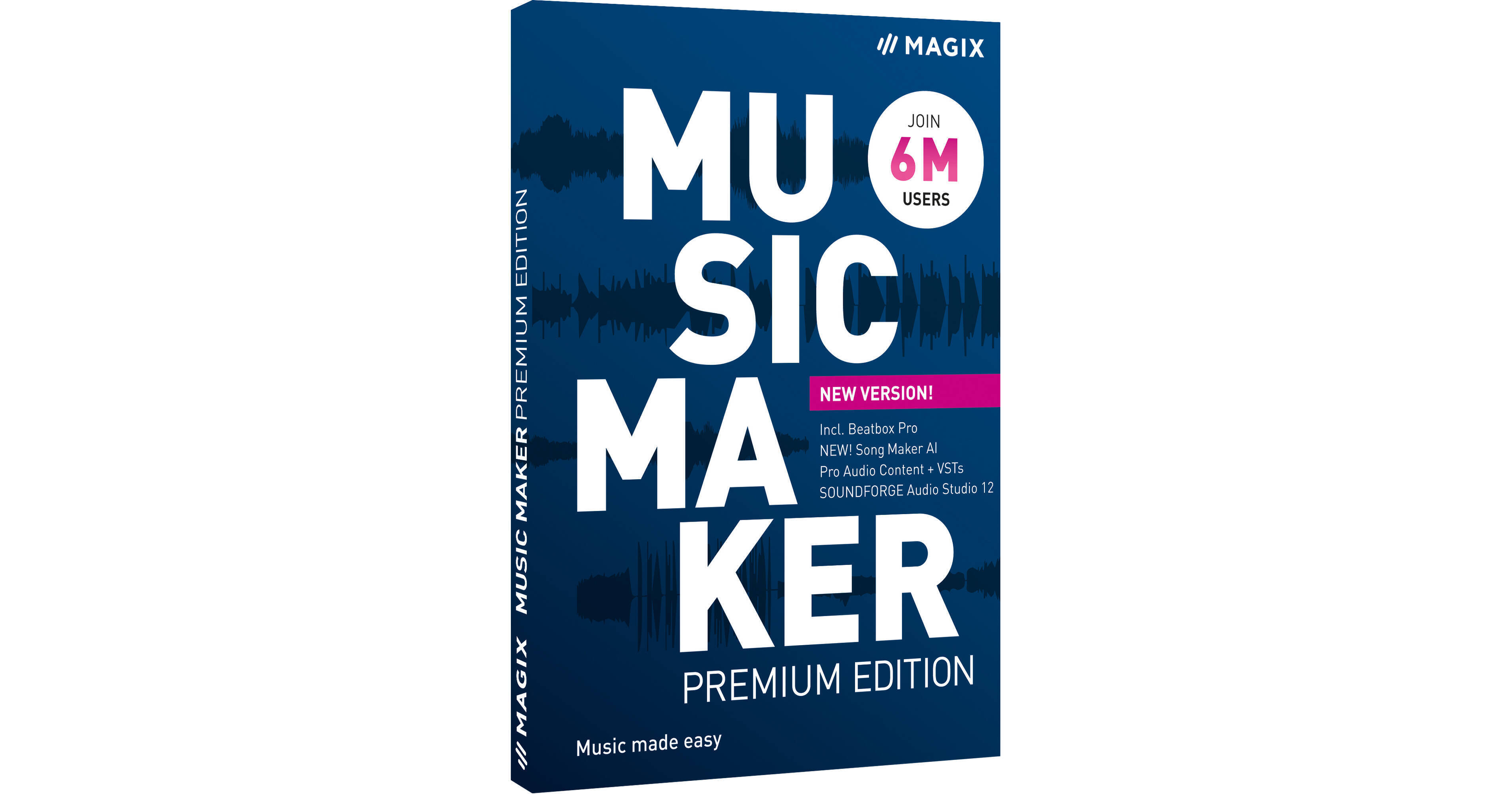
Music producers looking for a fast and easy way to create song ideas will be impressed with the MAGIX Music Maker Premium Edition 2022, a customizable desktop music production software that lets you compose, edit, mix, and share your songs, using your computer mouse and keyboard.
The 2022 version offers numerous updates and enhancements including the Song Maker AI, Beat Box Pro, and a redesigned user interface. Song Maker AI allows you to create song parts, induvial sections, or entire songs at the touch of a button, and with the help of artificial intelligence. Use up to eight sound pools and 49 song templates to create unique musical compositions. Beatbox Pro allows you to effortlessly create massive beats with its 17 drum kits, which cover a wide range of genres and styles. Experiment by dragging and dropping your own sequences to your timeline. Updates to the redesigned user interface include a more personalized experience with customizable windows, layouts, and more. The intuitive arranger and mixer now feature a dedicated track for Beatbox Pro, making it easy to build your own beats.
The Premium version offers all free sounds, features, and instruments available in Music Maker, three freely selectable Soundpools plus one Soundpool Collection of your choice, three MAGIX software instruments plus two Tiny instruments of your choice. The software lets you assemble the exact sounds, instruments, and effects best suited for your personal music style, by choosing from over 100 Soundpools, Soundpool Collections, features, and software instruments, directly in the built-in Store.
Lay down a basic track by dragging and dropping beats, basslines, or guitar melodies, or programming your own rhythms using virtual drum machines. Add synthesizer parts, grand piano chords, and record your vocals with pitch correction. For even more creative options, you can drag audio files into the Vita 2 sampler, which automatically cuts and assigns sounds to pads, allowing you to design your own instruments.
Select a Soundpool and a song template, and Song Maker creates a song arrangement in seconds with different results every time. The updated audio engine provides noticeably improved performance with optimum support of the CPU and reduced RAM load, while VST Bridge supports your favorite 32-bit plugins. The updated VST2/3 support offers an improved scan function for faster and more stable results.
The coreFX VolumeFormer creates an impressive pump effect without complicated sidechain routing. The workflow enhancements include drag-and-drop for audio and effects, a redesigned mouse mode for faster, glitch-free performance, song parts for streamlined song structuring on the fly, project notes to keep track of your most important ideas, Loop Manager to sort and filter your music content, and an updated audio recording engine that's free of any previous issues.
As a fun alternative to conventional music production, Live Pad mode lets you use 16 virtual pads to play the specially designed live sets, just as you would with an instrument. In addition, mix your song using the essential and vintage effects suites of EQ, dynamics, modulation, and delay plug-ins. Once your mix is completed, the mastering tools enable you to effortlessly make it ready for radio and/or streaming.
- A Brand New Design: Experience the completely redesigned user interface and start producing your songs more easily and effortlessly. With the new customizable design, you can freely move all the modules, so you can create your own personal workflow.
- Song Maker AI: Create the music of the future with creative technology that sets the new standard. Create song parts, individual sections, or entire songs at the touch of a button with the help of artificial intelligence. Song Maker AI uses up to eight Soundpools and 49 song templates to create unique musical compositions.
- Beatbox Pro: Easily create massive beats from samples: Discover the new Beatbox Pro with 17 authentic drum kits and over 200 patterns featuring a wide range of patterns, or experiment by dragging and dropping your own sequences directly onto the timeline. Save your own beats separately from your project and use them again and again as part of a professional workflow.
- In-Program Tutorials: It's never been this easy to get up and running: Learn the ins and outs of Music Maker with step-by-step in-app tutorials that guide you from your first idea to a finished song.
- Song Maker: Select a Soundpool and a song template and the Song Maker creates a song arrangement in seconds, with a different result every time. Get inspired and use effects in a custom way to add the perfect final touches to your song.
- 64-Bit and Multicore Engine: Make complex projects and comprehensive arrangements with lots of different instruments and effects with the latest 64-bit architecture that powers Music Maker for noticeably improved performance. The efficient multicore audio engine offers optimum support for your CPU and reduces RAM load. This frees up more memory for new musical ideas.
- VST Bridge: Support is still available for all your favorite 32-bit plug-ins. You can also continue to work on your older projects in the program. Streamlined support is offered for your VST plug-ins. The previous VST scan has been replaced by a faster and more stable scan function. With the improved VST2/VST3 engine and the new 32-bit bridge, Music Maker Premium 2021 is compatible with all your favorite plug-ins, whether 32- or 64-bit.
- Enhanced User Interface: Customize your interface and move your Soundpools, instruments, and effects, so they display in the lower part of the range. Simply select the window layout that you like best.
- Redesigned Arranger: Drag loops under an existing track to automatically create a new track. The volume control can be minimized in size to create more space.
- coreFX SoundFormer: Achieve an impressive pump effect without complicated sidechain routing with the coreFX VolumeFormer, which creates periodic changes in volume. You can also customize the form and rhythm of the effect to suit your track.
- Drag-and-Drop: Travel Package Europe and effect packs included Inserting new loops is now more streamlined than before. New tracks can now be created by dragging and dropping content within the arranger. MAGIX has modified program operation to improve it for users.
- Mouse Modes: Keep everything in view. The currently active mouse mode displays in the form of a graphic. MAGIX has completely redesigned the mouse modes and removed glitches for a noticeable improvement in performance. Great for taking full control of your arrangement.
- Song Parts: Sketch out your music project in a more streamlined way. Use the song part bar above the timeline to lay down a foundation and structure your song. Set a beat for your intro, and define where you want the chorus to come in. The songs parts tool gives you a clear overview of everything.
- Project Notes: Make a note of an idea right away. Simply open the Notes tab and keep track of the important ideas about your song here as you progress. Your notes are automatically saved in the project and you can also export and refresh them at any time.
- Loop Manager: Keep track of your Soundpools with the manager, which has a similar look to the in-app store and lets you sort and filter your music by genre, so you can quickly find sounds for rock, hip-hop, or whatever category you need.
- Audio Recording: Round off your song by recording and adding vocals. The recording process has been improved and is now free of any previous issues. Get ready to experience a fresh, optimized audio recording workflow.
A Soundpool Collection includes several Soundpools, while a Soundpool contains hundreds of sounds and loops. Loops are included for all possible instruments—with full melodies, plus both female and male vocal passages and rap lines. These can all be combined using drag-and-drop functions, allowing you to blend genres. All the sounds fit perfectly together. Loops are available in 7 different pitches and can be automatically adjusted to the pitch of samples that are already included in the track. Compose songs without the need to read music or have any experience in music theory.
You can choose 3 MAGIX instruments and 2 Tiny Instruments for Music Maker Premium Edition. Tiny instruments are various percussion instruments such as bongos, congas, and shakers, as well as claps and snaps that are perfect for adding more character to your rhythms.
coreFX compressor
- For a balanced and even sound for music with a healthy amount of punch: The compressor compresses audio signals and adjusts the volume of quiet and loud passages in relation to each other.
coreFX 2-Point Compressor
- The 2-Point Compressor offers you even more options for creating a more balanced and even sound than a standard compressor. Plus, it lets you eliminate differences in volume between loud and quiet sections.
coreFX Limiter
- The limiter functions as a kind of compressor and eliminates differences in volume between loud and quiet sections. You can set a maximum level value that the audio signal cannot exceed.
coreFX Expander
- For natural acoustics, you can create sounds using the expander to increase dynamics within a song by restoring the original sound from compressed audio signals.
coreFX Gate
- No distracting smacking, breathing, or rustling noises, just clean and clear sound. The gate allows you to suppress quiet sections of a signal and eliminate noise.
coreFX Delay
- For an impressive echo, you don't need a mountain valley. This effect creates a time-delayed copy of audio signals.
coreFX Chorus
- For a full, rich, and warm sound, the chorus effect lets you double up on sound for your voice or an instrument. Use this effect for refrains.
coreFX Flanger
- Let sound drift through your speakers with the flanger effect. It creates a time-delayed copy of audio signals that overlap the original signal.