Ask Our Experts800-606-6969
Hello, Log InAccount & Orders
Video Chat with a Pro Video Expert - Live
Key Features
- Install mSATA SSDs Directly to Ninja V
- mSATA to SATA Adapter
- Slim Magnesium/Aluminum Construction
- Tools for Installation Included
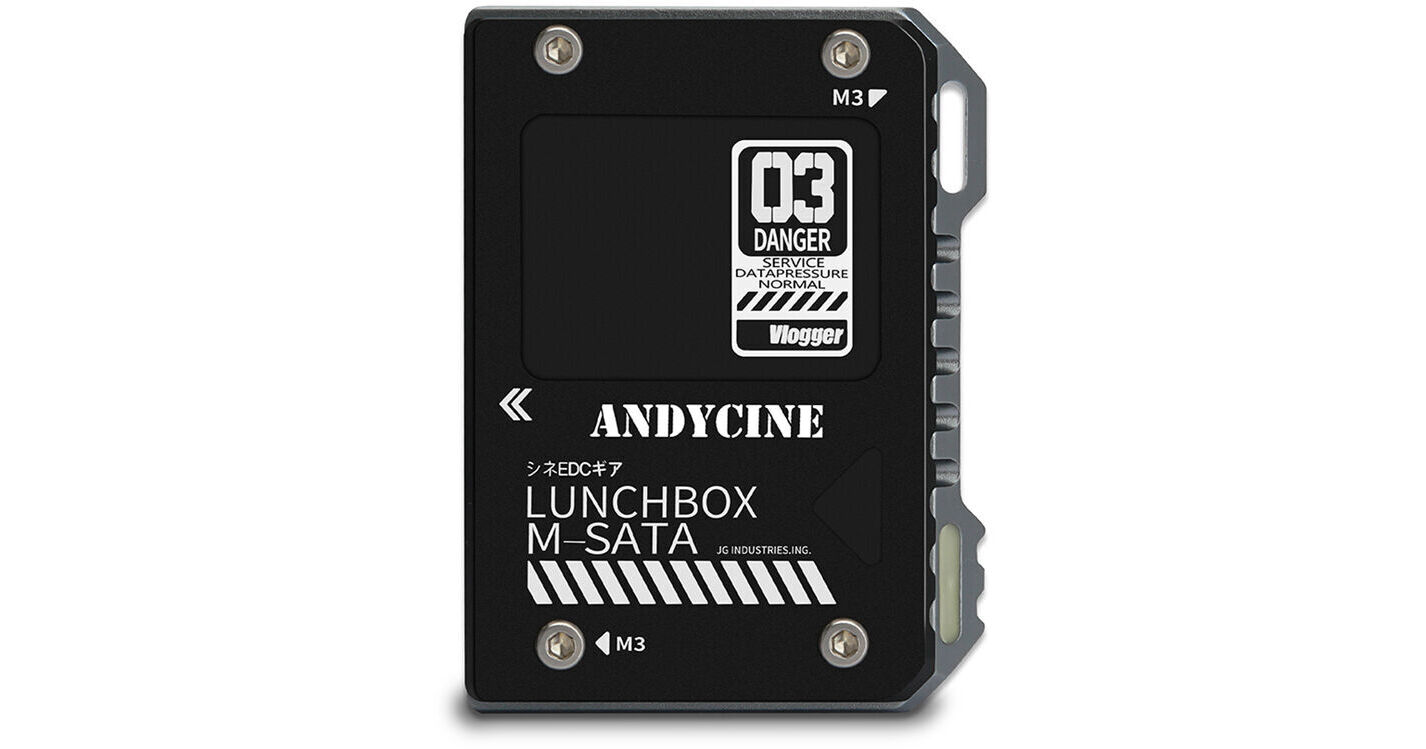
Use this black LunchBox Magnalium Case from ANDYCINE to install your SSD directly to the slot on the back of the Ninja V and record directly to the drive. To install an mSATA SSD, remove it from its case and strip its thermal adhesive. The mSATA SSD can then be inserted into the mSATA to SATA adapter and covered with one of the included silicone sheets for heat protection. Once in the adapter, you can then screw on the top plate and slide it into your Ninja V. The LunchBox provides a compact and economical option for your Ninja V and has all the tools needed for installation.
More DetailsIn Stock
See any errors on this page?
Is this compatible with Samsung T7 SSD?
Is this compatible with Samsung T7 SSD?
No, the ANDYCINE LunchBox Magnalium Case is designed for mSATA SSD drives.
Date published: 2022-10-20
Works whit any SSD mSATA?
Works whit any SSD mSATA?
No, the ANDYCINE LunchBox Magnalium Case for mSATA SSD to Atomos Ninja V Attachment (Black) (B&H# ANLUNCHBXBLK) should not be used with just any mSATA drive circuit board despite the shared mSATA form factor. The issue at hand is that not all such mSATA drives are compatible with common recording bitrates at which the Ninja V records. Having said that, the ANDYCINE Magnalium Case for mSATA SSD will work with the Ninja V using the drive/circuit board removed from the inside of the Samsung T5 Samsung 2TB T5 Portable Solid-State Drive (Black) (B&H# SAMUPA2T0BAM) and then installed in the ANDYCINE Magnalium Case: https://bhpho.to/2NMo9rx
Date published: 2022-07-19
Does this work with Ninja V+?
Does this work with Ninja V+?
Yes, I use mine with a Ninja V which has the same SATA interface as the Ninja V+.
Date published: 2022-07-13