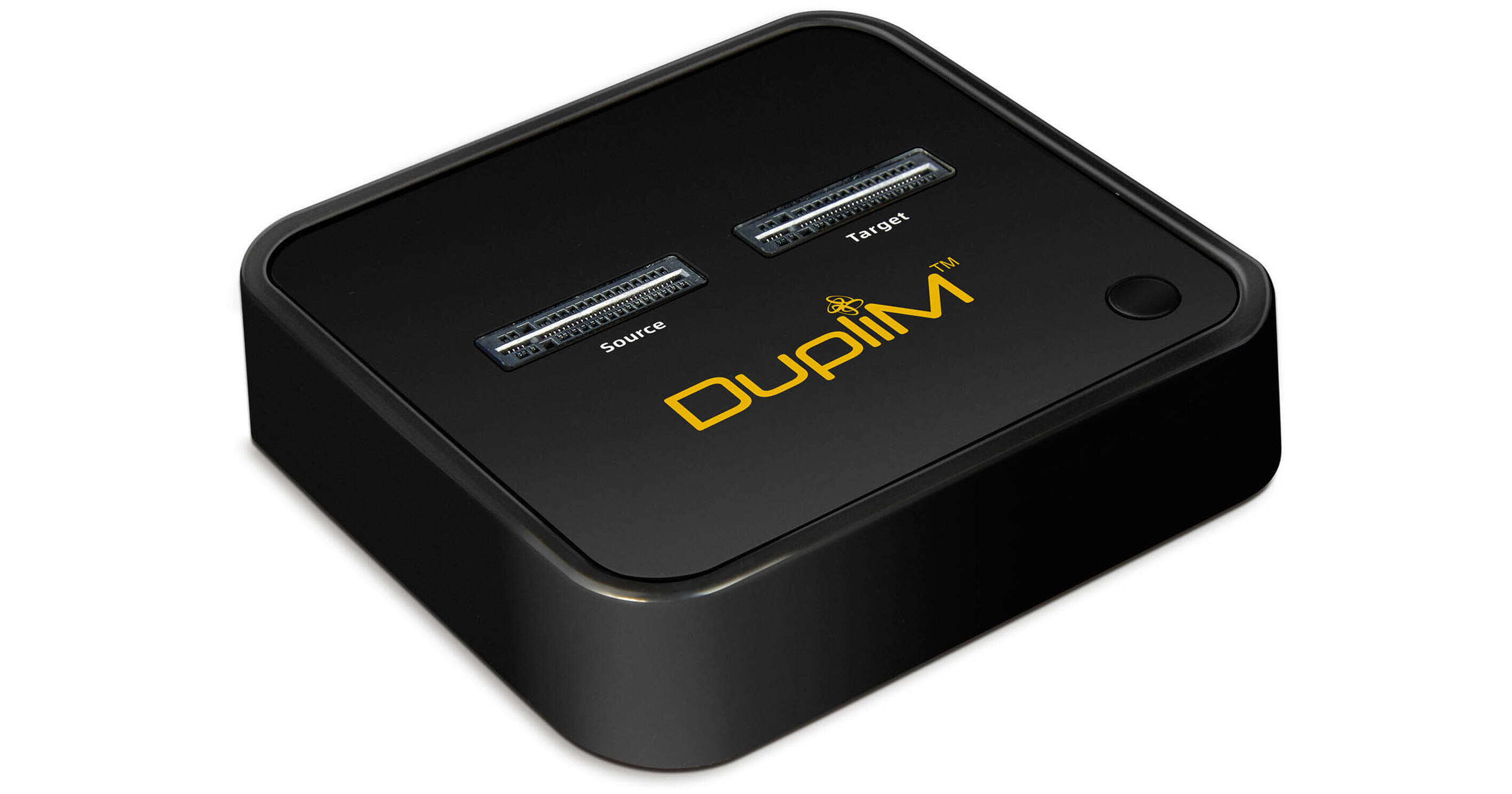
Back up your data or copy information to a fresh drive with the DupliM M.2 NVMe Copy Dock Duplicator. Ideal for IT professionals, this duplicator enables users to quickly move data from one drive to another in standalone fashion. Sector-by-sector duplication ensures all the information from one drive is properly cloned with the press of a single button. A progress bar monitors your copying progress, so you know exactly how far along the process you are. When paired with a USB cable, you can read and write data on up to two drives simultaneously adding support for greater copying capabilities.
ript>Ask Our Experts800-606-6969
Hello, Log InAccount & Orders
Key Features
- Standalone Design
- Sector-by-Sector Duplication
- One-Button Operation
- Expanded Utility with USB Connection
Back up your data or copy information to a fresh drive with the DupliM M.2 NVMe Copy Dock Duplicator. Ideal for IT professionals, this duplicator enables users to quickly move data from one drive to another in standalone fashion. Sector-by-sector duplication ensures all the information from one drive is properly cloned with the press of a single button. A progress bar monitors your copying progress, so you know exactly how far along the process you are. When paired with a USB cable, you can read and write data on up to two drives simultaneously adding support for greater copying capabilities.
ript>
More DetailsSpecial Order
Expected availability: 2-4 Weeks
Protect Your Gear
Add a protection plan from $6.99
See Options
DupliM 110101 Overview
UPC: 860007874420
DupliM 110101 Specs
Key Specs
| Number of Targets | |
| Supported Drives | |
| System Connection | |
| Inputs/Outputs |
General
| Number of Targets | |
| Supported Drives | |
| System Connection | |
| Drive Size Supported | |
| Supported Modes | |
| Inputs/Outputs | |
| OS Compatibility |
Physical
| Dimensions |
Packaging Info
| Package Weight | |
| Box Dimensions (LxWxH) |
DupliM 110101 Reviews
Did not duplicate - Missed files
By Douglas
Rated 1 out of 5
Date: 2024-04-06
Tried duplicating several drives and never completely copied all the files, several where missing. Tried to do a boot drive also but to no avail.
See any errors on this page?
