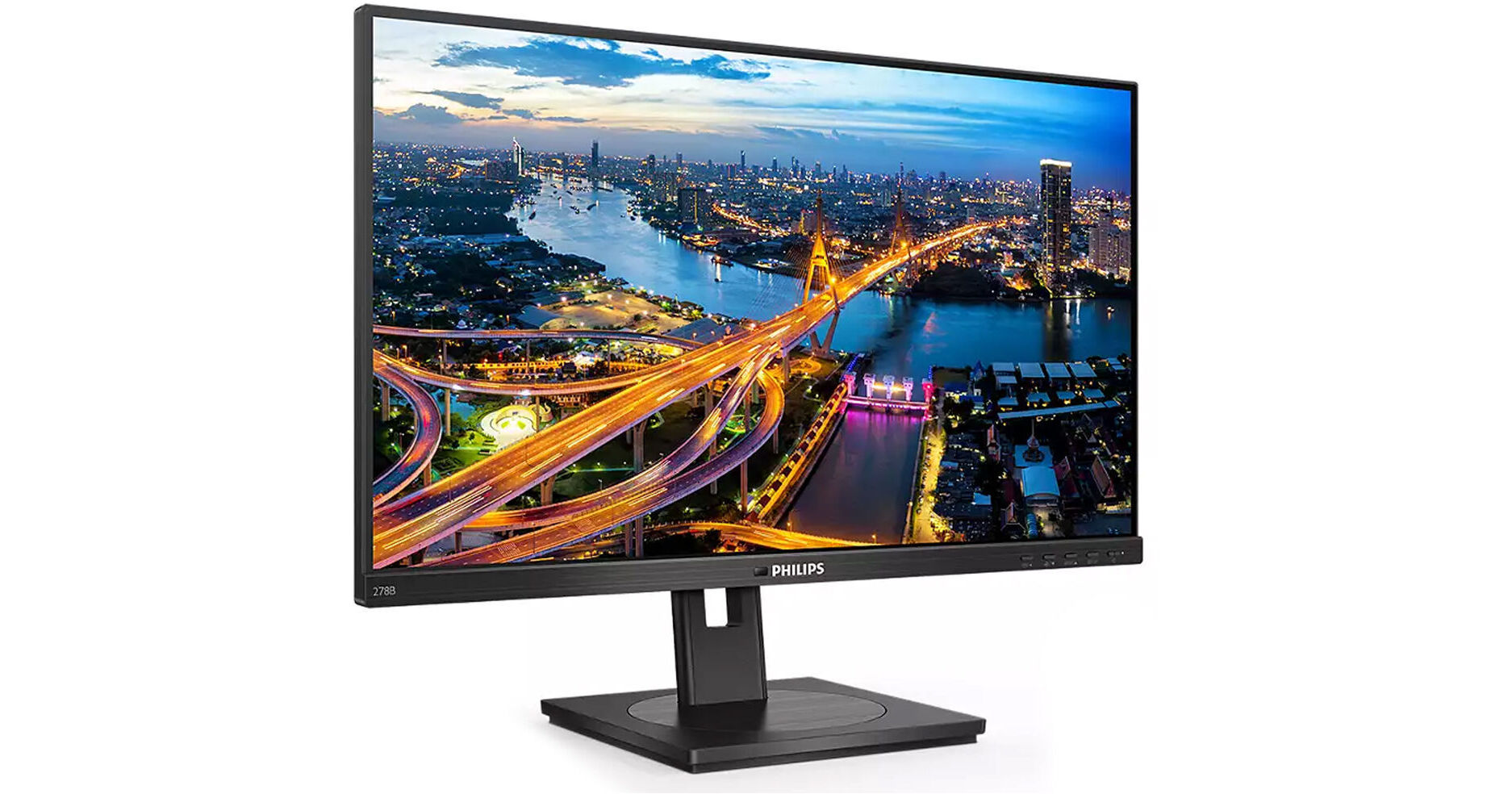
Philips 278B1 27" 4K Monitor

BH #PH278B1 • MFR #278B1
Print
Philips 278B1 27" 4K Monitor
Key Features
  • 27" 16:9 IPS Panel
  • HDMI | DisplayPort
  • 4K UHD 3840 x 2160 at 60 Hz
  • 4 ms (GtG) Response Time
Streamline productivity with the 278B1 27" 4K Monitor from Philips. Sporting a 27" In-Plane Switching (IPS) panel, this monitor provides a 4K UHD 3840 x 2160 resolution. A 4 ms (GtG) response time and 60 Hz refresh rate allow for smooth on-screen performance, while support for 1.07 billion colors and a 1000:1 static contrast ratio ensures accurate and crisp visuals.
More Details
No Longer Available
No Store Display
Ask an Expert
800-606-6969

Philips 278B1 Overview

Streamline productivity with the 278B1 27" 4K Monitor from Philips. Sporting a 27" In-Plane Switching (IPS) panel, this monitor provides a 4K UHD 3840 x 2160 resolution. A 4 ms (GtG) response time and 60 Hz refresh rate allow for smooth on-screen performance, while support for 1.07 billion colors and a 1000:1 static contrast ratio ensures accurate and crisp visuals.

Connect to a host via DisplayPort and HDMI inputs. Use the included USB Type-A to Type-B cable to enable the integrated hub, giving you access to four USB Type-A ports, allowing you to streamline your desk space and connect accessories such as keyboards and mice directly to the monitor. 350 nits of brightness, low blue light filtering, and flicker-free technology to reduce eye strain during long viewing sessions. Tilt, swivel, rotate, and adjust the height of the stand to find your perfect viewing angle, and use the integrated cable management to keep your workstation looking tidy.

In-Plane Switching Technology (IPS) for Full Colors and Wide Viewing Angles
IPS displays use an advanced technology that gives you extra wide viewing angles of 178°/178° degree, making it possible to view the display from almost any angle – even in 90° pivot mode. Unlike standard TN panels, IPS displays give you remarkably crisp images with vivid colors, making it ideal not only for photos, movies, and web browsing, but also for professional applications that demand color accuracy and consistent brightness at all times.
SmartImage Presets for Easy Optimized Image Settings
SmartImage is an exclusive leading edge Philips technology that analyzes the content displayed on your screen and gives you optimized display performance. This user-friendly interface allows you to select various modes like office, photo, movie, game, and economy to fit the application in use. Based on the selection, SmartImage dynamically optimizes the contrast, color saturation and sharpness of images and videos for ultimate display performance. The economy mode option offers you major power savings.
TUV Eye Comfort Certified to Reduce Eye Fatigue
Philips display meet TUV Rheinland Eye Comfort standard to prevent eye strain caused by prolonged computer use. With TUV Eye Comfort certification, Philips displays ensure flicker-free, low blue mode, no disturbing reflections, wide viewing angle and less reduction of image quality from different angles and ergonomic stand designs for ideal viewing experience. Keep your eyes healthy and boost work productivity.
Less Eye Fatigue with Flicker-Free Technology
Due to the way brightness is controlled on LED-backlit screens, some users experience flicker on their screen that causes eye fatigue. Philips Flicker-Free Technology applies a new solution to regulate brightness and reduce flicker for more comfortable viewing.
LowBlue Mode for Easy On-the-Eyes Productivity
Studies have shown that just as ultra-violet rays can cause eye damage, shortwave length blue light rays from LED displays can cause eye damage and affect vision over time. Developed for wellbeing, Philips LowBlue Mode setting uses a smart software technology to reduce harmful shortwave blue light.
SmartErgoBase Enables People-Friendly Ergonomic Adjustments
The SmartErgoBase is a monitor base that delivers ergonomic display comfort and provides cable management. The base can swivel, tilt, and rotate to various angles to ensure maximum comfort. The height adjustable stand guarantees the optimal viewing level, reducing the physical strains of a long workday, while cable management reduces cable clutter and keeps the workspace neat and professional.
Built-In Stereo Speakers for Multimedia
A pair of high-quality stereo speakers built into a display device.

Philips 278B1 Specs

Key Specs
Display Size
27"
Panel Type
IPS-Type LCD
Native Resolution
3840 x 2160
Maximum Brightness
350 nits / cd/m2
HDR Support
No
Color Gamut
112% sRGB
93% NTSC
Finish
Anti-Glare / Matte
Touchscreen Technology
No
Built-In Speakers
Yes: 2x 2 W
Display
Size
27"
Panel Type
IPS-Type LCD
Aspect Ratio
16:9
Native Resolution
3840 x 2160
Maximum Brightness
350 nits / cd/m2
HDR Support
No
Contrast Ratio
:1
Dynamic Contrast Ratio
50,000,000:1
Response Time
4 ms (GtG)
Refresh Rate
60 Hz
Variable Refresh Technology
No
Color Gamut
112% sRGB
93% NTSC
Viewing Angle (H x V)
178 x 178°
Screen Area
23.494 x 13.215" / 596.736 x 335.664 mm
Dot Pitch
0.1554 x 0.1554 mm
Pixels Per Inch (ppi)
163 ppi
Finish
Anti-Glare / Matte
Surface
Touchscreen Technology
No
Hardness Rating
3H
Connectivity
HDCP Support
Yes: Version 2.2
Multi-Input Support (PIP/PBP)
No
Speaker
Built-In Speakers
Yes: 2x 2 W
Environmental
Operating Temperature
32 to 104°F / 0 to 40°C
Storage Temperature
-4 to 140°F / -20 to 60°C
Operating Humidity
20 to 80%
Electrical
Power Consumption
Standby: 0.3 W
Eco Mode: 22.5 W
Typical: 24.1 W
Input Power
100 to 240 VAC, 50 / 60 Hz
Power Adapter Type
Internal
General
Certifications
ENERGY STAR, EPEAT, TCO Certified, RoHS
Adjustments
5.9" / 150 mm
Tilt: 40° (-5 to 35°)to
Rotation: 180° (-90 to 90°)to
Swivel: 360° (-180 to 180°)to
VESA Mounting-Hole Pattern
100 x 100 mm
Lock Slot
Yes: Kensington
Dimensions
24.1 x 14.4 x 2" / 613 x 366 x 51 mm
24.1 x 21.1 x 8.1" / 613 x 537 x 205 mm (with Stand)
Weight
14.64 lb / 6.64 kg (with Stand)
11.09 lb / 5.03 kg (without Stand)

Philips 278B1 Reviews

See any errors on this page?
Whatever You Need, We've Got It