Video Chat with a Pro Audio Expert - Live
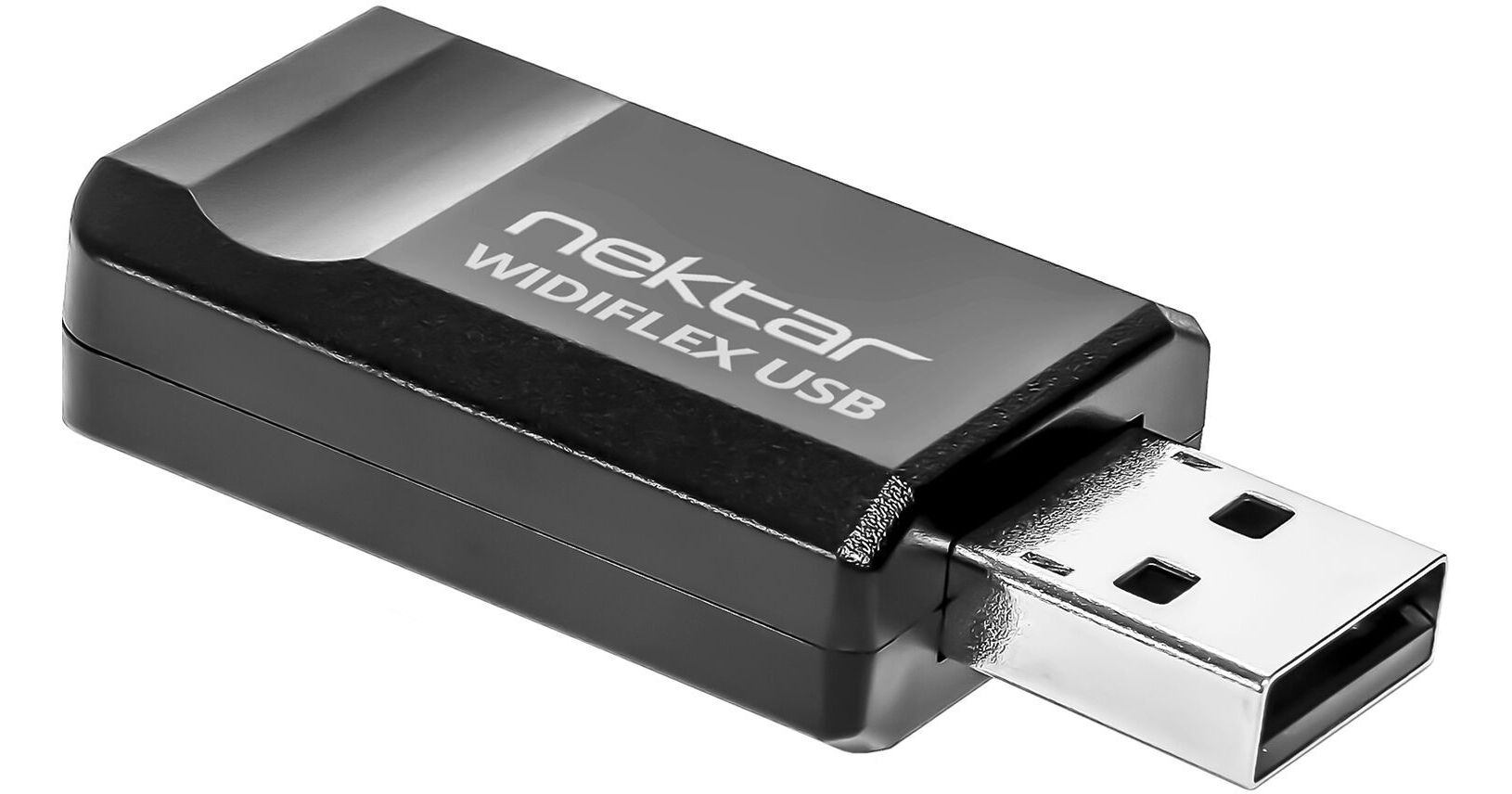
Nektar Technology WIDIFLEX USB Wireless Bluetooth MIDI Dongle

BH #NEWIDIFLEXUS • MFR #WIDIFLEX USB
Print
Nektar Technology WIDIFLEX USB Wireless Bluetooth MIDI Dongle
Key Features
  • Transmit and Receive MIDI over Bluetooth
  • High-Speed, Long-Range Bluetooth 5 (65')
  • Ultralow Latency for Live Performances
  • Easy Setup via Automatic Pairing
Free yourself from bulky interfaces and tangled MIDI cables with WIDIFLEX USB Wireless Bluetooth MIDI Dongle from Nektar, an easy-to-use adapter that converts all MIDI signals into wireless Bluetooth signals and makes it simple to connect your computer to your entire MIDI setup. WIDIFLEX USB can connect to any WIDI-enabled device, especially devices equipped with WIDIFLEX MIDI adapters, and allows you to create groups, fixed pairs, and enhance live performances in the studio or onstage with ultralow latency, a huge range of 65', and sophisticated automatic pairing technology.
More Details
Special Order
Expected availability: 7-14 Business Days
No Store Display
Free Shipping for this Item
Protect Your Gear
Add a protection plan from $8.99
Ask an Expert
800-606-6969
See any errors on this page?

Will this work with the Novation SL61 for Ableton ...

Will this work with the Novation SL61 for Ableton Control?
Asked by: Philipp
On its own, the Nektar Technology WIDIFLEX USB Wireless Bluetooth MIDI Dongle is not compatible for use with the Novation SL MkIII MIDI and CV Keyboard Controller. To enable compatibility, you will need to use the Nektar Technology WIDIFLEX Wireless Bluetooth MIDI Adapter (B&H # NEWIDIFLEX).
Answered by: Lisa S
Date published: 2023-03-19

If connecting multiple MIDI devices, is it 16 ...

If connecting multiple MIDI devices, is it 16 channels per midi device or is it 16 channels of midi across all midi Devices?
Asked by: Philipp
With the Nektar Technology WIDIFLEX USB Wireless Bluetooth MIDI Dongle, you can set up WIDI groups of up to five Bluetooth MIDI devices with one central WIDI device and up to four peripherals over 16 MIDI channels. You can easily do this via the free WIDI app for iOS and Android, or with the group auto-learn mode. The WIDI app also lets you store setups for instant recall.
Answered by: Lisa S
Date published: 2023-03-21
  • y_2026, m_6, d_3, h_11CST
  • bvseo_bulk, prod_bvqa, vn_bulk_3.0.46
  • cp_1, bvpage1
  • co_hasquestionsanswers, tq_2
  • loc_en_US, sid_1722926, prod, sort_[SortEntry(order=HAS_STAFF_ANSWERS, direction=DESCENDING)]
  • clientName_bhphotovideo
Whatever You Need, We've Got It