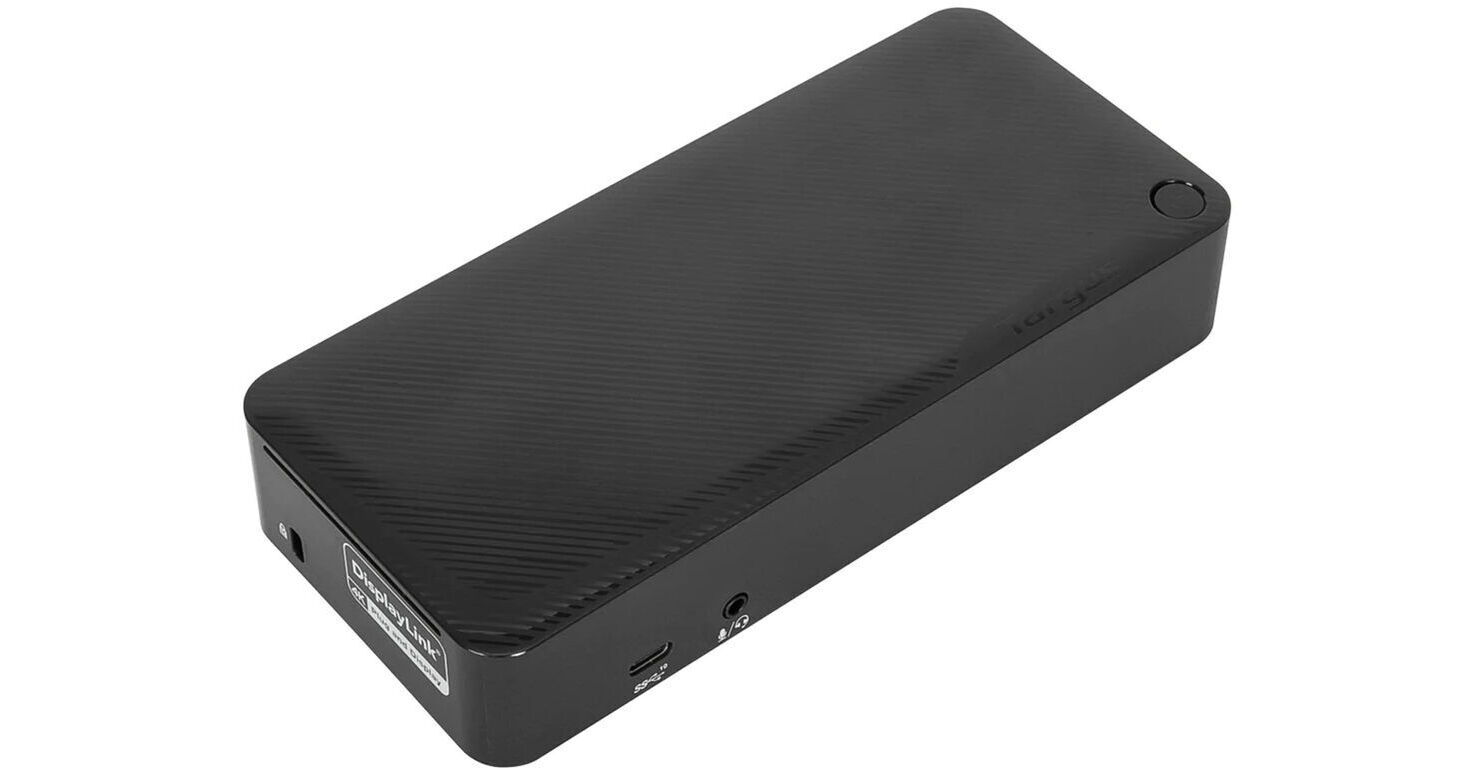
Targus DV4K USB-C 3.2 Gen 2 Docking Station with 100W Power Delivery

BH #TADOCK182USZ • MFR #DOCK182USZ
Print
Targus DV4K USB-C 3.2 Gen 2 Docking Station with 100W Power Delivery
Key Features
  • 4 x USB-A 3.2 Gen 1 Ports
  • 1 x USB-C 3.2 Gen 2 Port
  • 2 x DisplayPort 1.4a Interfaces
  • 2 x HDMI 2.0 Ports
Bring dual displays, connectivity, and up to 100W of power delivery to your laptop with the DV4K USB-C 3.2 Gen 2 Docking Station from Targus. Attach wired peripherals via a USB-C 3.2 Gen 2 and four USB-A 3.2 Gen 1 ports. Plus, a 3.5mm combo audio port and Gigabit Ethernet port allow you to connect a headset or wired internet. Plus, dual HDMI 2.0 and DisplayPort 1.4a interfaces support dual 4K monitors at 60 Hz. Connecting to a compatible host via a detachable USB-C cable, this dock utilizes an AC adapter to supply up to 100W of power delivery. The DV4K USB-C 3.2 Gen 2 Docking Station is compatible with Windows, macOS, ChromeOS, Linux, Ubuntu, and Android systems.
More Details
In Stock
No Store Display
Free 2-Day Shipping
Protect Your Gear
Add a protection plan from $36.99
Ask an Expert
800-606-6969
See any errors on this page?

Can you still use it without it charging your ...

Can you still use it without it charging your Laptop?
Asked by: landon
The Targus DV4K USB-C 3.2 Gen 2 Docking Station with 100W Power Delivery will provide power delivery to any laptop that supports it, as long as the laptop's primary charger is not also connected. To disable this feature for the USB port you are using, you will need to change the relevant settings in your machine's BIOS. The specifics of this operation will vary by model and motherboard.
Answered by: Calvin M
Date published: 2025-02-23
  • y_2026, m_6, d_4, h_10CST
  • bvseo_bulk, prod_bvqa, vn_bulk_3.0.46
  • cp_1, bvpage1
  • co_hasquestionsanswers, tq_1
  • loc_en_US, sid_1726331, prod, sort_[SortEntry(order=HAS_STAFF_ANSWERS, direction=DESCENDING)]
  • clientName_bhphotovideo
Whatever You Need, We've Got It