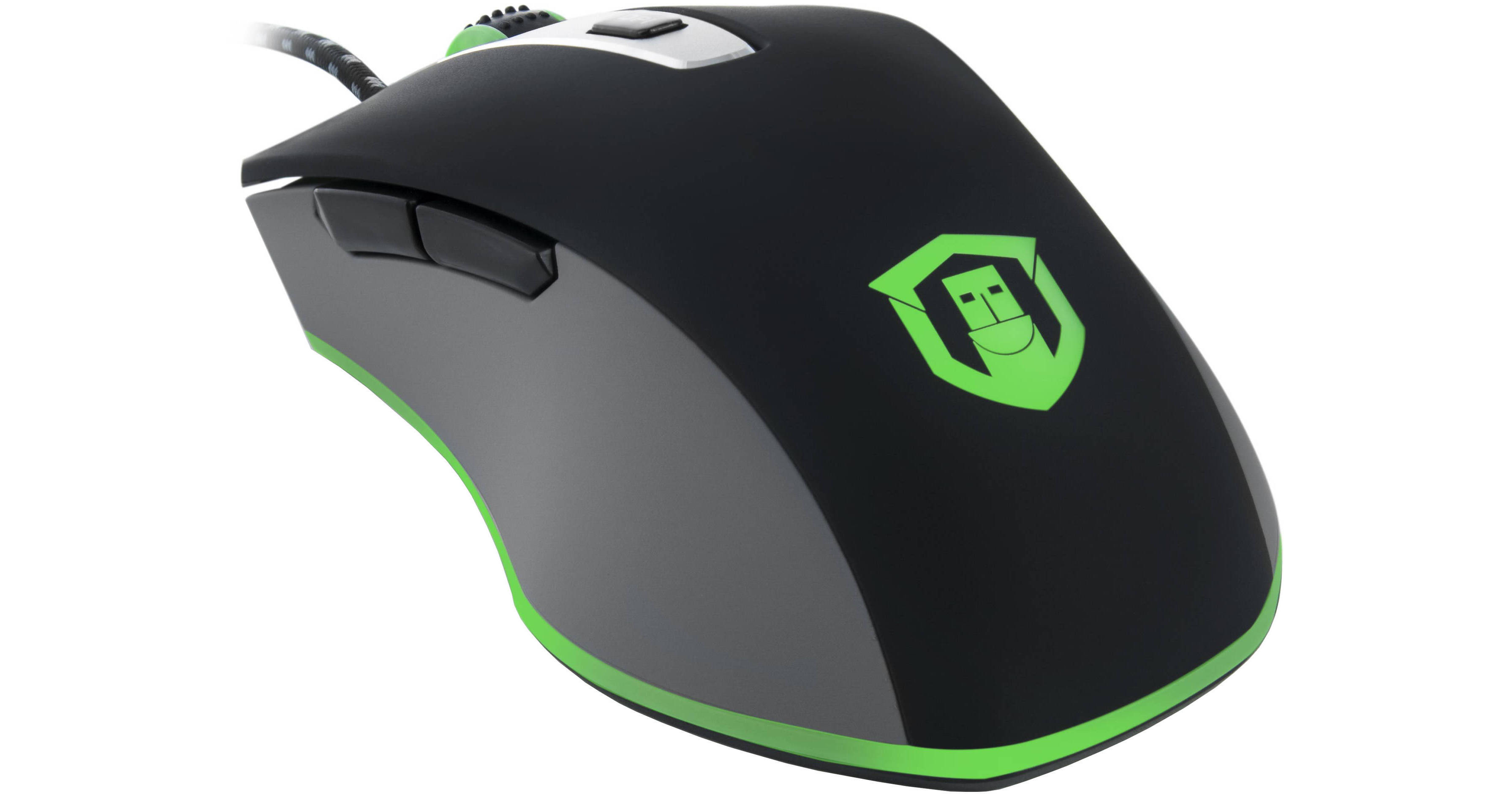
The Plugable PM3360 Wired Mouse is designed to complement gaming computers and precision workstations with accurate performance, whether you're tightening up your workflow in creative applications or quickly centering crosshairs in your favorite games. This light and nimble mouse ensures responsive performance and tracks movement even with the quickest flick of the wrist. The USB-PM3360 is compatible with any device that can use a USB mouse, including Windows, Mac, and Linux computers, the XIM4 mouse adapter for consoles, and more.
Ergonomic Design
Sculpted for small and large hands, this mouse feels natural and contoured for a variety of grip styles. A lightweight design allows for easy movement and complements low-sensitivity playstyles, while soft-touch rubberized grips accent the sides.
Optical Sensor
The PixArt PMW3360 optical sensor used in the USB-PM3360 tracks even the finest movements of the mouse across your preferred gaming surface with an adjustable resolution of 400 to 3200 dpi. And, with a tracking rate of 120 ips and 50g acceleration, there is no movement this mouse can't follow.
Indicator Lights
The USB-PM3360 uses bright and vivid color to show its current DPI setting. Lighting can be turned off entirely or pulsed in a 'breathing' pattern.
Indicator Colors:
- Red (400 dpi)
- Green (800 dpi)
- Blue (1200 dpi)
- White (1600 dpi)
- Purple (3200 dpi)
Mechanical Switch Design
Position is only part of the equation. A responsive click tells you the mouse buttons are pressed, and the ability to do so repeatedly and consistently is vital to connect you to actions on your screen. The USB-PM3360 uses Omron Mechanical switches with a light and tactile click at the point of actuation. The switch is balanced to prevent accidental clicks, but still clicks exactly when you want it, exactly the number of times you want it to.
1000 Hz Polling Rate
Position reports from the mouse are provided to your computer a thousand times per second or at 1000 Hz, enabling accurate performance.
Plug-and-Play
No drivers means no bloat. With on-board controls for lighting effects and dpi setting adjustments, you can tune the mouse to suit your preferences without ever accessing another application or taskbar icon. Please note, Mac users may need to use third party software to remap side button functions as these are not natively supported by macOS.