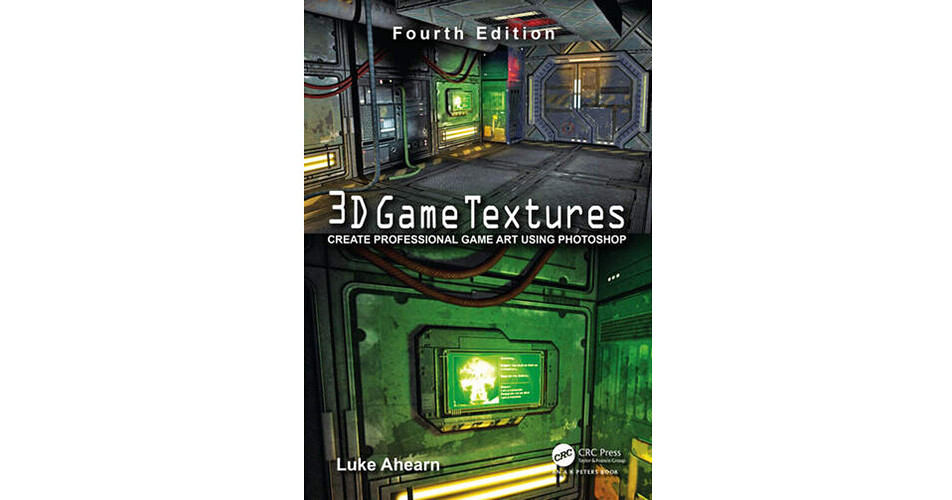
The 4th edition of 3D Game Textures: Create Professional Game Art Using Photoshop from Focal Press features the most up-to-date techniques that allow you to create your own unique textures, shaders, and materials. Revised to take new technology into account, it is an ideal hands-on resource for creating online worlds, simulations, web-based applications, and architectural visualization projects.
Continuing the practical, no-nonsense approach of its predecessors, the fourth edition shows you how to advance your digital art skills with textures and shaders by exploring their interactions in single objects or entire scenes. It contains expanded coverage of shader nodes, and the companion website has been updated to include video tutorials as well as updated sample textures, shaders, materials, actions, brushes, and all the art from the book.
- Introduction
- The Photoshop Focus of This Book
- What This Book Is Not
- Whom This Book Is For
- Overview
- The Concept Artists
- The Basics of Art
- IntroductionShape (2D) and Form (3D)
- Light and Shadow
- Texture
- Color
- Perspective
- Quick Studies of the World Around You
- Conclusion
- Chapter Exercises
- The Basics of Computer Graphic Technology
- Introduction
- Chapter Overview
- Common Features of Graphic File Formats
- The Power of Two and the Grid
- UV Mapping
- Game Optimizations
- Conclusion
- Chapter Exercises
- Introduction to Shaders and Materials
- IntroductionShader Basics
- Common Shader Effects
- Node-Based Shader Systems
- Basic Node Operations
- Conclusion
- Chapter Exercises
- Preparing for Texture Creation
- Introduction
- Gathering Textures
- Cleaning Your Textures
- Warning
- Storing Your Textures
- Conclusion
- Chapter Exercises
- Sci-Fi Hallway, Basic Shaders: Diffuse, Illumination, and Opacity
- Introduction
- The Concept Sketch
- Determining Texture Needs
- The Complete Scene
- Building It Up Using Overlays
- Tearing It Down for Shaders
- Conclusion
- Chapter Exercises
- The Urban Setting: Low-Polygon, High-Texture Detai
- Introduction
- The Concept Sketch
- Breaking Out the Materials in the Scene
- Creating Bricks
- Windows
- Wood
- Concrete
- Details Using an Alpha Channel
- Metal
- Breaking Out the Details
- Building It Up Using Overlays
- Tearing It Down for Shaders
- Conclusion
- Chapter Exercises
- The Fantasy Setting: High-Polygon, High-Texture Detail
- Introduction
- The Concept Sketch
- Breaking Out the Materials in the Scene
- Breaking Out the Details
- Base Materials
- Detail Textures
- Tearing It Down for Shaders
- The Complete Scene/Variation
- Chapter Exercises
- Exteriors
- Introduction
- The Concept Sketch
- Breaking Out the Materials in the Scene
- Additional Information: The Sky
- Additional Information: Terrain
- Tutorial: Clouds
- Water
- Game Effects
- Introduction
- Static Effects
- Animated Effects
- Particle Effects
- Normal Maps and Multipass Shaders
- Introduction
- Vertex vs. Per-Pixel Lighting
- Creating Normal Maps in Photoshop
- Assets for a Futuristic Interior