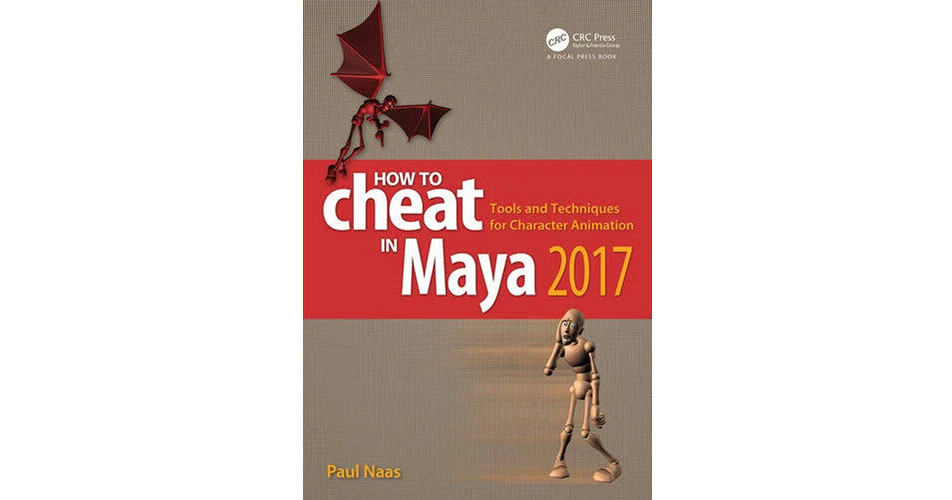
How to Cheat in Maya 2017: Tools and Techniques for Character Animation from Focal Press is a guide to Maya software written by professional animators. This is not a book about Maya software with a few animation pointers thrown in here and there. This book provides you with complete, step-by-step walkthroughs of essential animation techniques that increase your speed and efficiency while using Maya 2017 for character animation.
From curves to constraints, this book covers all the methods available in the latest version of Maya. Featuring gold-mine coverage, this book teaches you new techniques for working with characters in animation tests and short films. Accompanied by a companion site, this is the one and only guide to get you up to speed.
- Complete step-by-step, walkthroughs of essential techniques every animator needs to know
- Features interviews with leading experts and experienced animation leads
- Companion web site includes all exercise/example scene files and extras such as video tutorials and animation files
- Interlude articles covering everything from Reference Video to Resumes
Acknowledgments
How to Use This Book
1. Animation
Principles
Squash and Stretch
Anticipation
Staging
Straight Ahead
Pose to Pose
Overlapping Action
Follow-through
Slow In/Slow Out
Arcs
Secondary Action
Timing.
Exaggeration
Solid Drawing
Appeal
Interlude
2. Splines
How Splines Work
Splines and Spacing
Tangent Types
Tangent Handles
Spline Technique
Spline Reference
Interlude
3. Graph Editor
Graph Editor Windup
Visual Tools
Working with Keys
Value Operators
Buffer Curves
Speed Cheats
4. Techniques
Auto Key
Timeline Techniques
Cartoony Motion
Trax Editor
Copying Curves
Editable Motion Trails
IK and FK
IK/FK Switching
Character Sets
Grease Pencil Tool
Grease Pencil and Trails
Interlude
5. Constraints
Parenting
Parent Constraints
Constraining a Prop
Constraint Weights
Animating with
Constraints
Interlude
6. Rigging Cheats
Rig Testing
Sprucing it Up
Rigging Proper
7. Standing Out
Adding BlendShapes
Adding Clusters
Wrap Deformer
Adding Hair and Cloth
Interlude
8. Workflow
Planning/Reference
Converting Cycles
Stepped Keys
Stepped Preview
Moving Holds When
Splining
Moving Holds with the
Retime Tool
Refining Arcs in Polish
Final Texture
Interview
9. Cycles
Cycle Basics
Stride Length
Walk Cycle
Flying Cycle
Quad Cycles
10. Referencing
Referencing Basics
Offline Edits
Saving Reference Edits
Interlude
11. Facial Animation
Planning and Prep
Core Poses
Lip Sync 1-Jaw Motion
Lip Sync 2-Mouth
Corners
Lip Sync 3-Mouth
Shapes
Lip Sync 4-Tongue
Blinks
Blink and Brows
Eye Darts
Final Touches
Interlude
12. Animation Layers
How Animation
Layers Work
Animation Layer Basics
Cheating a Cycle
Layers for Texture
Interlude
Index