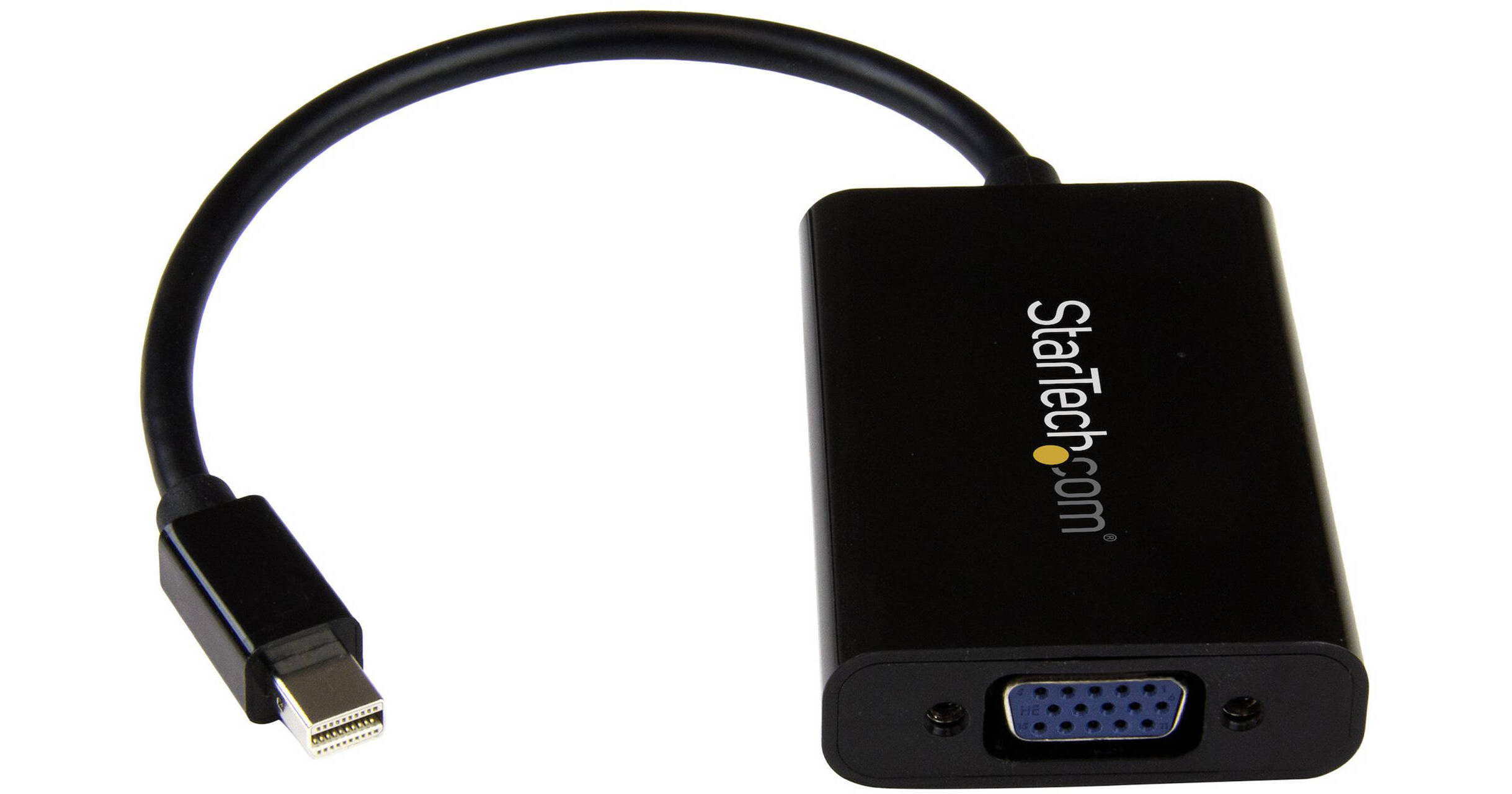
Connect devices with a mini DisplayPort, such as a Microsoft Surface or MacBook Air, to a VGA display or projector using the Mini DisplayPort Male to VGA Female Adapter from StarTech, which features a male mini DisplayPort 1.2 interface and a female VGA interface. In addition to supporting video at resolutions up to 1920 x 1200, there is also a 3.5mm audio output, although this requires the adapter to be powered using an included micro-USB to USB-A cable. This adapter also supports DisplayPort over Thunderbolt I/O ports.
Share Your Presentations and Videos
Because most boardrooms are set up differently, the length of cables available in each room vary. Not all laptops have the mini DisplayPort (mDP) and audio ports positioned on the same side, which can become awkward when you're trying to share your presentations. It can also mean that some ports may be just out of reach during a meeting. This convenient adapter positions your audio and video ports on the same side of your laptop to ensure that all of the ports you need are accessible when you need them.
Substitute for a Damaged Audio Port
If the audio port on your mobile device is damaged or blocked by other connections, this convenient adapter guarantees that you'll always have all of the ports you need for every presentation. By connecting audio to your laptop through the adapter, you can be prepared for any situation. In order to use the audio function of the adapter, you need to power the adapter through a USB port on your laptop or through a charge port on a USB grommet. Simply plug a micro-USB cable from the adapter into the USB port and audio will be available when you deliver your presentation.
Create a Clutter-Free Environment
The adapter can also be used for connecting your laptop or desktop computer to your monitor and speakers. The adapter and connected cables can be placed nicely at the back of your monitor to create a tidy setup between all of your devices.
Arrive Prepared Wherever You Go
This mDP to VGA adapter is extremely portable with a lightweight, small footprint design. It's the perfect accessory to carry with your mobile devices, fitting easily into your laptop bag or carrying case. Its ultra-portable design makes the adapter ideal for BYOD (Bring Your Own Device) applications at the office. It also enables you to arrive prepared when you're presenting to a potential client, teaching offsite, or traveling to a meet with a customer.
Thunderbolt Compatible
The adapter is compatible with Intel Thunderbolt when connected directly to a supporting DisplayPort over Thunderbolt I/O port, and it supports resolutions up to 1920 x 1200 (WUXGA).