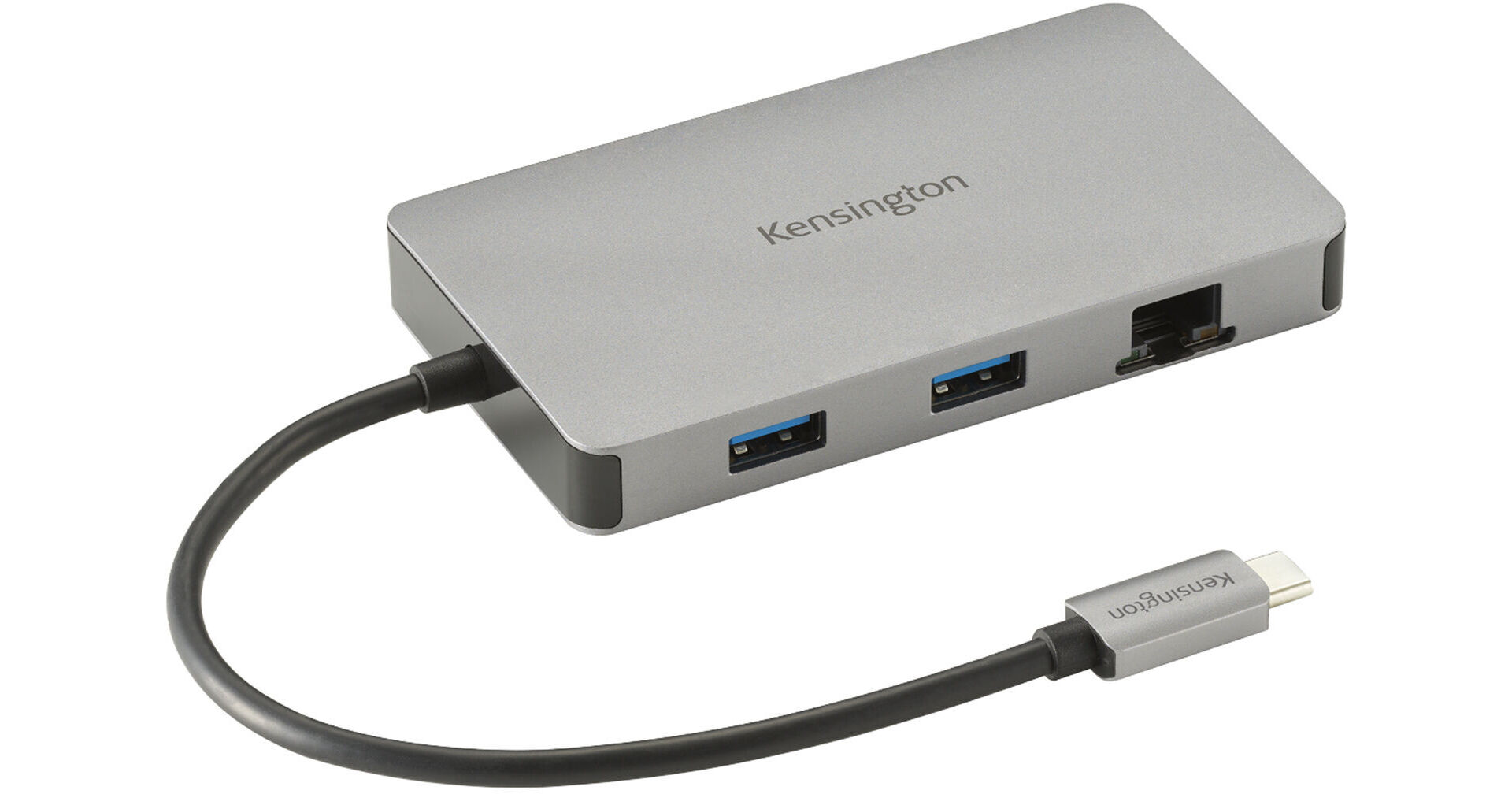
Expand connectivity options of your USB-C equipped device with the Kensington UH1450P USB-C Mobile Dock. With the option to connect up to two external displays, peripherals like mice and keyboards, and connect to a wired network, this dock is perfect for professionals on the go.
Ask Our Experts800-606-6969
Hello, Log InAccount & Orders
Key Features
- USB-C Host Connection
- 2 x USB-A 3.2 Gen 2 Ports
- 1 x USB-C 3.2 Gen 2 Port
- 2 x DisplayPort 1.4 Ports
Expand connectivity options of your USB-C equipped device with the Kensington UH1450P USB-C Mobile Dock. With the option to connect up to two external displays, peripherals like mice and keyboards, and connect to a wired network, this dock is perfect for professionals on the go.
More DetailsIn Stock
Protect Your Gear
Add a protection plan from $12.99
See Options
Kensington K36900WW Overview
USB Connectivity
Use the two USB-A 3.2 Gen 2 ports for flash drives, peripherals, and other accessories using the 10 Gb/s transfer speeds. The single USB-C 3.2 Gen 2 port offers 10 Gb/s speeds and 85W power delivery to keep your device charged while using the dock.
Video Output
Connect to two 4K displays at 60 Hz on Windows devices. For devices running macOS, connect a single 4K display at 60 Hz. For iPads and Samsung DeX tablets, connect one display with 1080p resolution at 60 Hz.
UPC: 085896369004
Kensington K36900WW Specs
Key Specs
| USB I/O | |
| Video I/O | |
| Max Resolution | |
| Audio I/O | |
| Network I/O | |
| Host Connection |
| USB I/O | |
| Video I/O | |
| Max Resolution | |
| Audio I/O | |
| Network I/O | |
| Host Connection | |
| Power Source | |
| OS Compatibility | |
| Operating Conditions | |
| Storage Conditions | |
| Enclosure Material | |
| Lock Slot | |
| Certifications | |
| Cable Length | |
| Dimensions | |
| Weight |
Packaging Info
| Package Weight | |
| Box Dimensions (LxWxH) |
Kensington K36900WW Reviews
It gets really really hot.
By James
Rated 3 out of 5
Date: 2026-01-21
I got this to use with my laptop and two monitors that have DisplayPort, but my laptop only has HDMI and USB C. It works pretty well, but when you have two monitors connected, you're using the network port, using 1 USB port and you are using the power delivery pass-thru, this unit gets super hot. When it does, it stops working and causes my laptop to start having issues as it tries to find everything through the mobile dock. It is quite hot, almost too hot to hold. I need to figure out a way to keep it cool with some heat sinks or a fan, or both.
See any errors on this page?
