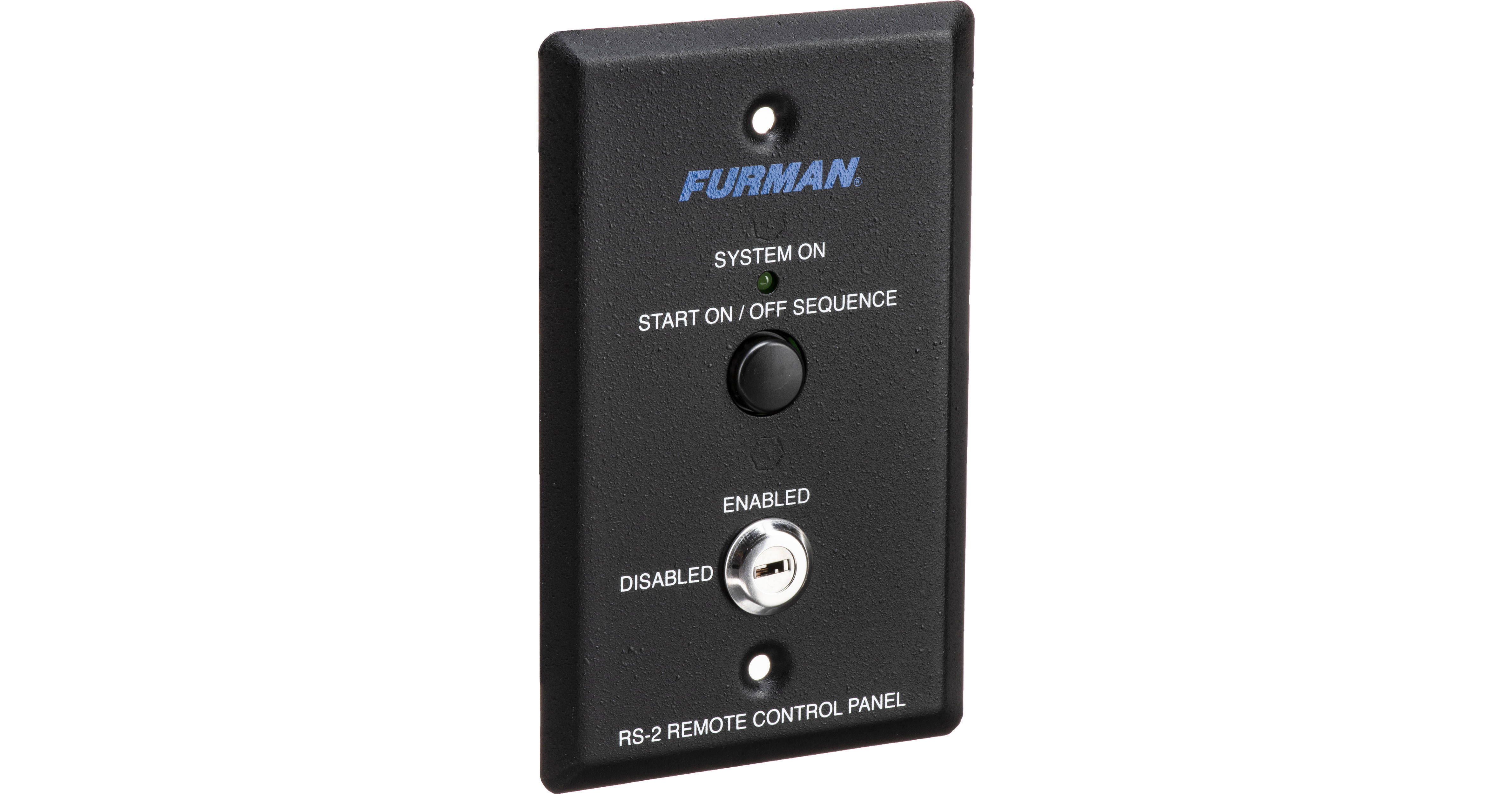
Furman RS-2 Remote Control Panel

BH #FURS2 • MFR #RS-2
Print
Furman RS-2 Remote Control Panel
In Stock
No Store Display
Free Shipping for this Item
Protect Your Gear
Add a protection plan from $5.99
Ask an Expert
800-606-6969

Furman RS-2 Overview

The Furman RS-2 Remote Control Panel is an attractively finished key switch designed for use in single-gang wall mount boxes. It can control from one location all Furman power products that have remote capability, such as the Furman AR-PRO, ASD-120, MiniPort-15, MiniPort-20, PowerLink, the PowerPort, PS-8R, and the PS-PRO. Multiple units can be controlled simultaneously.

The RS-2 can control multiple power products by wiring their control inputs in parallel. The RS-2 is ideal for installations requiring multiple remote switches. For installations requiring only one remote maintained contact switch, please see the RS-1 Maintained Contact Remote Control Panel.

UPC: 654061003045

Furman RS-2 Specs

Key Specs
Outlets
No
Form Factor
Wallmount Control Panel
Type
Sequencer
Metering
None
Integrated Lamps
No
Connections
Outlets
No
Wireless
No
Physical
Dimensions
4.75 x 2.75 x 1.25" / 120 x 70 x 32 mm
Packaging Info
Package Weight
0.325 lb
Box Dimensions (LxWxH)
5 x 3.3 x 2.2"

Furman RS-2 Reviews

Remote activation for audio gear

By CMS
Rated 5 out of 5
Date: 2014-09-08

I am using this to remotely power a sound system. It's easy for the casual user to figure out how to use it. Just press the button to turn the system on. Press again to turn it off. I also like the ability to disable the system with the key

See any errors on this page?

question

will this work with a Furman M-8s?
Asked by: Keaton B.
No its for sequential power supply
Answered by: Gary R.
Date published: 2022-03-06

question

I have an RS-2 that will not shut down with the button. You have to disable and re enable it with the key before you can turn the system off. You can turn it on with the button if the key switch is in the enabled position. What's wrong?
Asked by: Anonymous
Two things to check.1 Be sure that the 4-wire cable is connected correctly at the sequencer. For the Furman Powerlink, it should be:RS-2PowerLink+V +12VSTATSTATUSREMREMGNDGND2 The button will only work (power on Power off) IF the key switch is in the enabled position. The key switch gives the added security in case someone accidently or purposely turns the system off. A proper protocol would be: 1) turn key to enable position, 2) turn system on (or off) by pressing button, 3) turn key to disable position, 4) REMOVE KEY!Hope this helps.
Answered by: Donald M.
Date published: 2018-08-27
  • y_2026, m_6, d_2, h_13CST
  • bvseo_bulk, prod_bvqa, vn_bulk_3.0.46
  • cp_1, bvpage1
  • co_hasquestionsanswers, tq_2
  • loc_en_US, sid_181324, prod, sort_[SortEntry(order=HAS_STAFF_ANSWERS, direction=DESCENDING)]
  • clientName_bhphotovideo
Whatever You Need, We've Got It