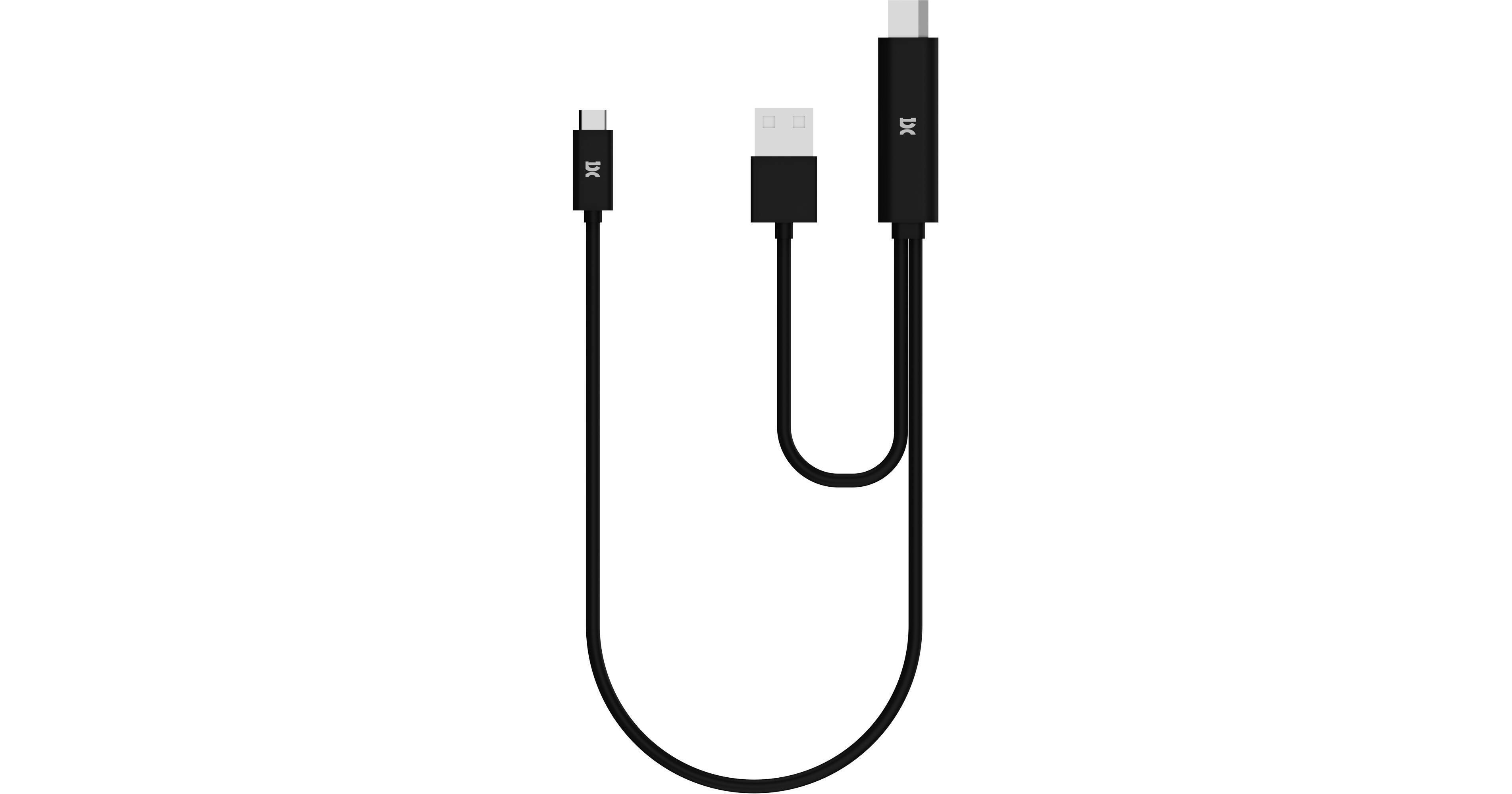
For espressoDisplay owners, connect a source and power the display with the HDMI to USB-C Cable for espressoDisplay from espresso. The 3' cable provides a split USB-A and HDMI connection on one end, and a USB-C connection on the other. Connect the HDMI connector to your compatible source, such as a laptop, and the USB-C connector to your compatible espressoDisplay. The USB-A power extension is for powering the display and enabling its touch function with an optional adapter.
Ask Our Experts800-606-6969
Hello, Log InAccount & Orders
espresso HDMI to USB-C Cable for espressoDisplay (3')
Key Features
- For espressoDisplay Monitors
- USB-C to HDMI
- USB-A Extension for Power
- USB-A Power Adapter Required
For espressoDisplay owners, connect a source and power the display with the HDMI to USB-C Cable for espressoDisplay from espresso. The 3' cable provides a split USB-A and HDMI connection on one end, and a USB-C connection on the other. Connect the HDMI connector to your compatible source, such as a laptop, and the USB-C connector to your compatible espressoDisplay. The USB-A power extension is for powering the display and enabling its touch function with an optional adapter.
More Detailsespresso EC0011 Overview
espresso EC0011 Specs
| Interface | |
| Connector 1 | |
| Connector 2 | |
| Cable Length | |
| Active/Passive | |
| Maximum Resolution Support | |
| Color |
Packaging Info
| Package Weight | |
| Box Dimensions (LxWxH) |
espresso EC0011 Reviews
See any errors on this page?
