
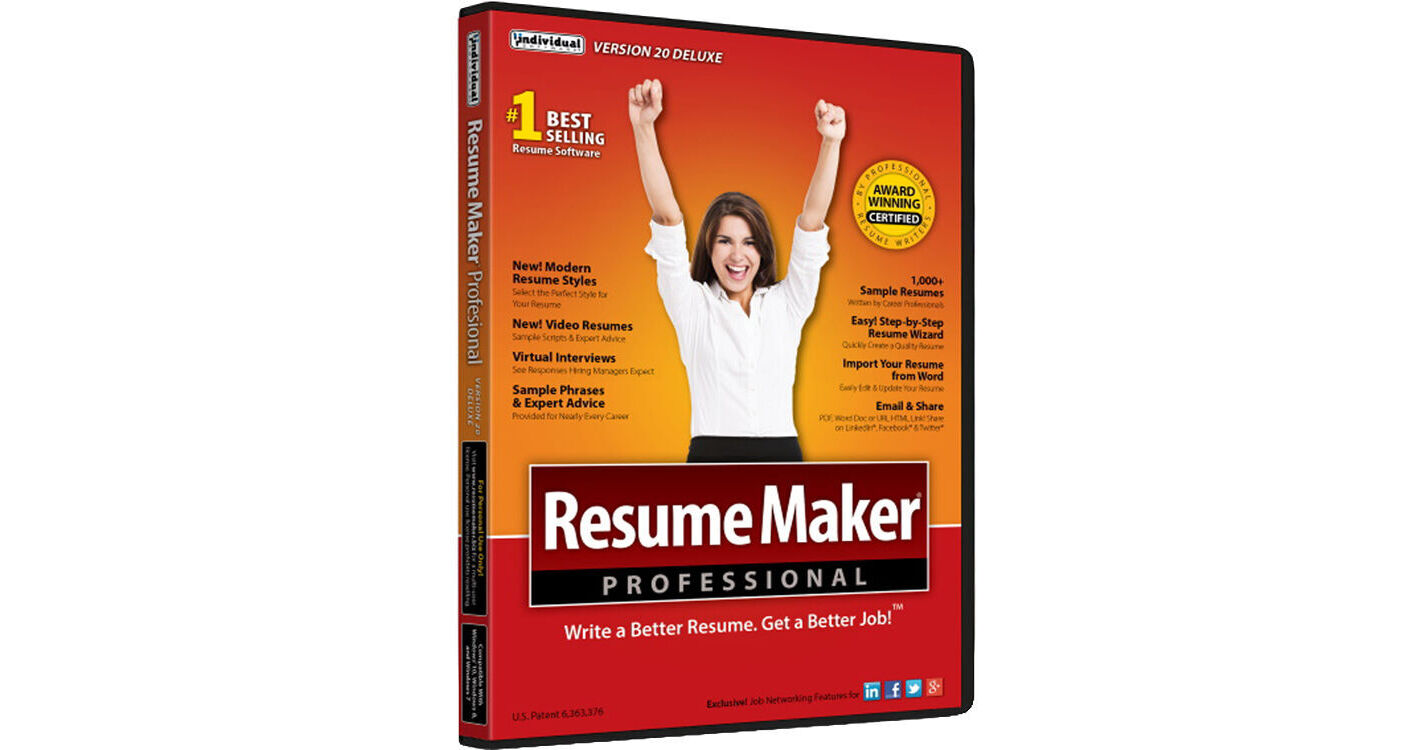
Create a professional resume that showcases your experience, skills, and capabilities so you can get a better job with ResumeMaker Professional Deluxe 20 from Individual Software. Users will have access to professional samples with over 14,000 phrases, over 60 styles with customizable fonts, graphics, colors, and sample scripts on advice on creating a video resume. Also featured is the ability to publish your resume at a private web address, but you can also share your resume in multiple formats and even post it to social media. Once your resume is complete, ResumeMaker may be used to search for jobs and send push notifications to your mobile device.
Build a Professional Resume Fast
ResumeMaker's step-by-step guide will help you create a professional resume that showcases your experience, skills, and capabilities to apply for positions and share on social media networks to get a better job.
5 Easy Ways to Create a Professional Resume
- Step-by-Step Resume Guide - Your answers to easy questions are transformed into the perfect resume. Add, change, or delete at any time.
- Start with a Professional Sample Resume - Select a professionally written resume from 1250 samples for nearly every career. Customize it with your own information to create a quality resume.
- Quick & Easy Resumes - Create a resume by selecting phrases from 14,000+ job types. Customize by selecting the resume phrases that describe your experience. It's that easy.
- Resumes Created in ResumeMaker - Open a previously saved resume in ResumeMaker and use a copy to quickly edit. Then choose from powerful phrases, words, and expert advice to enhance your resume.
- Import Your Resume from Word - Import a resume from Word and edit and update the content using the Resume Editor. Choose from powerful phrases, words, and expert advice to enhance your resume. Then apply the resume style that reflects your unique qualifications and experience.
Modern Resume Styles
Select the perfect style for your resume. Choose from 60 styles and customize the font, graphic, and colors to reflect your unique skills and experience. You can customize any style with choice of header, colors, and add graphics or a photograph.
Video Resume Samples and Scripts
Get sample scripts and expert advice on creating a Video Resume. Find out if a Video Resume is right for the job you are seeking. View sample Video Resumes for ideas and inspiration.
Publish and Save Your Resumes Online with ResumeMaker Cloud
Publish your resume at your own private web address in the cloud, a free service managed by ResumeMaker. Send a URL of your resume to hiring managers, recruiters, and network contacts.
Email and Share Your Resume
Share your resume in multiple formats, including a PDF, Word doc, or an HTML link.
Use Social Media to Network and Enhance Your Job Search
ResumeMaker allows you to post your resume on popular social media sites like LinkedIn, Facebook, Twitter, and Google+. Make it easy for colleagues, friends, and hiring managers to access your posted resume.
Three Powerful Ways to Search for Jobs
Whether at home or on the go, ResumeMaker makes it easy to search for jobs fast. Be the first to find new jobs and not miss opportunities.
- Job Finder - Search on Your Computer: Search all major job sites including Indeed, Career Jet, Dice, and Zip Recruiter to locate millions of job openings in your search area. Filter criteria for keywords, job title, type of company, geographic area, salary requirements, and more! See the job search results by job site and view the specific job openings of interest.
- Job Feeder - Receive Job Listing Push Notifications: This advanced search tool sits on the desktop of your PC or tablet and continuously notifies you of new jobs based on your personal search criteria. You will receive push notifications as they are posted.
- ResumeMaker On-the-Go App - Search, edit, and send anytime, anywhere: Search for jobs 24/7/365 from your mobile device. Be the first to find new job openings, then view and edit your resume for the job and send to the hiring manager directly from your mobile device.
Prepare for Interviews and Salary Negotiations
ResumeMaker has every financial tool you need to be "interview ready." Practice your responses to challenging questions hiring managers may ask and get up-to-date salary information about the jobs you apply for by title and region and land the job.
UPC: 018527503621