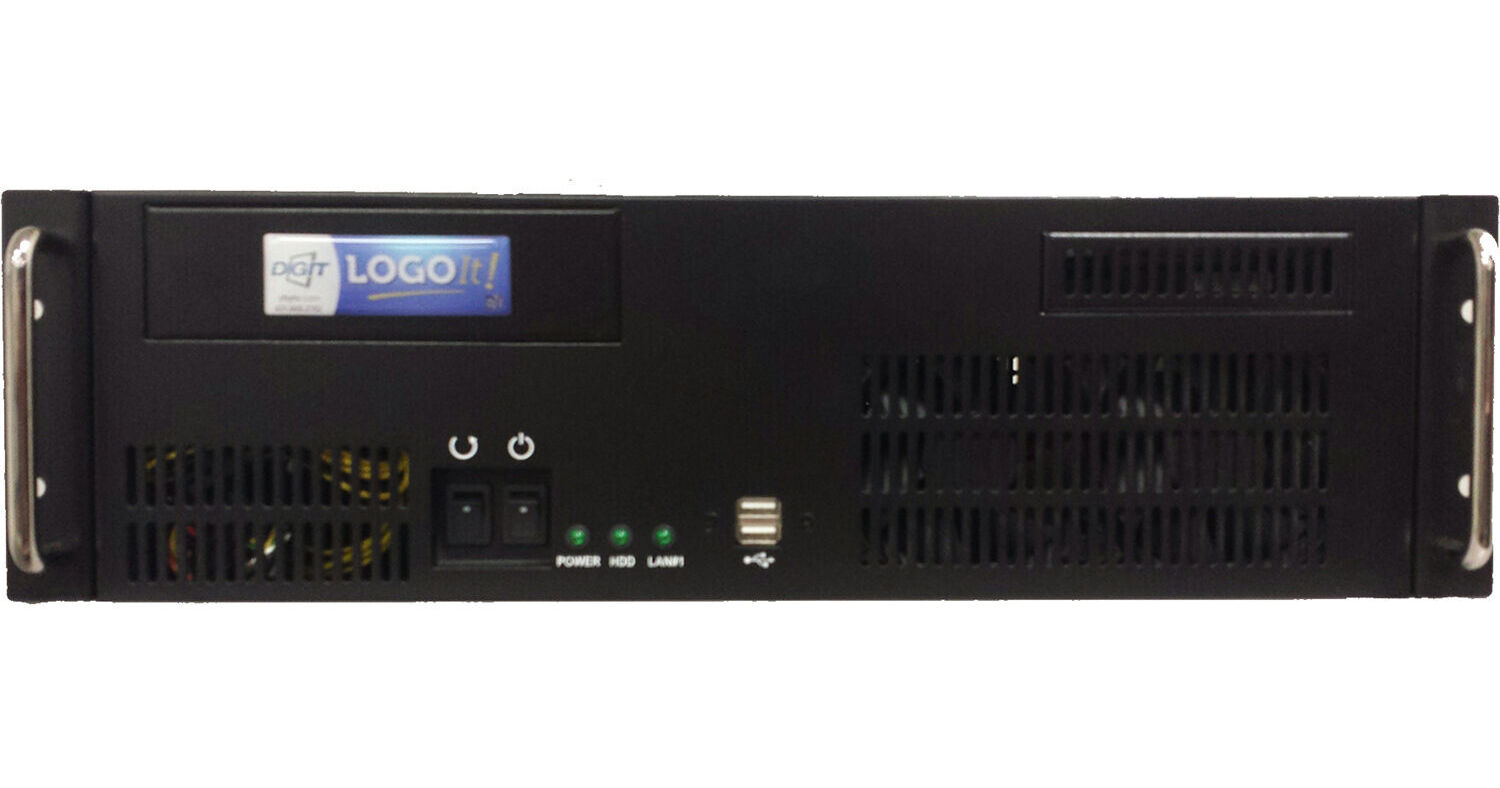
Quickly and smoothly insert your channel ID and other branding graphics to your programs with LogoIt! HD-SDI Logo Inserter from ChyTV. This high-performance logo insertion system is encased in a sturdy 3 RU rackmount chassis and is designed to create, manage, and play back logos, text, and graphics. Whether you need simple static logos or complex pages, LogoIt! provides everything you need to achieve a fresh, creative look.
This Windows-based software is furnished with state-of-the-art hardware, offering a comprehensive set of tools to easily size and position any logo or graphic element on the screen and save it for future use. The saved logos are displayed in an asset browser, allowing the operator to recall them either by clicking on the graphic or using the supplied dedicated control panel. The intuitive interface is designed to make the operator’s job easier, minimizing the risk of on-air mistakes. Additionally, the optional EZ Keys recall panel enables quick and easy execution of common on-air functions.
LogoIt! can add text, automated multiple static fields, and/or multiple crawl tickers with interpolated static or animated graphic elements to your on-air station identification or other logos. You can independently adjust fonts, colors, speeds, speed changes, and segment separators (static or animated) for each ticker line. Tickers allow for automatic on-screen text updates with data received via Ethernet or RS-232 connections. This feature can be used for analog and digital clocks, up and down counters, SMS messages, temperature displays, and more.
The ability to create 32-bit transparent logos and backgrounds using the standard video capture feature will be greatly appreciated by your graphic artists. Images are captured and are accessible on the network, allowing for easy sharing with other workstations in the graphics department. The software includes tools for converting pairs of 24-bit graphics files into valid 32-bit logos. Any SDI source connected to the LogoIt! video input can provide the fill and key required, and the Background Combiner will match them to create a 32-bit graphics file ready to be used as a logo or background.
- Easy to learn and use
- High-quality text and graphics
- Unlimited animated logos on screen
- Design and create layouts
- Import / Export / Save / Recall libraries
- Manage and edit resources
- Organize streams of data to fields, tickers, and crawls
- Play back a wide variety of logos, clips, snipes, text, and graphic images
- Process automation commands
- Up to three crawl tickers on screen
- Timeline control
- Preview via computer screen
- Background combiner and graphic restyling tools
- 1 TB storage capacity
- Analog, SD, and HD standards
- 3 RU rackmount chassis