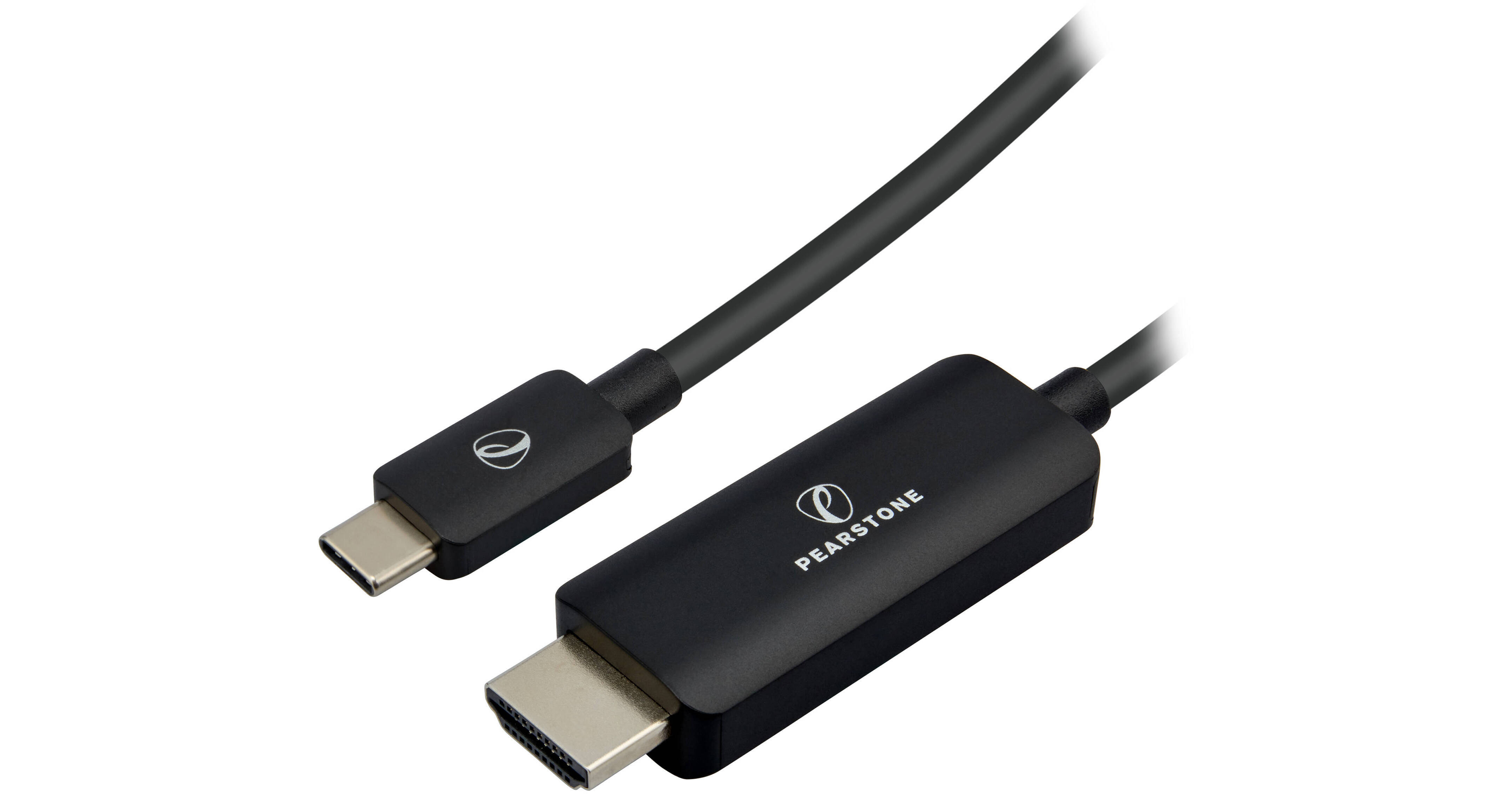
Connect a USB-C or Thunderbolt device to an HDMI monitor or projector with the USB-C to 4K HDMI Cable from Pearstone. One connects to USB-C devices that include a MacBook, Chromebook, laptop, and more, while the other connects to an HDMI monitor and displays your desktop at resolutions up to 3840 x 2160 at 60 Hz. Other supported resolutions include 2560 x 1440 at 120 Hz and 1920 x 1080 at 240 Hz, while DP Alt mode enables compatibility with USB-C tablets and smartphones. Thanks to a PVC jacket with shielding, RF and EM interference will be blocked. Also supported is 8-channel LPCM, AC-3, and DTS audio at up to 192 kHz.
USB-C to HDMI
Just because you can view and edit video on your laptop, tablet, or smartphone doesn't mean that's the best way to do it. This single-solution cable connects your USB-C devices to an HDMI monitor without adapters. Edit, color correct, add effects, and put finishing touches on your videos, images, slides, and presentations in amazing UHD 4K resolution.
UHD 4K Resolution
The cable supports resolutions up to UHD 4K at 60 Hz, 1440p at 120 Hz, and 1080p at 240 Hz. If you haven't been working, editing, or creating in vivid and sharp Ultra HD resolution, now's your chance. HDR support offers increased dynamic range and contrast with an expanded color space for detailed and realistic screen images as well as next-level immersion on gaming monitors.
Thunderbolt Support
The cable is fully compatible with Thunderbolt 3, 4, and 5 ports, which are the exact same size and shape as USB-C ports. Use Xcellon's USB-C to VGA adapter to connect your MacBook Pro, iMac, or gaming computer to your legacy printers, monitors, and projectors.
Shields from Interference
Generous shielding rejects RF or EM interference, even if you have to run the cable past other electronic devices. Your video signal will be clean and free of unwanted lines, snow, and static.
UPC: 847628531178