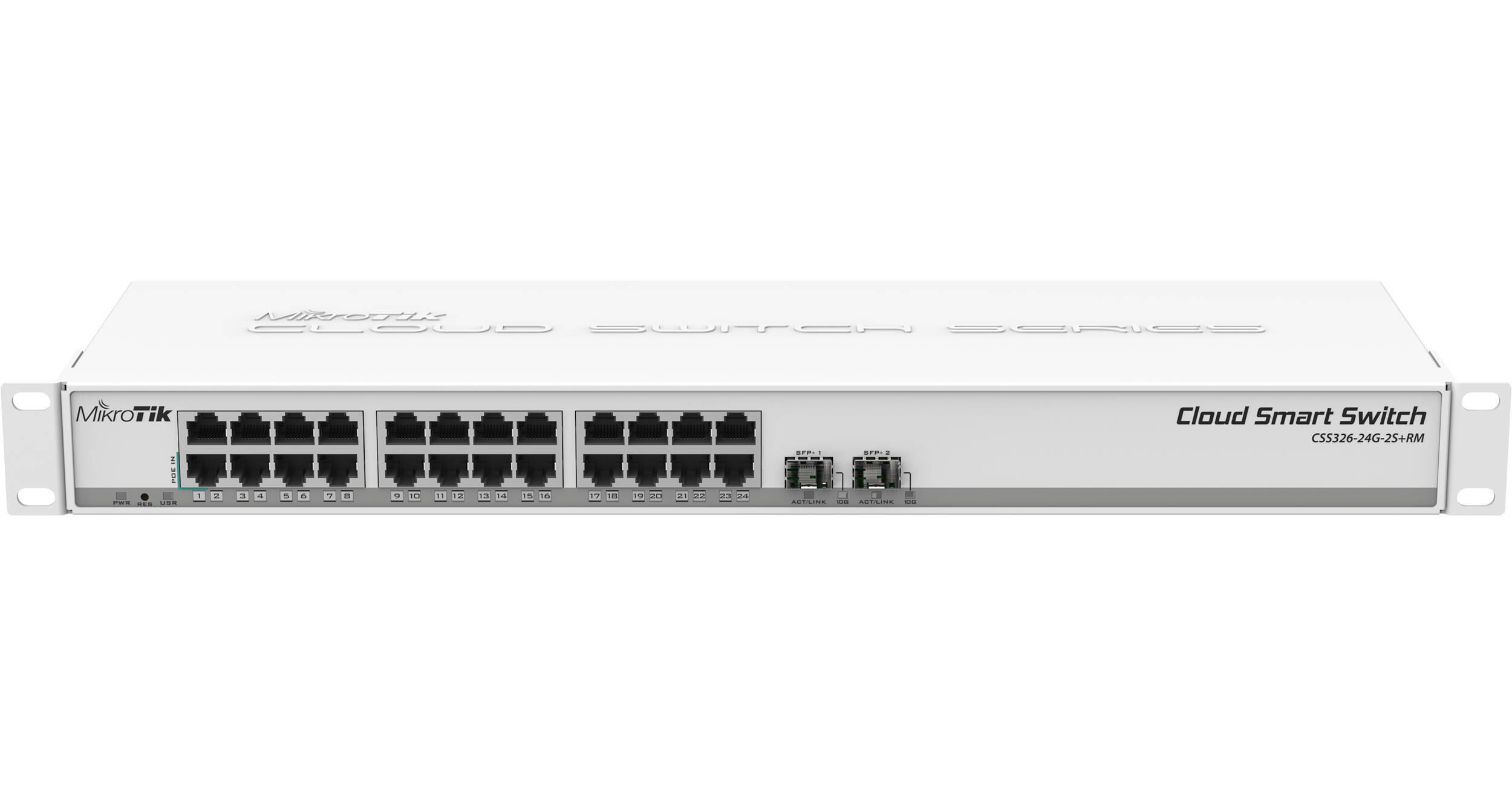
MikroTik CSS326-24G-2S+RM 24-Port Gigabit Managed Network Switch with SFP+

BH #MIS32624G2SR • MFR #CSS326-24G-2S+RM
Print
MikroTik CSS326-24G-2S+RM 24-Port Gigabit Managed Network Switch with SFP+
Key Features
  • 24 x Gigabit RJ45 Ethernet Ports
  • 2 x 10G SFP+ Ports
  • 1 x Passive PoE In Port
  • Rack Mountable
Expand your network with the MikroTik CSS326-24G-2S+RM 24-Port Gigabit Managed Network Switch. This rack mountable switch features 24 Gigabit speed RJ45 Ethernet ports alongside two SFP+ ports for up to 10 Gb/s fiber links.
More Details
In Stock
No Store Display
Free 2-Day Shipping
Protect Your Gear
Add a protection plan from $14.99
Ask an Expert
800-606-6969

MikroTik CSS326-24G-2S+RM Overview

Expand your network with the MikroTik CSS326-24G-2S+RM 24-Port Gigabit Managed Network Switch. This rack mountable switch features 24 Gigabit speed RJ45 Ethernet ports alongside two SFP+ ports for up to 10 Gb/s fiber links.

You can operate the switch using the designated passive PoE in port or by connecting the included AC power adapter. Passive, fanless cooling allows this switch to operate silently in the background. Use the SwOS operating system to manage functionality.

MikroTik CSS326-24G-2S+RM Reviews

Reliable switch

By Julian
Rated 5 out of 5
Date: 2026-01-01

We now have six of these switches in our buildings, and they've been reliable. No fans, so no noise. We run fiber to each building, using one of the SFP+ ports with a fiber transceiver. I haven't tested an RJ45 transceiver, so another reviewer's tip about how they run hot is useful info. Maybe it depends on the particular transceiver model, or maybe it's normal for any "copper" Ethernet transceiver plugged into any SFP+ port.

Nice managed switch

By Jason
Rated 4 out of 5
Date: 2025-04-08

This is a nice and straight forward to use managed switch. My only disappointment is that the I wanted to use the 10G SFP+ ports for 1 fiber and one copper connection. The fiber uplink works perfectly. But the S+RJ10 RJ45 transceiver runs extremely hot, even when there is not much traffic. I read in advance that it runs rather hot, but without direct airflow on it it hits 90C just plugged in, so I ended using a 1G ethernet port for the uplink instead, which is fine for my use case.

See any errors on this page?
Whatever You Need, We've Got It