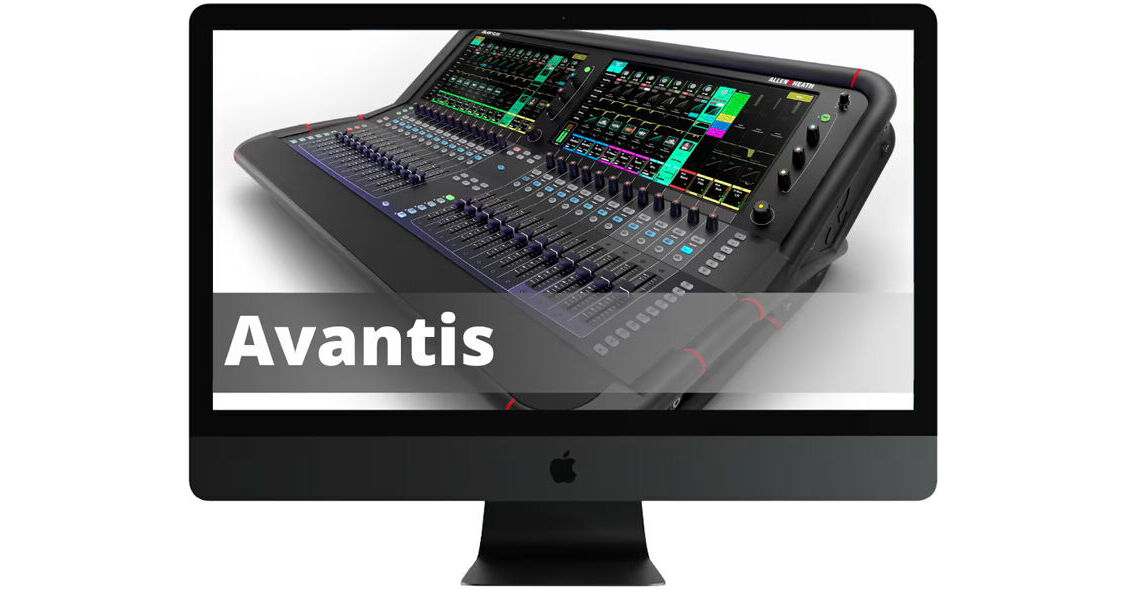
Learn how to get the most out of your Allen & Heath Avantis with this Kingsley Knight Allen & Heath Avantis Video Training Course. With two hours of video material, instructor David Wills calls upon his 30 years of experience to familiarize you with not just the features of the Avantis but audio theory as well. The coursework covers the hardware, Mixing 101, inputs, routing, effects, using the library, workflow tips and tricks, and system settings.
Introduction
- Front Panel Overview
- Rear Panel & Connections
- Updating Firmware
Mixing 101
- What do Mixers Do?
- What is the Signal Flow?
- Subgroups
- Aux Sends
- Effect Routing
- Pre-Fader vs. Post-Fader Aux Sends
- EQ Types
- Dynamic Processinhg
- Effects Types
Input Channel
- Selecting Signal Sources (I/O)
- Naming Channels
- Processing
- Phantom Power
- Preamp Models
- Filters
- Gate
- Insert Effects
- PEQ
- Compressor
- Delays
- Using Presets
- PAFL Functions
Routing
- Routing Overview
- Aux Mixes
- DCAs
- DCA Spills
- Subgroups
- Matrix Mixes
- Mixer Configuration
Effects
- Overview Effects
- Mix Busses (Aux Sends)
- Effects Sends
- Editing Effects
- Subgroups
- Bus Configuration
- DCA Groups
- Matrixes
- Sends on Faders
Effects
- Effects Signal Flow
- Selecting Effects
- Graphic EQs
Shows/Scenes/Libraries
- Overview
- Shows
- Scenes
- Libraries
Workflow Tips & Tricks
- Live Workflow
- Assigning Softkeys
- Scene Controls
- Cue Lists
- Library Manager
- Routing Inputs to Channels
- Copy/Paste/Reset
- Building a LR Mix
- Using DCAs
- Grouping Channels to Layers
- Using Mute Groups
- Building Monitor Mixes
- Building Matrix Mixes
- User Profiles and Permissions
- Recording Setup
- DAW Playback
- Sending a Microphone into a DAW