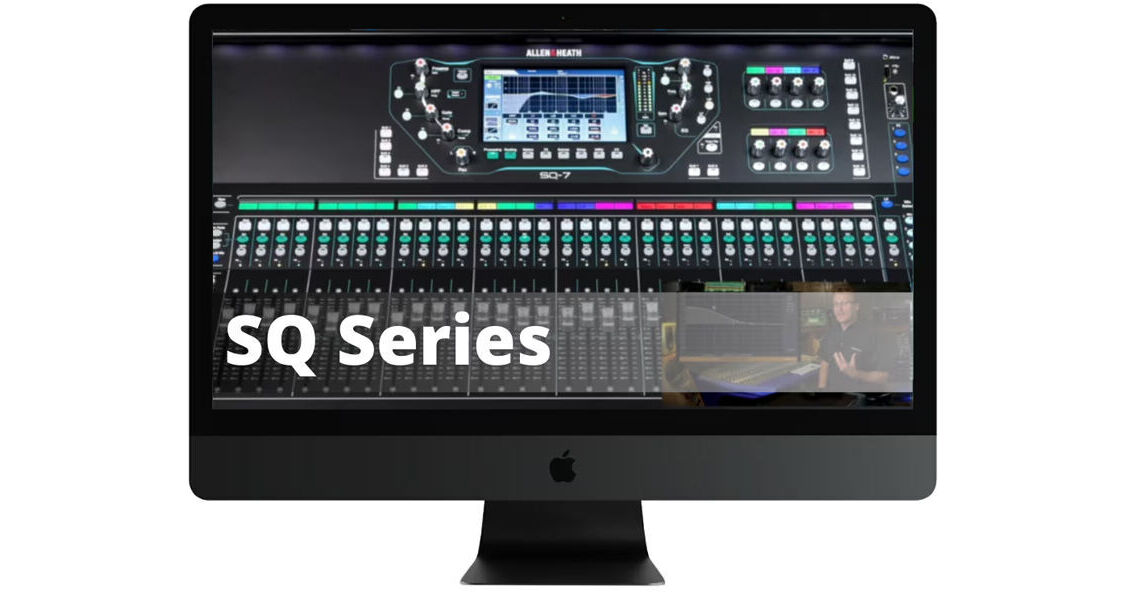
Learn how to get the most out of your Allen Heath SQ5, SQ6 or SQ7 with this Allen & Heath SQ Series Video Training Course. With 2.5 hours of video material, instructor David Wills calls upon his 30 years of experience to familiarize you with not just the features of the SQ series, but audio theory as well. The coursework covers the hardware, Mixing 101, input channel, routing, effects, using the library, and workflow tips and tricks.
Introduction
- Differences between Models
- Overview of the Front Panel
- Overview of the Rear Panel
- Updating the Firmware
- Backing up the Entire Mixer
- Restoring to Factory Settings
Mixing 101
- What do Mixers Do?
- What is the Signal Flow?
- Subgroups
- Aux Sends
- Effect Routing
- Pre-Fader vs. Post-Fader Aux Sends
- The Frequency Spectrum
- EQ Types
- Dynamics Processing
- Effects Types
Input Channel
- Signal Flow
- Patching Inputs to Channels
- Preamp Settings
- Naming Channels
- Setting Levels
- Using the Reset Function
- Stereo Channels
- HPF (High Pass Filter)
- GateInsert Effects
- 4 Band EQ
- Compressor
- PAFL (Solo)
- Channel Library
- Copy and Paste
- Reset
- Ganging Channels
- Soft Keys and Rotaries
Routing
- Aux Mixes
- Pre vs. Post Sends
- Assigning Channels to Mixes
- Channel to All Mix
- Subgroups
- Matrix Mixes
- DCAs
- DCAs on Soft Rotaries
- DCA Spills
- Strip Assign
- Mute Groups
Effects
- Effects Routing
- Selecting Effects
- Effects Return EQ
- Graphic EQs
Shows/Scenes/Libraries
- Shows
- Scenes
- Libraries
Workflow/Tips & Tricks
- Live Workflow
- Assigning Mix Outputs
- Using DCAs
- Using Ganged Channels
- Setting Custom Layers
- Using Mute Groups
- Recording to USB Key
- User Permissions
- Remotely Controlling your SQ Series
- Using Personal Monitors
- Recording Workflow
- Routing to an External Recorder
- Recording with a DAW
- Using MMC (MIDI Machine Control)
- Using your SQ as a MIDI Controller
- Additional Screen Settings