For storage of your files, the 1TB NVMe PCIe M.2 SSD offers quick access to your data. For additional internal storage, there is an extra M.2 2280 slot for an NVMe PCIe 4.0 x4 SSD. If you want to add external storage drives or other peripherals, the Z2 Mini features two 40 Gb/s Thunderbolt 4 USB-C ports, one 10 Gb/s USB-C 3.2 Gen 2 port with DisplayPort and 15W of charging power, One 10 Gb/s USB-A 3.2 Gen 2 port with up to 5V/2.1A if charging, two 10 Gb/s USB-A 3.2 Gen 2 ports, and two 480 Mb/s USB-A ports. The integrated AMD Radeon 8060S Graphics chipset delivers a sharp, clear picture with resolutions up to 7680 x 4320 at 60 Hz.
Connect to your network using the Gigabit Ethernet port or take advantage of integrated Wi-Fi 7 (802.11be) to connect wirelessly. You may also use Bluetooth 5.4 to pair wireless accessories, including keyboards, mics, and headsets and save the USB ports for wired accessories. The Z2 Mini G1a Workstation includes a USB keyboard, a USB mouse, and a power cord. It features a 300W power supply and the installed operating system is Windows 11 Pro (64-bit).
Simultaneously 3D model and render, while accelerating render times and improving multi-app usage, allowing you to develop high quality visual faster.
Software Developers
Run LLM software locally on a mini workstation with little memory bottlenecks.
Creative, Media & Entertainment Pros
Run professional apps, such as asset creation, video editing, and motion graphics simultaneously instead of opening and closing each app due to system memory constraints.
Architect, Engineers & Construction Managers
Accelerate single-threaded CAD operations and experience better app responsiveness when working with multiple apps and data types at the same time.
Phase change APU cooling optimizes heat transfer, enabling better performance and greater reliability than traditional liquid cooling solutions.
Fans and Venting
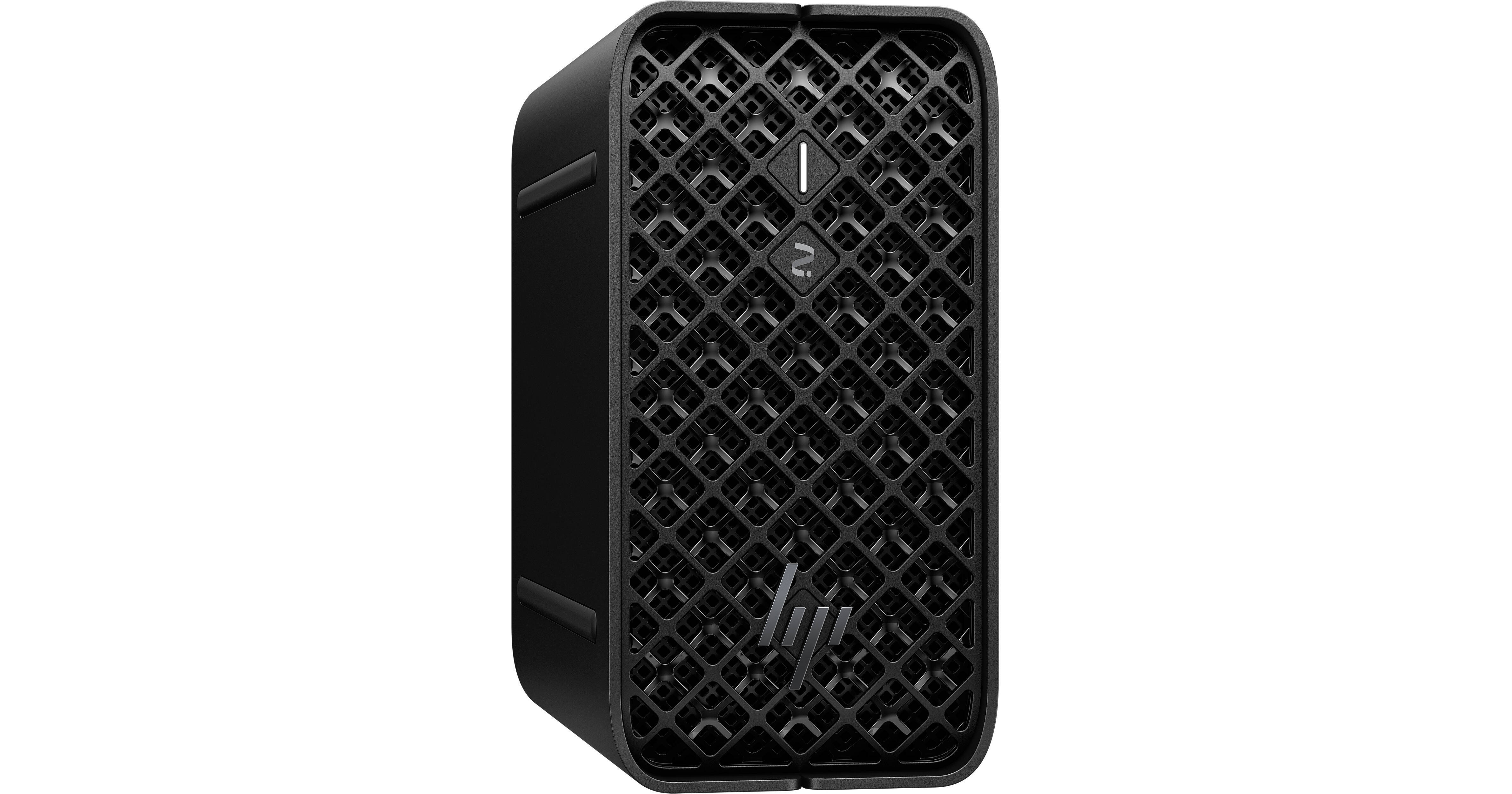
The Z2 Mini G1a features a high airflow, 3D mesh air intake design that reduces static air pressure, enabling a higher level of performance than ever before. Sensors and proprietary algorithms detect when your system is about to heat up, activating the fans to prevent overheating during your toughest projects.
Power Distribution
BIOS-level innovations detect real-time application power requirements and distribute it optimally to maximize GPU and CPU performance.
Custom Performance Modes Take on the toughest workflows with High Performance Mode set as the default. Easily change to Performance Mode, Quiet Mode, or Rack Mode with a BIOS setting.