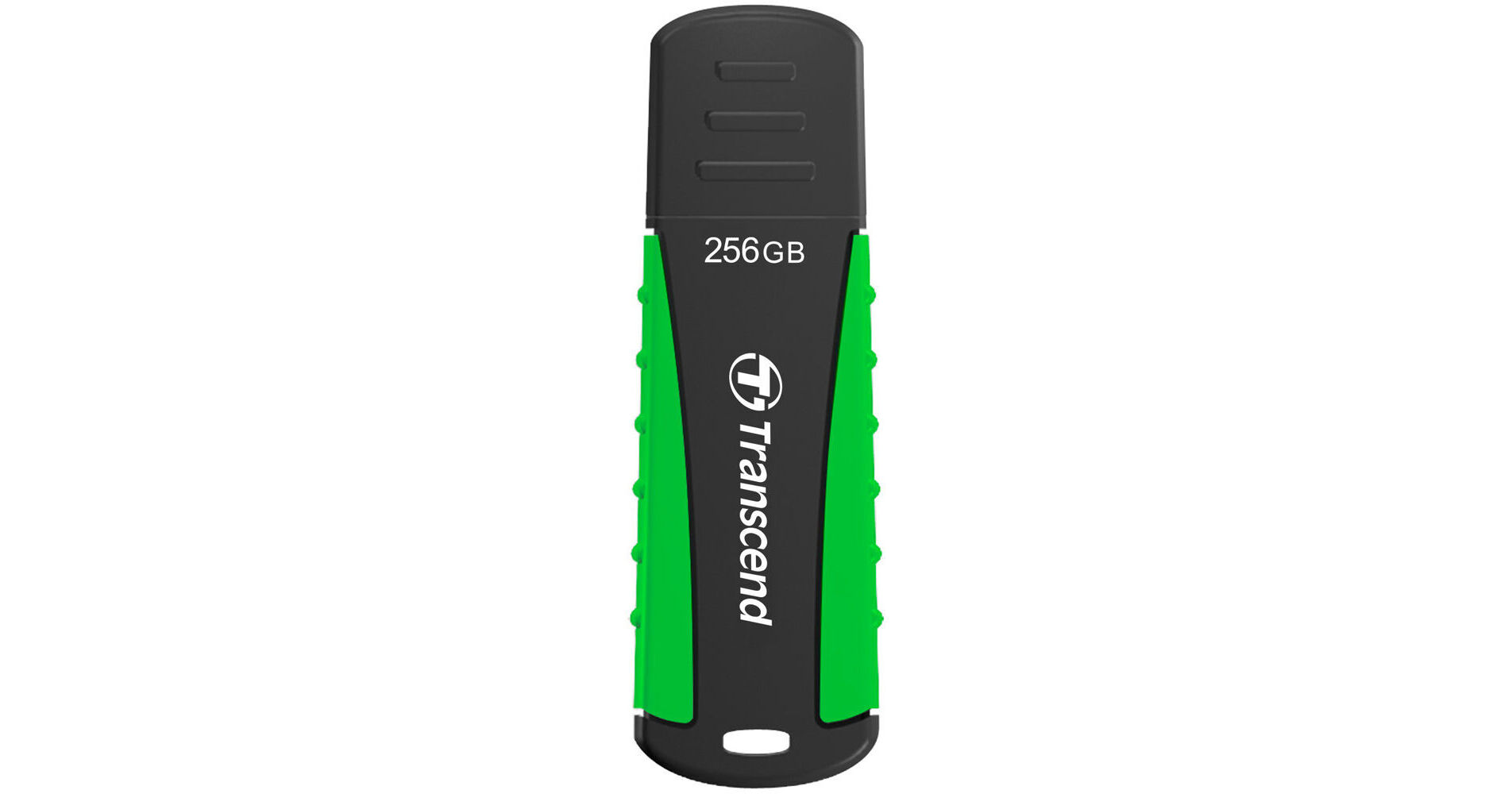
Protect and store your files, music, photos, videos, and more with the 256GB JetFlash 810 USB 3.2 Gen 1 Flash Drive from Transcend. Housed in a sporty and rugged design, the JetFlash 810 utilizes the USB-A 3.2 Gen 1 standard. The drive's rubber housing is shock-resistant, meeting MIL-STD-810G 516.6 military drop-test standards, and also safeguards against splashes, moisture and dust. Download the Transcend Elite software from their website or from the Google Play Store for additional advanced data management such as backup and restore, data encryption, and cloud backup functions.
Ask Our Experts800-606-6969
Hello, Log InAccount & Orders
Key Features
- 256GB Capacity
- USB 3.2 Gen 1 Interface
- Sporty and Rugged Design
- Shock/Splash/Moisture/Dust Resistant
Protect and store your files, music, photos, videos, and more with the 256GB JetFlash 810 USB 3.2 Gen 1 Flash Drive from Transcend. Housed in a sporty and rugged design, the JetFlash 810 utilizes the USB-A 3.2 Gen 1 standard. The drive's rubber housing is shock-resistant, meeting MIL-STD-810G 516.6 military drop-test standards, and also safeguards against splashes, moisture and dust. Download the Transcend Elite software from their website or from the Google Play Store for additional advanced data management such as backup and restore, data encryption, and cloud backup functions.
More DetailsSpecial Order
Expected availability: 2-4 Weeks
$79.00
Protect Your Gear
Add a protection plan from $16.00
See Options
Transcend 810 Overview
Transcend 810 Specs
Key Specs
| Total Installed Storage | |
| Default OS Support | |
| System Connection |
| Quantity | |
| Total Installed Storage |
Performance
| Default OS Support | |
| Encryption Support |
External Enclosure
| System Connection | |
| Security Features | |
| Material | |
| Impact Resistance | |
| Environmental Resistance |
General
| Dimensions | |
| Weight |
Transcend 810 Reviews
See any errors on this page?
question
How do I use this to delete the pictures that are on it?
The Transcend 64GB JetFlash 810 USB 3.0 Flash Drive is a standard storage device. On a Mac you can delete files, including photos by dragging them to the trash, then empting the trash. On a Windows computer you would drag the files to the recycle bin, and then empty it. If you are using an alternate operating system you would need to refer to its documentation for additional information.
Date published: 2018-08-28
