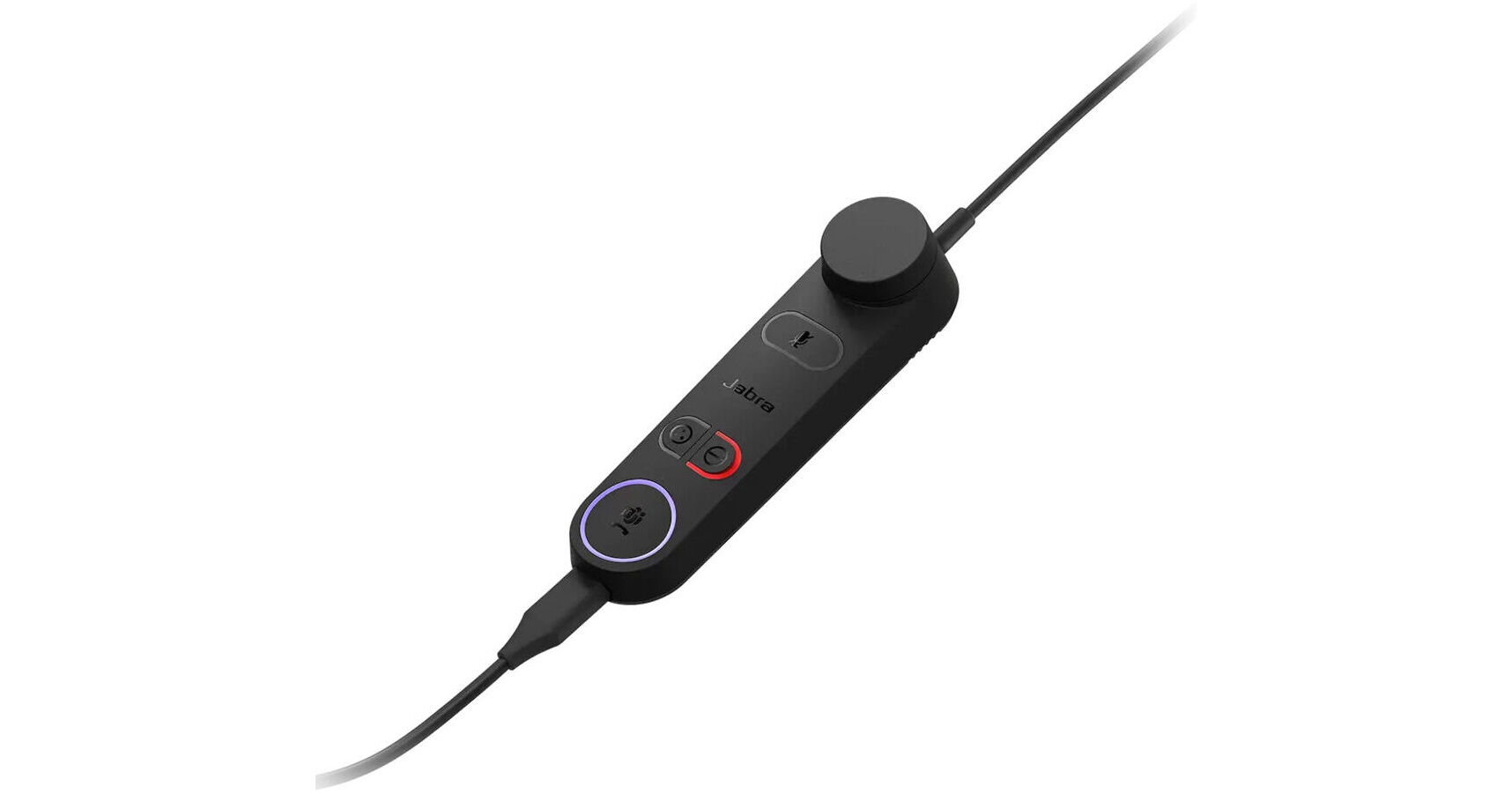
Optimize your call handling with the Jabra Engage 50 II Link. Designed specifically for use with the Jabra Engage 50 II headset and various unified communications platforms, this detachable control unit provides a selection of call management buttons and SmartRinger functionality. The Link plugs into your computer via USB-A and can be configured using Jabra Direct or Jabra SDK integration. This version is optimized for the Microsoft Teams platform, adding the ability to be alerted to Teams messages via an integrated LED, and open Teams notifications using the answer/end call button.
SmartRinger
When lying flat on a desk, the Engage 50 II Link will play a ringtone during incoming calls. You cycle between three different ringtones and the volume of the ringtone can be adjusted via the integrated volume control. If you prefer to not use SmartRinger, you can disable it or just the ringtone using Jabra Direct.
Reconfigurable Buttons
Built into the Link control unit are buttons for volume, mute/unmute/hold call, Busylight on/off/hold, answer/end call, and an additional button for custom programming. The programmable button, mute/unmute, Busylight, and answer/end call buttons can all be reconfigured if needed through Jabra Direct or Jabra SDK integration. While using the Link control panel, each button offers built-in colored LED lights to let you know the status of each function.
Busylight
Press the Busylight button to activate an LED on your optional Engage 50 II headset, which lets others nearby know that you're on a call.
UPC: 706487027584