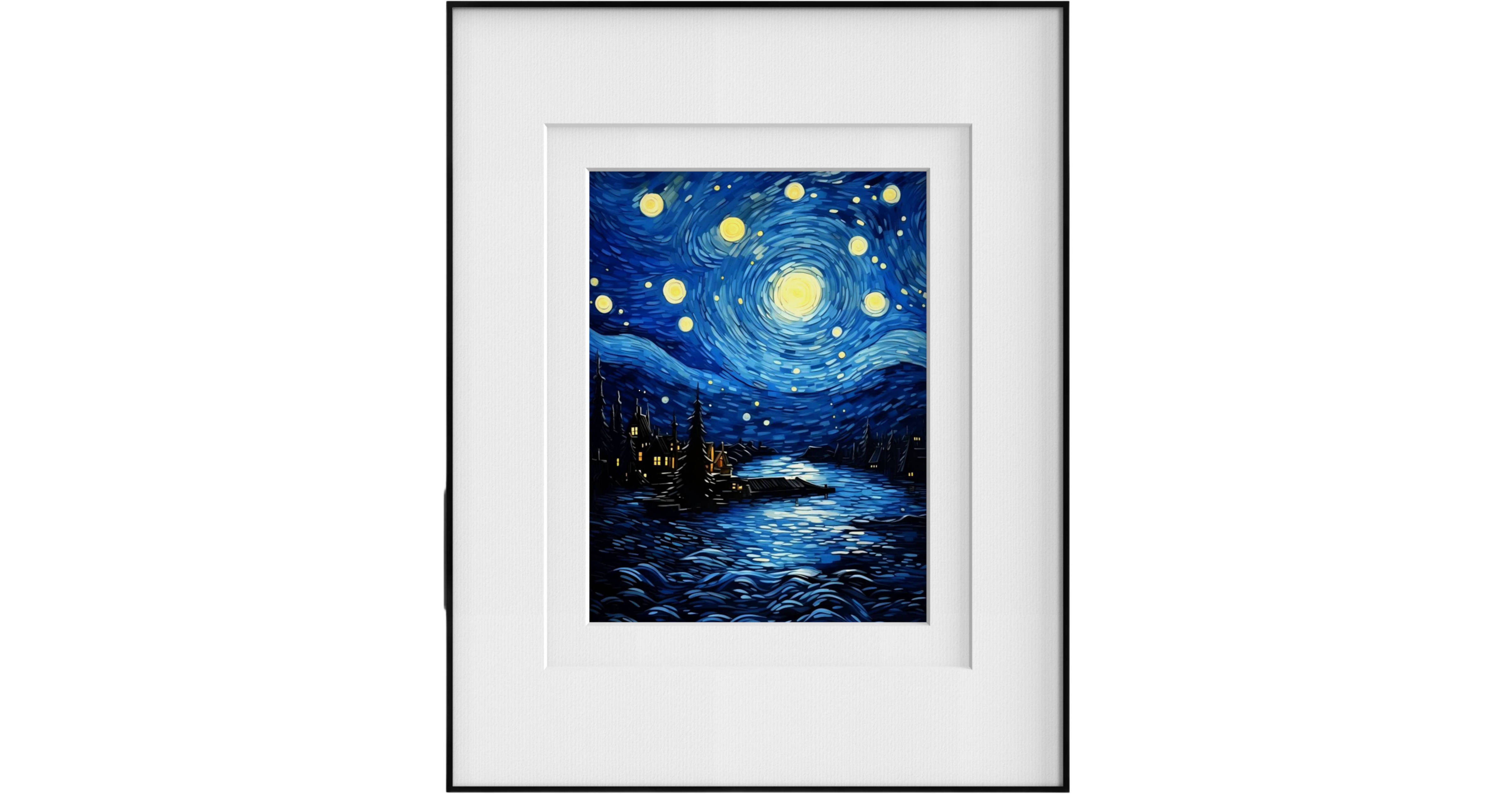
This 13.3" E-Ink Digital Art Photo Frame from Huessen uses color ePaper technology to display images that look just like printed photos. Import memorable moments from your phone with the touch of a button and display them indefinitely without changing the frame. Display photos, artwork, illustrations, and even digital signage, the media appears as if it were printed on real paper, without glare or backlight, for a traditional look and feel. The ePaper display has a 13.3" diagonal image area, and the display uses energy only when refreshing content for ultralow power consumption.
- Smart ePaper 13.3" Digital Color Display
- No Glare or Backlight, Wide 170° Viewing
- Your Images Look Like Printed Photos
- Stores up to 10 Images
Huessen EPF1301 Overview
Huessen EPF1301 Specs
| Display Size | |
| Native Resolution | |
| Touchscreen | |
| Media Support |
| Display Size | |
| Native Resolution | |
| Aspect Ratio | |
| Touchscreen | |
| Panel Type | |
| Media Support | |
| Internal Storage | |
| Media/Memory Card Slot | |
| Wireless | |
| OS Compatibility | |
| Power Source | |
| Input Power | |
| Inputs/Outputs | |
| Dimensions | |
| Weight |
| Package Weight | |
| Box Dimensions (LxWxH) |
Huessen EPF1301 Reviews
Awesome
[This review was collected as part of a promotion.] this frame is so awesome! It was easy to set up & continuously shows us our great memories. i do wish it was a bit brighter but otherwise the quality is pretty good.
Super Cool Frame
[This review was collected as part of a promotion.] I’ve never had a Wi-Fi picture frame so wasn’t sure what to expect when I received this. First off it came packaged so nicely. I have an iPhone and it was easy to get the app and set up an account. I charged the frame to 100% and then started playing around with it. It’s easy enough to add pictures. Whether they be personal photos or the AI generated photos. Both look great. However, you can only add 10 at a time. If you want to add more you will have to delete some of the others. I did have some questions so I reached out to them through email and they responded within 24 hours. One of my questions is why is it always off-line. Simple answer is to maximize battery life. It will stay in sleep mode until it is time to check for updates and download any new photos and then it will return to sleep mode. You can schedule your frame to wake up at any time and check for updates. If you want to keep it on one photo all the time you can or you can switch to photo switching mode and it will change every so often. I thought it was going to be a lot brighter, but honestly, I kinda like it not so bright. I’ve discovered if you use photos that were taken outside they tend to look a little brighter. It’s a no glare paper like photo. Charge should last a very long time because it is always in sleep mode. Currently, I have my frame sitting on my fireplace. I may end up keeping it there instead of hanging. Overall, it’s easy to use once you figure it all out and a fun frame. It is quite expensive but it is a cool device. Would recommend. So much easier than printing photos out and putting in frames. You can just send from your phone and update whenever you desire.
