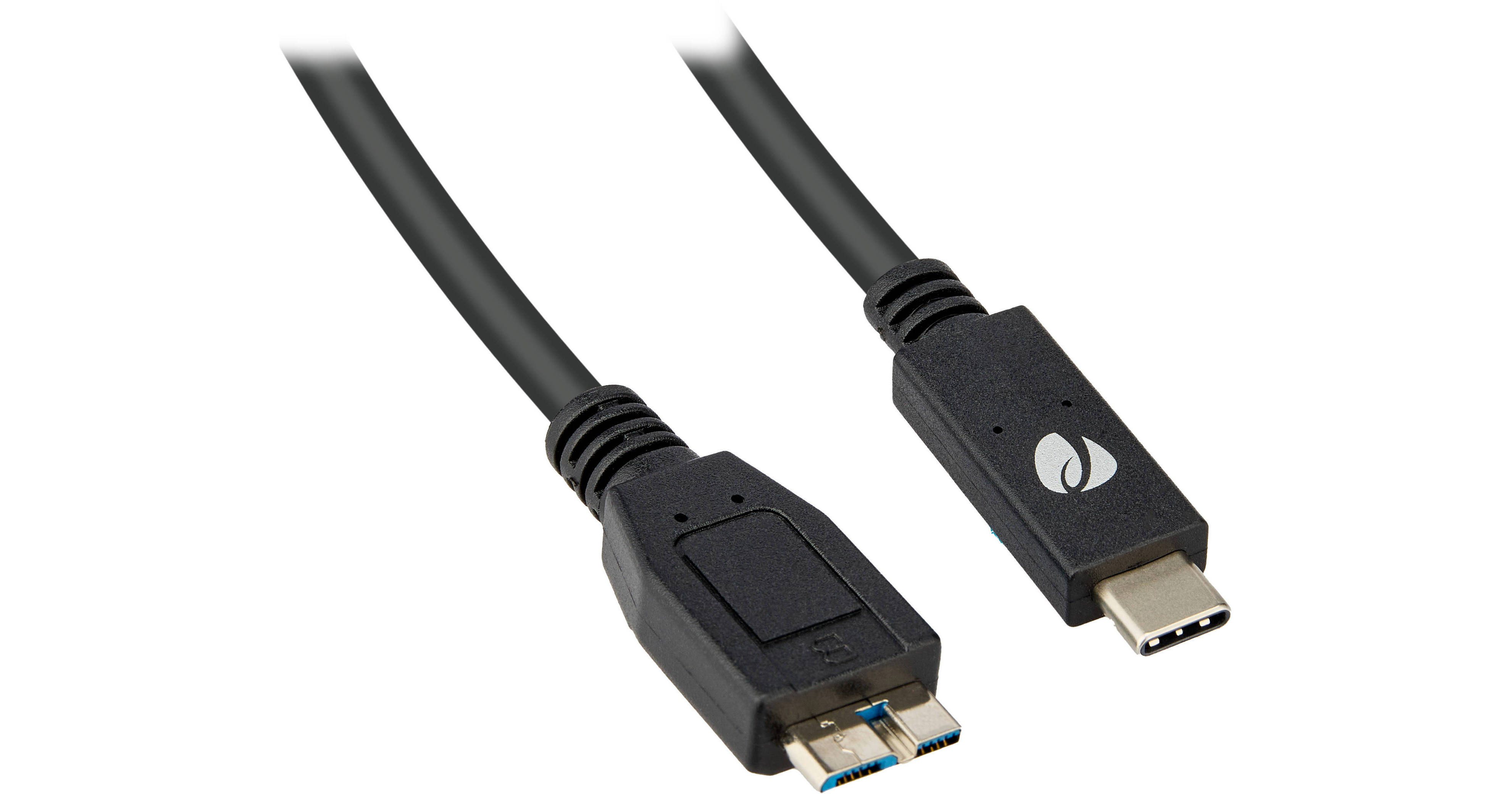
Connect micro-USB devices, like a hard drive or digital camera, to a USB-C port on your desktop or laptop using the USB-C 3.2 Gen 2 to Micro-B Cable from Pearstone. Equipped with one reversible USB-C connector, one micro-USB connector, and a 10 Gb/s USB 3.2 Gen 2 interface, you'll be able to easily move large files around. Furthermore, this cable may be used with Thunderbolt devices and outputs up to 3A of charging power. Thanks to internal shielding, data transfers will be protected from EM and RF interference.
- 1 x USB-C Connector
- 1 x Micro-USB Connector
- 10 Gb/s USB 3.2 Gen 2 Interface
- Thunderbolt Compatible
Pearstone USB-C Male to Micro-B Male 3.2 Gen ... Overview
Pearstone USB-C Male to Micro-B Male 3.2 Gen ... Specs
| Interface | |
| Connector 1 | |
| Connector 2 | |
| Cable Length | |
| Rated Power Support | |
| Materials | |
| Color |
| Package Weight | |
| Box Dimensions (LxWxH) |
Pearstone USB-C Male to Micro-B Male 3.2 Gen ... Reviews
Reliable cable for connecting legacy hard drives and gear
This cable has been really useful for connecting older gear to newer computers that only have USB C ports. I still have a few hard drives and accessories that use Micro-B USB, especially older production drives, so having a reliable cable like this saves me from needing extra adapters or replacing perfectly good equipment. Transfer speeds have been fast and dependable, especially when moving larger video files around. The cable itself feels sturdy and well made, and the connectors fit securely without feeling loose. I also like the fact that it outputs charging power and works with Thunderbolt compatible ports, which adds some extra flexibility. This is one of those practical cables that is easy to overlook until you really need it. If you work with older hard drives, or accessories in a USB C workflow, this is definitely a handy cable to keep in your kit. [I have received this product in exchange for my honest review.]
USBC convenience!
I am using the Pearstone USB-C 3.2 Gen 2 to Micro-B Cable to run older drive enclosures that feature USB Micro-B with a Samsung SSD drive inside. It allows me to conveniently connect to my MacBook Air, which only has USB-C ports. Even when I use a USB hub, I prefer all ports to be USB-C, so this cable fits perfectly. This is a 10 Gb/s USB 3.2 Gen 2 cable. While I do not expect to achieve the full 10 Gb/s speed due to the limitations of USB Micro-B, I am able to transfer an 18 GB file in less than a minute, which is very satisfying and still very fast. See pictures. Computer: Apple MacBook Air connected to an SSD drive external Enclosure: USB Micro-B Transfer speeds may vary depending on your hardware, not just the cable. What matters most to me is not only the speed but also the convenience of USB-C instead of USB-A. I am very happy with this cable. [I received this product in exchange for my honest review.]
